KCooper
Privileged
-
Joined
-
Last visited
Everything posted by KCooper
-
Try giving the footer div a height in the CSS. #footer { height: 300px; }
-
Welcome :-) I started about 12 months ago; theres a lot to learn but its rewarding every time you crack a new concept. Kyle
-
-
The dark blue on black of the category menu is pretty difficult to read. Looks pretty nice though Kyle
-
Thats why we keep coming back to this place Kyle
-
If its through wordpress its easily done, just search from within the admin for a twitter plugin/widget. Takes about 5 minutes to set up! Kyle
-
I have a Windows 7 phone, which comes with a modified version of IE7 as standard, and I have yet to notice any problems with sites rendering incorrectly. Case in point, my new portfolio website worked perfectly in it first time! Kyle
-
If the ecommerce store does everything he requires "out of the box" then no. From my experience, though, clients always want more, and its pretty difficult to find a cart that is suited to every client out there. I did an opencart one a while back, and very heavily themed it, incorporated an "entrance page" to the site (which ended up turning into around 10 pages) and added many of the clients 150 products myself (at thier request - I also had to take many of the images - of which there were around 600 - into photoshop myself to make the file sizes more web friendly, cut out parts that were unwanted etc). I also had to do some bespoke coding for things that weren't provided by the cart "out of the box", that the client requested later, such as a "how did you find us?" module that appears during checkout. This is also not including the support that is required once the store has launched, as it doesn't matter how well prepared you think you are, problems always arise - whether that be someone having trouble getting through checkout, or your client struggling to edit a product/add a product/change an image or whatever. Sure, you can charge a monthly "support fee" for this, but for the first few weeks after the site launches, I feel you should provide any training/support for free really. You seem to have been pretty lucky with your client in this case, as they seem to be happy with the core cart, and some themeing. But trust me, it isn't always as easy as this - I kinda wish it was though Kyle
-
I have seen a few SEO providers who charge an initial fee (say, 20%) and the remainder of the fee will only be paid once the website in question gets to the first page of google for a specific keyword/keyphrase. In terms of how much the overall fee is, this varies widely; I've seen sites charge anywhere from £100 plus. Saying all this, SEO is really not an area I have much experience of, beyond ensuring that the websites onpage SEO is as solid as I can make it. I'll be interested to hear what people have to say on this subject! Kyle
-
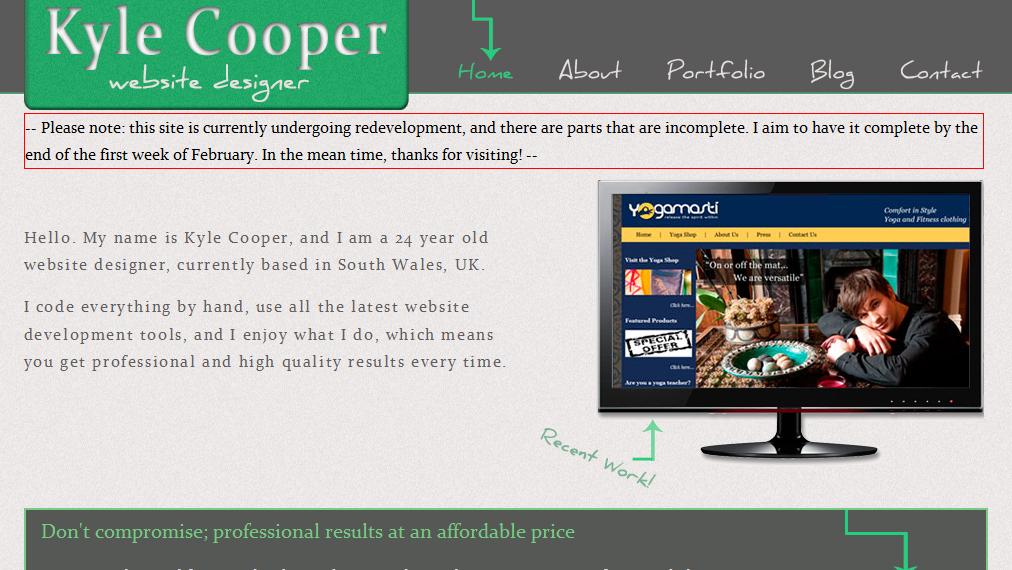
This is what I'm using at the moment; Its not entirely complete though, got a few more minor adjustments to make to it. I created the birdy myself in Illustrator (to date, my one and only usage of Illustrator ) and he is sorta my mascot Kyle

-
- http://en.wikipedia.org/wiki/Web_2.0 Thats what wikipedia says. In other words, it means a website is all shiny. But yeah, its just a buzzword thats thrown about the place, ultimately.
-
Ahh, working now Thanks a lot mate, +1! Kyle
-
I'm not gonna be the greatest help here, but I'd suggest looking around at some of the other hosting companies, and looking in detail at what they offer; there are plenty out there to "research"!. Are you looking to sell hosting in general, or simply offer it as an option to current/new clients? Kyle
-
Hi guys, Probably being stupid here and missing the obvious (seems to be a recurrent theme recently ) but I'm having trouble getting a jquery slider to work. I've gotten it to work, without any issues, on several other sites in the past. This time I'm trying to get it working on a WordPress built site. I've done the following; ' Theres a link to the jquery core file. ' Theres a link to the jquery slider file (in this case, showcase.js). ' The jquery slider file is linked too BELOW the jquery core file. ' I have set up the files I wish the slide to apply too correctly (<img>'s that are <a> links, in a div of "showcaseMain"). ' I have included the javascript function at the bottom to activate the slider. Its probably easier if anyone can have a quick look at my code, and see if they can spot where I have gone wrong; http://www.kylecooper.co.uk (the "recent work" section on the homepage) I'm sure its something stupid on my part, but I've been staring at code for hours already today, and was hoping to get this last bit sorted before having a break so... help please! Thanks in advance, Kyle
-
Its reassuring to see no matter how advanced people get with thier web dev skills, everyone starts in a similar place! lol. I wish my geocities one was still floating around, I remember it had a really really badly cut out image of a person (that I cut around using ms paint) and at least 6 gifs on the front page... One of which was the famed "flames" gif. lol. Simpler times!! Kyle
-
Anybody?! Bah, humbug... Kyle
-
Haha, it was inevitable!
-
I like it dude, good job! Kyle
-
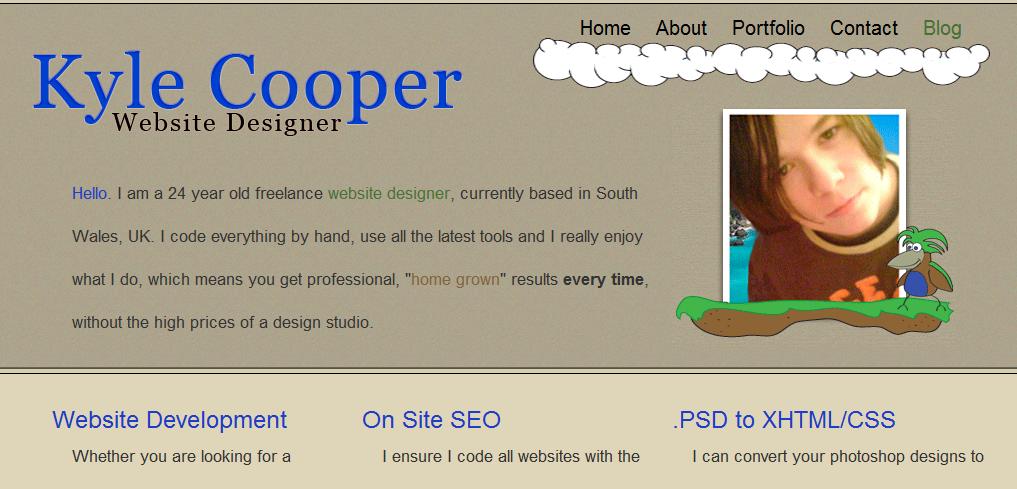
Its just coming up to a year now since I first dipped my toes into this wonderful business, and started to get to grips with HTML and CSS - my only experience before this was with table-based layouts, years ago, using Geocities, and a small part of a module on my IT-degree course. In that time, I have learnt a hell of a lot, and come a long way! I started looking at some of the earlier sites I worked on, generally "test" ones in which I was trying out HTML and CSS for the first time, and its quite satisfying looking at concepts I once struggled with that I can now do practically blind-folded. I thought it would be interesting - if any of you still have access to some of your first sites - to post them up here (either an image, or a link to the site if it is still active) to get a feel for your humble beginnings! So, I guess I'll start... Site No 1; Site 2; Site 3; http://www.marahwhiteheadceramics.co.uk/ Site 4 (my first portfolio site); Site 5; http://www.kylecooper.co.uk/templates/business-name/index.html'>http://www.kylecooper.co.uk/templates/business-name/index.html Site 6; http://www.yogamasti.com/ Site 7; http://www.kylecooper.co.uk/ -------------------- Well theres my "visual timeline" of the last 12 months. Over to you This list just includes websites that I have solely worked on, not sites that I have completed in partnerships with others, or have had outsourced to me by agencies. Kyle






-
-
I redesigned my portfolio a few weeks back, and apart from the root (kylecooper.co.uk) google had indexed my new pages within a few days (ie, new meta description and "snapshot" of my site). The root took about 3 weeks to appear with the updated details in google. Although I could see that googlebot had visited my website fairly soon after I had uploaded my redesigned website, it took a while for the new details to appear in the search. On the other hand, it took Bing about 3 days to show my updated pages and meta descriptions etc...
-
Welcome Kyle
-
-
Book-wise, for XHTML and CSS I used "head-first HTML with CSS & XHTML". Its a pretty leisurely read, eases you into the technologies... the sense of humours a bit naff, but I found it useful to grasp the basics. After I'd powered through this book (in a couple of days) I set about putting together my first basic website; getting some hands on, first hand experience of how HTML and CSS work together. I then signed up to Lynda.com - only for a month, like £15ish I think - and followed a few of the "Photoshop; One on One" tutorials by a guy called Deke McClelland. I really can't rate these enough. They don't deal specifically with web design, but they were just really useful in helping me get to know my way around the software. I then started designing my own website mockups using Photoshop, then trying to turn that design into W3C valid HTML and CSS. From here, its just practice, practice, practice. Keep at it, and before you know it all this will feel like second nature. And not to worry, theres a HELL of a lot more to learn , but this will get you off to a flying start. Kyle
-
Definately give lynda.com a go. I went from "no clue" to "competent" with Photoshop in no time following a few tutorials on that site. If you do a quick google search for "lynda.com 1 week free trial" or something to that effect, you will get some free limited access too What level are you currently at? Do you know basic web technologies, or no clue at all? Regardless, its important you get your HTML and CSS skills to a competent level as soon as possible, and then build on these from there. Kyle