Warmics
Members
-
Joined
-
Last visited
-
Sorry, It turned out to be painfully easy to solve: body { background:url('imageurl') fixed bottom left no-repeat; } Thanks though.
-
Hi everyone, I was just looking at http://www.scarygirl.com/ and noticed that the background image stays fixed to the bottom of the window when you resize it. I was wondering how to achieve this effect. Thanks in advance.
-
Thanks for your replies, I was told by my client that this issue happened to at least 5 people in different offices. I was guessing it was related to the company and not really my fault, but I wanted to confirm this with more knowledgeable people. I'm thinking I'll tell my client he needs to tell his visitors that they should solve this with their company's network administrator. They can access the site just fine from home - I'm told. Thanks again dmpinder & BlueDreamer.
-
Hi, I'm having a problem with people viewing a website I designed some weeks ago. Maybe some of you know how to fix. Issue: People report they can't access the site from their work computers because the site is listed as 'entertainment' and there appears to be a block on those kind of sites. Question: Is this something I can fix or is this something the administrator in the office needs to change? I'm thinking this may be 'meta' related. Thanks in advance.
-
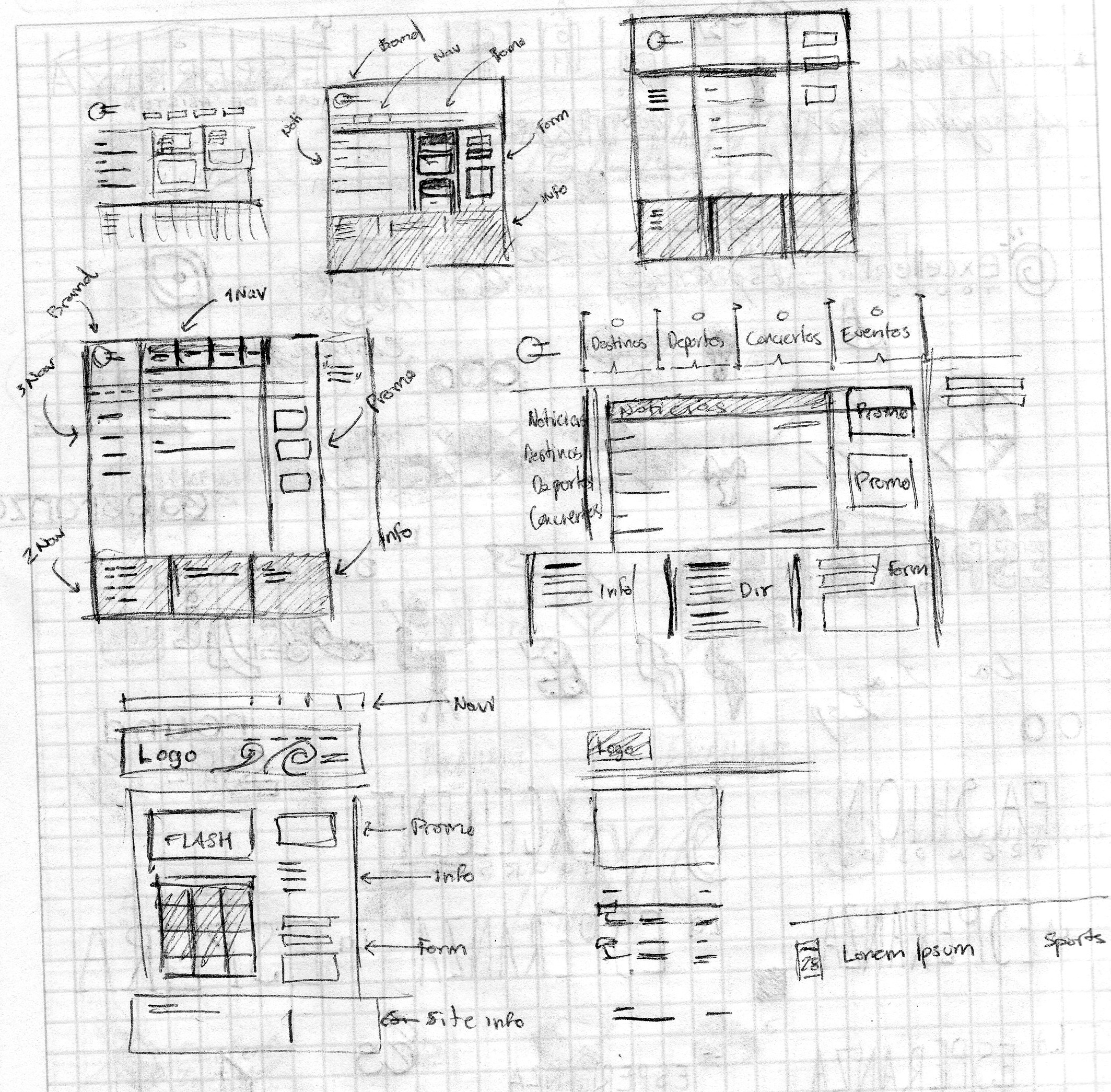
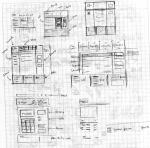
I try to get as much content as possible; what's the logo? (if there is one already), corporate colors, what sections it should have, slogans, some actual content, etc. Then it goes something like this: Then Photoshop, then XHTML and CSS. I usually get to work on design and developing, which makes it really hard because I'm not a programmer. But for some people, when I say web designer, they think it includes PHP, Ajax, Data Capturing, SQL and Database management, content magic-maker, etc. But I guess it's good to be a jack of all trades.
-
That's it! Thanks!
-
Thanks a lot guys, I'll go with PHP to support javascript-less people. Thanks again.
-
I would suggest conditional comments for IE. As mentioned before; FF, Opera and Safari render the code almost identically and seldom pose a problem. If you've never used them, here's a snipet: <head> <link rel="stylesheet" type="text/css" href="default1.css" media="screen" /> <link rel="shortcut icon" href="PrinnySALUTE.gif" type="image/ico" /> <title>The Disgaea Fan</title> <!--[if IE 6]> Your style for Internet Explorer 6 here <![endif]--> <!--[if lt IE 6]> Your style for Internet Explorer lower than 6 here <![endif]--> </head> Finally I would suggest to start working towards web standards, it's good for ya.
-
You might find the following sites worth visiting: logopond.com creattica.com logomoose.com
-
I want to generate a random image on a home page so that each time it is visited the viewer gets a different pic. I'm sure there are many ways to do this; I'm looking for a light-weight solution. Thanks in advance.
-
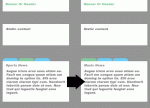
Hello, I'm not sure how to explain this so I'll take my time. Let's suppose I have a web page where I want to display news of three different categories. Let's say; sports, concerts and music. The news would be presented inside a 'box'. This 'box' would have three tabs; one for each category mentioned. I want the box to display one category at a time, so the user needs only to click one of the tabs to see the 'box' display the appropriate news. I want only the box to refresh, so the rest of the page stays the same. Is there a way to do this without frames, flash or javascript? Here's an example: Thanks in advance.
-
Hello everyone, My name is Mario and I'm an aspiring web designer. I am very passionate about web standards and accessibility. I hope to improve my skills with your help and share back what little I can about what I know. That's it for now. See you all later. Mario