tidysi
Members
-
Joined
-
Last visited
Everything posted by tidysi
-
What are the best ways to approach the branding side of a new website?
-
Hi Any graphic design volunteers? Thanks
-
Geeks, On your second code part : $securecode = sha1(sha1($username]) . sha1(md5($password)) . sha1(session_id())); Where are these local variables coming from i.e. $username, $password ? Am I pulling the $password down from the database based on the $username, and then comparing the sha1 strings?
-
Hi All In the past I have been using the following code to make sure the proper person is logged into the admin page. <? session_start(); if (isset($_SESSION['userid'])) { // do nothing, because they will continue with the remainder of the script } else { // return them to the login page } // page code here ?> And I just use : $_SESSION['userid'] = $username; after checking the username/passwords are right on the login page. I think this is a fairly standard way of doing things - I was just wondering whether people can spoof session variables and so be able to login? Is there a more secure way to provide this user authentication? Any thoughts?
-
Hi rallport Thanks hehe yeah these three columns are the bane of my life - do you know how to do what you've said i.e. concatenate? Si
-
Dear all, Hope you are all well - it has been a while since I was last on these forums but I hit a snag and then didn't know how to fix it. I'm sure it's one of those things that when you know the answer it just looks ridiculously simple Any help greatly appreciated ! I have the following SQL executed in the normal manner. $sql = "SELECT Day,Month,Year FROM ClosedDays WHERE VenueID = '".mysql_real_escape_string($this->GetID())."' "; ( Yes, I used three fields for day month year - I now know better ! hehe ) Is there a way to ensure that the SQL result contains only dates today or in the future i.e. how to filter out past dates? Hopefully someone will know Many thanks! Simon
-
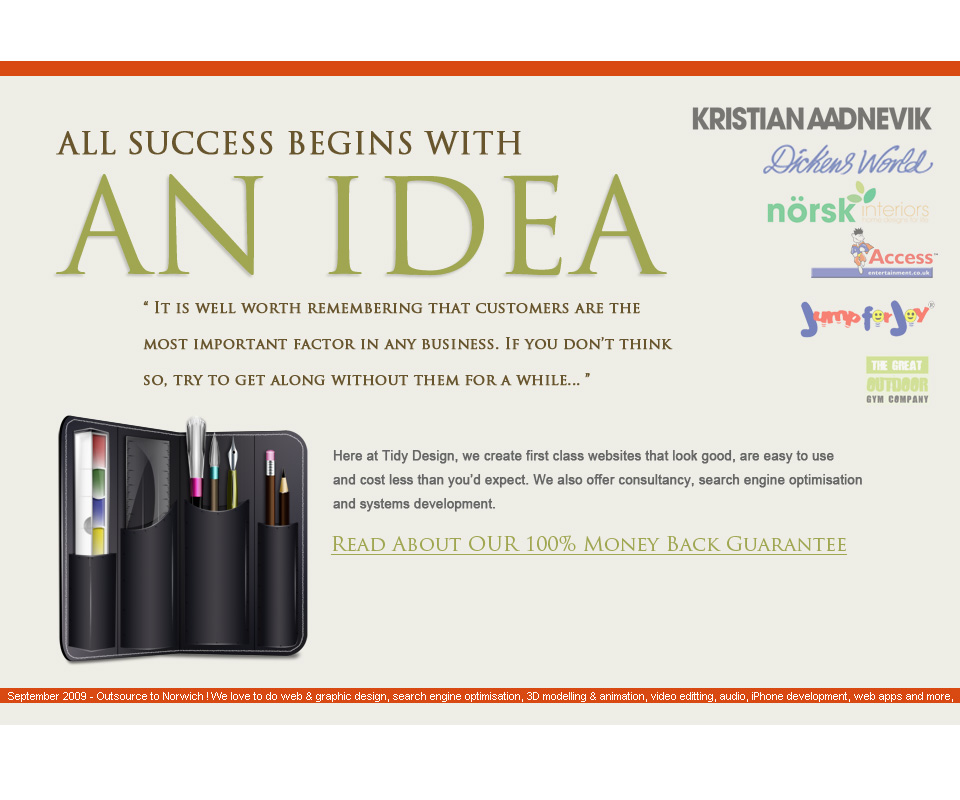
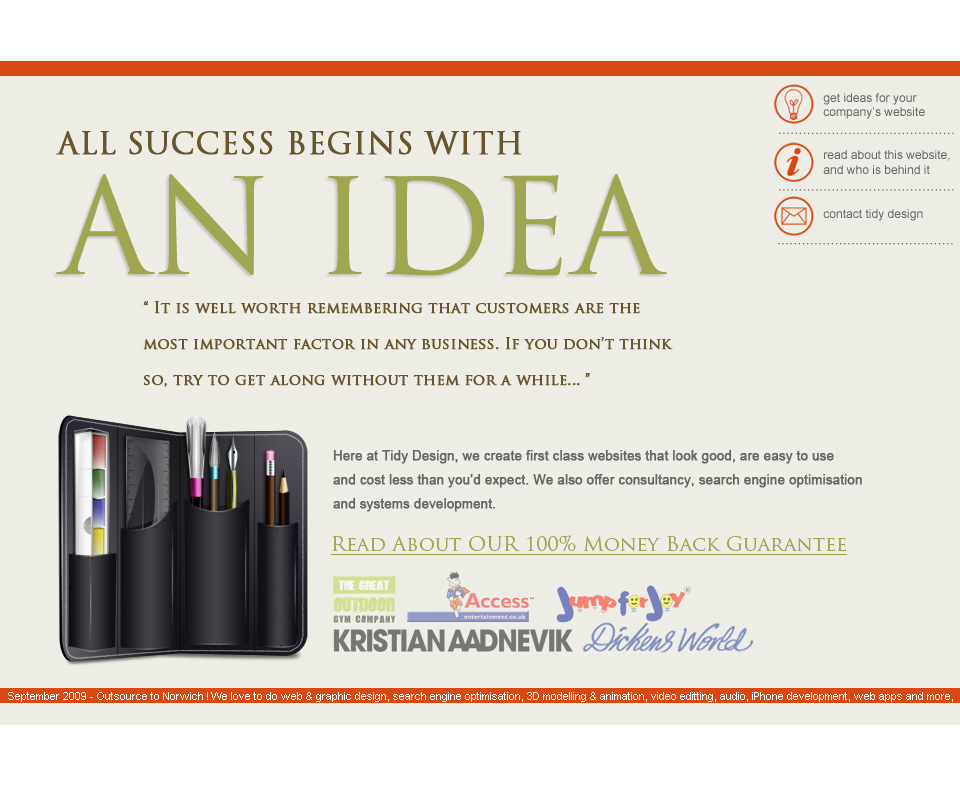
Taking comments on board I've altered just the homepage firstly. Does it look OK just having the logos of the clients on there? I've made them transparent and so when you rollover they will brighten up (and link to the portfolio page) - else they just look too bright for the rest of the page. What do you think? I've made too slight variations in the placement of the logos. Would really appreciate some feedback!


-
Thanks AWD I actually had a friendly client take a look at it with me this morning and he said the same thing. I'll be reviewing a lot of the text and hopefully will get a bit more feedback from people on the forums. Thanks for your input.
-
Look forward to seeing the end result
-
I'm liking it, you've got a real framework to use there. Love the logo - I think that's awesome. Your navigation does some wierd things when I click on them - why are you using images in this place? It will be much more futureproof to use lists for your navigation, even though they can be a pain to understand if you haven't done them before. I think it just needs a little more care and attention to detail and you could potentially have a really good site your hands. I'll goto war with scifunk about scrolling - only kidding mate - i don't care how much i scroll ; as long as its interesting You have some MASSIVE icons at the bottom - what's that all about ? So to summarise: 1 - Get rid of that 'welkom bij alterdevine' at the top 2 - Where the ~ is on each post you should have a smaller version of your logo 3 - Change your navigation to text 4 - What's the green about? 5 - Need something more on the sidebar It's all a work in progress as you said though - look forward to following this one !
-
Hey GFX / All I'd like to give my two-cents guys GFX, maybe the problem is you are trying to fit too much headline information on the front page. Scifunk did a better job of organising your content. Have a rethink over the content. Less is more ! It's all about the content and calls to action, remember. Why are you doing free hosting for a year as well? That won't make you any money!!! You also said something about putting only 40 minutes into the designing? Man, it takes me well over an hour to get into the creative photoshopy flow; and normally after 2 hours I'll hit the flow. Whenever I hit a wall with a design - I do a couple of things - 1 - Download more Fonts 2 - Download more brushes 3 - Buy more Photoshop plugins 4 - Have more coffee (hehe) 5 - Look at PSDTuts and do a tutorial 6 - Download some templates, disassemble them, put them back together, 7 - Look at apple's website 8 - Download more icons ! Basically I just download loads more stuff for Photoshop (but I wouldn't be doing my job if I didn't tell you to watch the licencing)
-
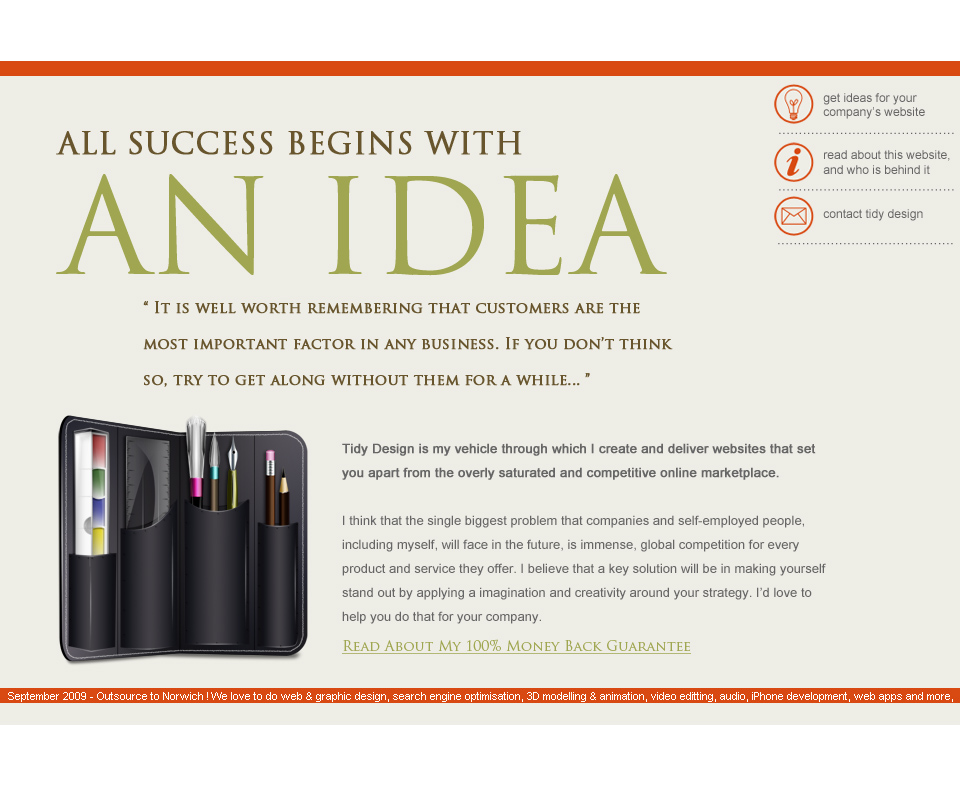
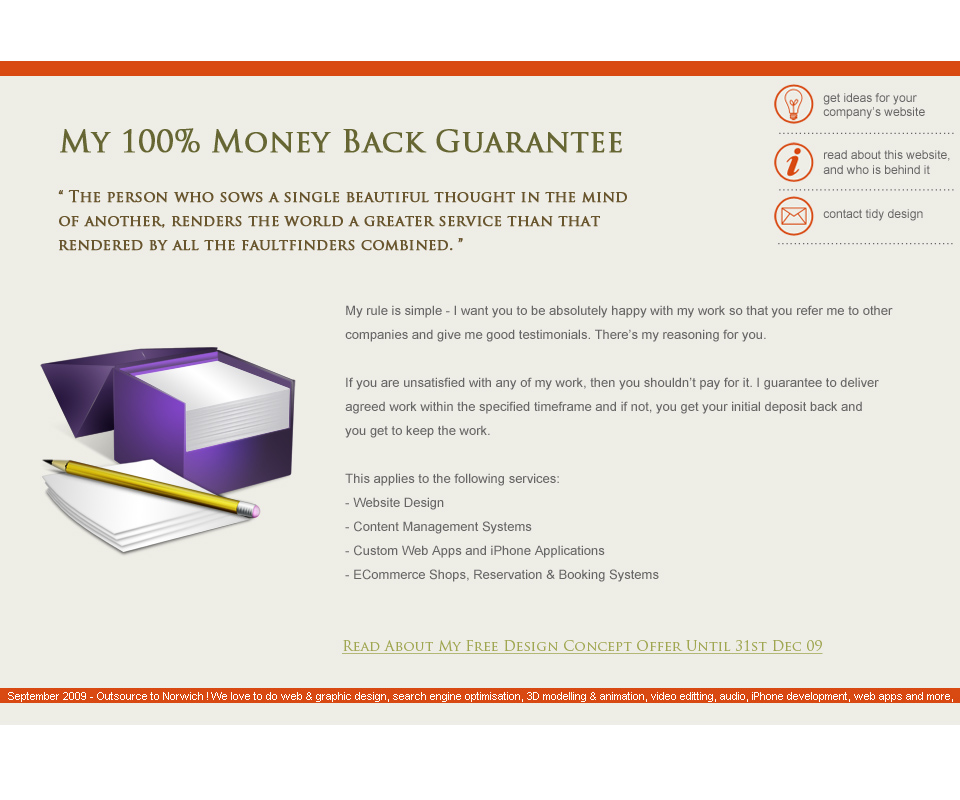
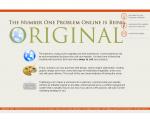
Thought I would add some quick notes. Yes I spotted the layout bug on the fourth (original) graphic. And I know there's no navigation, and the footer is a bit, well crap. But I have some more ideas to move forward on this - quite excited because I think it will end up being good ! I hope you like it - comments welcome!
-
Hi All, I went out a bit of a Photoshop binge today; nice to get away from paperwork and selling for once ! This is for my own portfolio site Here's what I've done so far


-
I'll probably get shouted at I would recommend adding a bit more colour. This doesn't necessarily have to be in the page layout; I find that putting in actual content with some really eye-whacking nice images really gives you a better feel for it than lorem ipsum. A couple of images could make all the difference?
-
Go for the first one - always use a light background for ecommerce sites in my opinion. But use the navigation from the second image you uploaded.
-
Hi Roberto Your wife's art is really good The first thing I notice is that you've disabled right click. Would be interested to see other peoples views on this, but I would take it off personally. It just adds one negative to the site and is the first thing I'm talking about ;D Gallery page is excellent; the shadow box thingy is great. Pop-up contact form is a new one; but worked well. For what it needs to do, I'd say the site works perfectly well. There's no real information on what I need to do to buy the art, except I suppose contact you; but sometimes it's nicer to have the information there right away. Good work
-
Hi All Can someone explain to me about PHP Frameworks? I'm currently coding all my PHP from scratch on a booking system. I've been recommended that I should look into frameworks since they could lower my development time. Is this true? I'm aware that Frameworks are bits of code already done for you but can someone give me an example of what they can actually do? Or a pointer on a good tutorial or book to start off with? Yes, I have looked on Google - as always, information overload. I thought I would get some expert advice from you guys on here Thanks Simon
-
Thanks Peartree Although I wasn't necessarily looking for a commercial response you do raise some excellent valid points most notably: PCI Compliance: having discussed this already with a ecommerce customer I knew it was on the horizon however I did not know that a dedicated server was needed for any website involving online transactions. I've taken a look at PCI Compliance and couldn't find confirmation of this. Are you able to confirm in any way please peartree? Would not a VPS pass the checks? Full Managed Experience: Is this a relatively well known technical term for hosts - does this essentially mean that all support can be forwarded to yourselves? I have two more questions regarding dedicated/vps : are the environments already setup with Apache/PHP/WHM/CPanel, etc or is this something that you have to pay extra for, or do yourself? Also, how does domain registration, transferal and management work in a dedicated environment?
-
I'd like to start a thread on dedicated hosting. I have done a search on dedicated hosting in the forum and couldn't find anything definitive. Does anyone use a dedicated server to host their client's websites - as opposed to resellers? What experiences have you found in using them? I currently use two hosting providers on shared hosting and I have found that the most crucial aspects to keep customers happy are: 1 - To ensure that email does not go down 2 - To ensure that the website doesn't break 3 - To have a hosting company with good customer service 4 - To have a hosting company with a solid business infrastructure and well thought out procedures I'll break these down and I welcome any further comments : 1 - Email has to be the bane of my life at the moment, and even small percentage changes in uptime are noticeable when you have a lot of clients relying on email for their daily use. If you are using a communal mail server you are potentially more at risk from overload and problems just because you are sharing with other companies. It seems to me that if you have a dedicated or virtual solution you will have a lot less problems because you are then only dealing with your own clients email. Can anyone confirm this? 2 - To be honest, my websites have rarely gone down over the seven years that I have been hosting, and really most hosts have these sorted. If you are planning to have Magento ecommerce stores which are fairly intensive you do want to have a fast server and it seems that once again a dedicated solution would be best. 3 - Customer service is crucial. Sometimes you will not be around to help out your clients and will have to rely on your hosting company to take urgent technical queries. Two weeks ago a client was fairly annoyed at the way one of my hosts talked to them over the phone in helping a technophobe out; and this was something I remedied within two minutes of talking to the customer. I keep a close eye on the reliability, speed and quality of service of my hosts because it is so essential. Another thing to watch out for is using a host that relies on a partnership i.e. a small business partnership of possibly two or three people. You want a host that you can be absolutely sure of, and no offence to those starting up in the world of hosting, but with only two or three support people available at any one moment it is too much work to handle a lot of clients. I have experienced this first hand. 4 - Future proof hosting. This really carries on from my last point regarding customer service. Once you've chosen a host it is painful to transfer over lots of websites and email accounts; therefore you have to be absolutely sure that the company you are taking a hosting solution from is solid and doesn't rely on just a few people to be working. Financially, people like fast hosts have dedicated servers and I would like to hear any comments about these big companies providing such solutions since I've heard an awful lot about their poor performance and customer service. The ISPA 2009 awards have been awarded and you can view them here I guess a final point is you want to have peace of mind and confidence in your hosts so you can then sell your hosting to customers. In my experience, companies will look for good value for money but quality is a very strong selling point particularly in a flooded market. I'm really looking forward to other people's views on virtual and dedicated solutions as opposed to shared.
-
Hi All Does anyone know a simple way to generate PDFs through PHP. I've looked at the various ways and they all seem ridiculously involved. Any ideas on a starting point for me to take? Cheers Simon
-
Hi Guys I Googled this but couldn't find anything specifically. After creating a class and finishing with it, is it good practice to free up the memory some how by unsetting the object? i.e. $a = new Car(); $a->DoSomething(); // Delete Object ?? Cheers Si
-
You haven't defined the results you are getting, nor what you are after. A quick look at my own code reveals you have to be a bit more initialising Shadowbox.loadSkin('classic', 'media/plugins/shadowbox_src/skin/'); Shadowbox.loadLanguage('en', 'media/plugins/shadowbox_src/lang/'); Shadowbox.loadPlayer(['img'], 'media/plugins/shadowbox_src/player/'); window.onload = Shadowbox.init; Perhaps if you pasted the entire code block we would be able to see what's going on?
-
Agree slightly with the last poster however you've got your usability totally wrong. You've got three horizontal navigation menus (which is ridiculous) as well as a vertical sub nav. These need to be reduced to one single navigation menu; although you can probably keep the vertical sub nav. Logo is nice, but nice as in OK. I'd probably have the navigation where you have web designe, logo design, etc ; remove the navigation from the flash header and then remove the pricelist, etc. Put it all in a drop down On my browser the left and right hand columns stick out more than the top header so you need to reduce the width of the central column. Also there is far too much writing on the page and although its great for SEO, it can be a turn off for prospective customers. I think sort those two main issues out and you have a great homepage.
-
I really like this site and I wish I could actually be able to read it I think it's clean and colourful, the text is laid out nicely and it makes it a pleasure to use in my opinion I picked up on two improvements although it might be to do with me not understanding the language! 1 - You should be able to click on the top left logo 'project londen' to go back to the front page where you can select the three options 2 - You should be able to navigate more easily between the three main options i.e. when reading one you can jump to the other. I guess the only other thing would be to put a nice contact form on the contact page Good work
-
Hi David I think the first thing to do is look at the content you have on the front page. Best thing to do is turn the styling off in your web browser and have a look. I would remove the paragraph I would probably commission someone to design a nice header design that goes across the top of the page about 960px and have an accompanying footer. At the moment your navigation is part of the left hand column; i'd advise you to bring it out of this so it stretches across the entire page above both the left hand side and right hand side page. At the same time, the navigation could be commission to look better; so rather than just text it either incorporates images or at least looks like some CSS buttons. Designing the header, navigation and footer would make a nice difference to the page and shouldn't cost you too much to do. I'd probably budget for around £200 - £300 for this so you know you are getting a good designer. You've then got to deal with the content and I'd advise you to think about how you can group together your products in a more efficient way. Is there any reason you sell so many varieties of the same thing; is it possible to focus on just a few and sell these well? I'd get rid of the borders on the table and perhaps keep it to 3 or 4 columns and 2 rows. Use an image that links to the rest of your catalog on the front page. The right hand side commonly asked questions is good but i'd suggest aligning the text to the left to make it look cleaner. There's quite a lot to get right on this website especially since you're an affiliate in a crowded niche. You specify that SEO is your main skill so if you have someone you know who is good at design I'd recommend you go and talk to them in person. Otherwise you can see what all the other wonderful people on this forum can offer you I'd like to carry on but lunch break is over and I better get back to work