Paul Smith
Members
-
Joined
-
Last visited
-
There are lot of factors to keep in mind for SEO optimization of your website. Here is the list: Structure of website should be user-friendly Website loading time must be fast Always check competitors' website before deciding SEO strategy for your website Write title and meta description of your pages in such a way that it will show the main aim(keywords) of your website Optimize content of your website Use sitemaps, image alt attribute, robots file and htaccess for optimizing your website Integrate Google Analytics and Webmaster to analyzing the performance of your website Gather quality backlinks Use social media for branding Do guest postings Then also, if you need help then you can hire SEO expert for your website.
-
-
I have checked your website(digitalwarriors.co.ke). It's good but you can improve it more: My views are: Design of website can be more attractive and clean I have checked page speed of your website - http://prntscr.com/iye0fd - It's low. You can improve it. You can read my steps for page speed optimization here . Your SEO score is - http://prntscr.com/iye1vc - You can improve it by following guidelines from seositecheckup.com
-
Most of all replied that SMO doesn't affect on ranking but can help to drive traffic on the website. I also agree with it. Directly it's not affecting on rankings but helps you to increase Authority & genuine traffic and ultimately it will affect SEO rankings.
-
Of course, mysite.com/using-this-folder
-
Yoast SEO is the best plugin is the best option to resolve all listed issues. Let me show you here: Install Yoast SEO plugin, go to General -> Features -> Make XML sitemap ON Then go to Search Appearance and select various tabs like Content Types, Media, Taxonomies & Archives and can set like "Show XXX in search results?". If you enable YES then it would be shown in sitemap and search. If you select NO then it will not be included in the sitemap and marked as NOINDEX. And sitemap will be autoupdated so that it Google will get latest sitemap always.


-
-
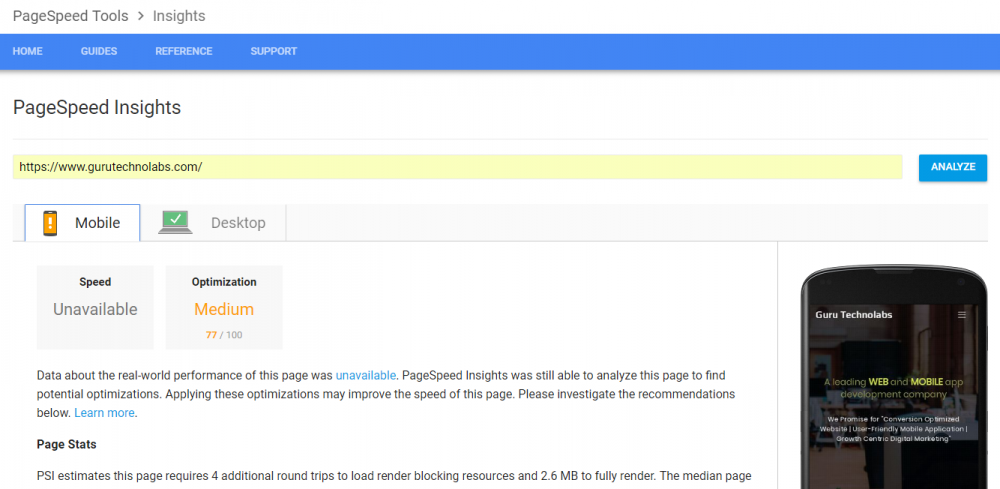
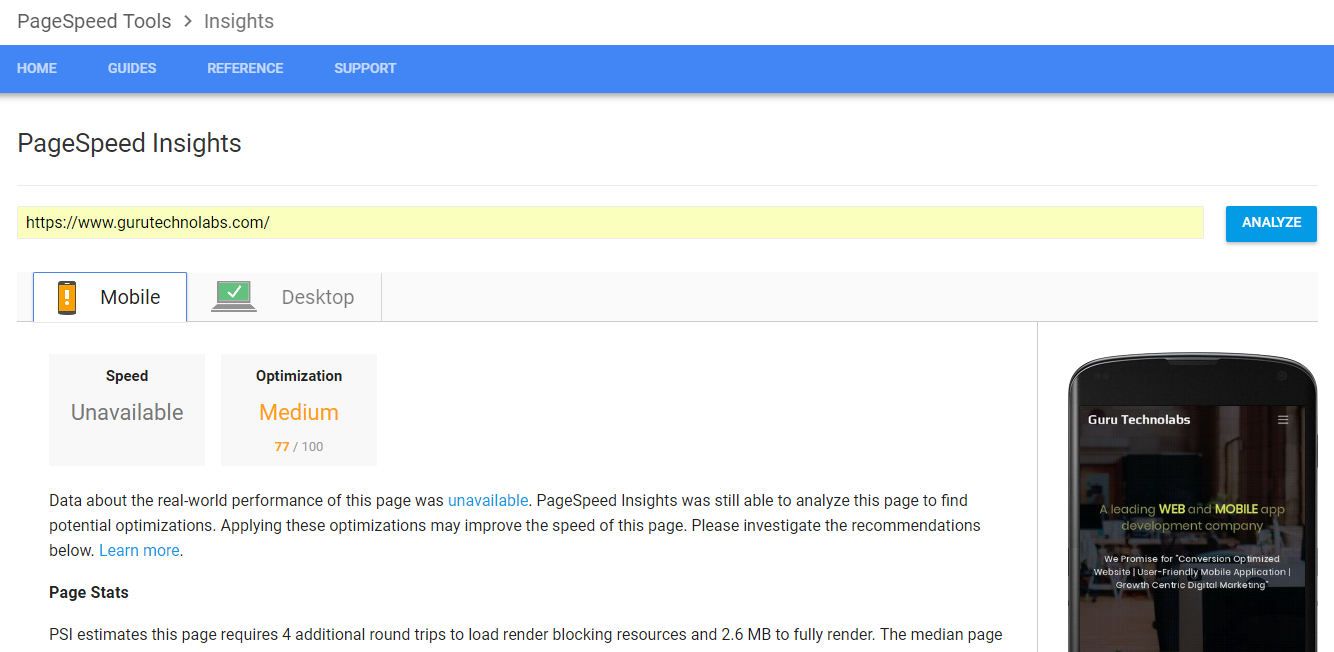
Here is the list of activities which I used to speed up my WordPress website: Deleted extra plugins Removed extra codes and comments Minified CSS and JS (which you already done. I prefered to do it manually instead of plugin) Compresses images (already done by you) Added expire headers in .htaccess file. Here is the code: <IfModule mod_expires.c> <Filesmatch "\.(jpg|jpeg|png|gif|js|css|swf|ico|woff|mp3)$"> ExpiresActive on ExpiresDefault "access plus 30 days" </Filesmatch> </IfModule> Added GZIP code in .htaccess file. Here is the code: <IfModule mod_deflate.c> # Compress HTML, CSS, JavaScript, Text, XML and fonts AddOutputFilterByType DEFLATE application/javascript AddOutputFilterByType DEFLATE application/rss+xml AddOutputFilterByType DEFLATE application/vnd.ms-fontobject AddOutputFilterByType DEFLATE application/x-font AddOutputFilterByType DEFLATE application/x-font-opentype AddOutputFilterByType DEFLATE application/x-font-otf AddOutputFilterByType DEFLATE application/x-font-truetype AddOutputFilterByType DEFLATE application/x-font-ttf AddOutputFilterByType DEFLATE application/x-javascript AddOutputFilterByType DEFLATE application/xhtml+xml AddOutputFilterByType DEFLATE application/xml AddOutputFilterByType DEFLATE font/opentype AddOutputFilterByType DEFLATE font/otf AddOutputFilterByType DEFLATE font/ttf AddOutputFilterByType DEFLATE image/svg+xml AddOutputFilterByType DEFLATE image/x-icon AddOutputFilterByType DEFLATE text/css AddOutputFilterByType DEFLATE text/html AddOutputFilterByType DEFLATE text/javascript AddOutputFilterByType DEFLATE text/plain AddOutputFilterByType DEFLATE text/xml </IfModule> # END DEFLATE COMPRESSION Reduced external scripts as much as possible Here is the outcome: (Checked result in PageSpeed Insight) Desktop: Mobile: