Gee_suss
Members
-
Joined
-
Last visited
Everything posted by Gee_suss
-
Hello. I am at my wits' end trying to make this work. I have developed a website in Dreamweaver and it displays correctly. I have used custom fonts that have displayed correctly. When previewing it from Dreamweaver in Firefox, Chrome and Opera it all displays fine. When I upload to the remote server the website displays fine in Firefox but not in Chrome and Opera. I am not sure what is happening and I am stuck as I need it to display properly. Any guidance would be massively appreciated. Kind Regards The website is siconlightning.solutions 🤯
-
-
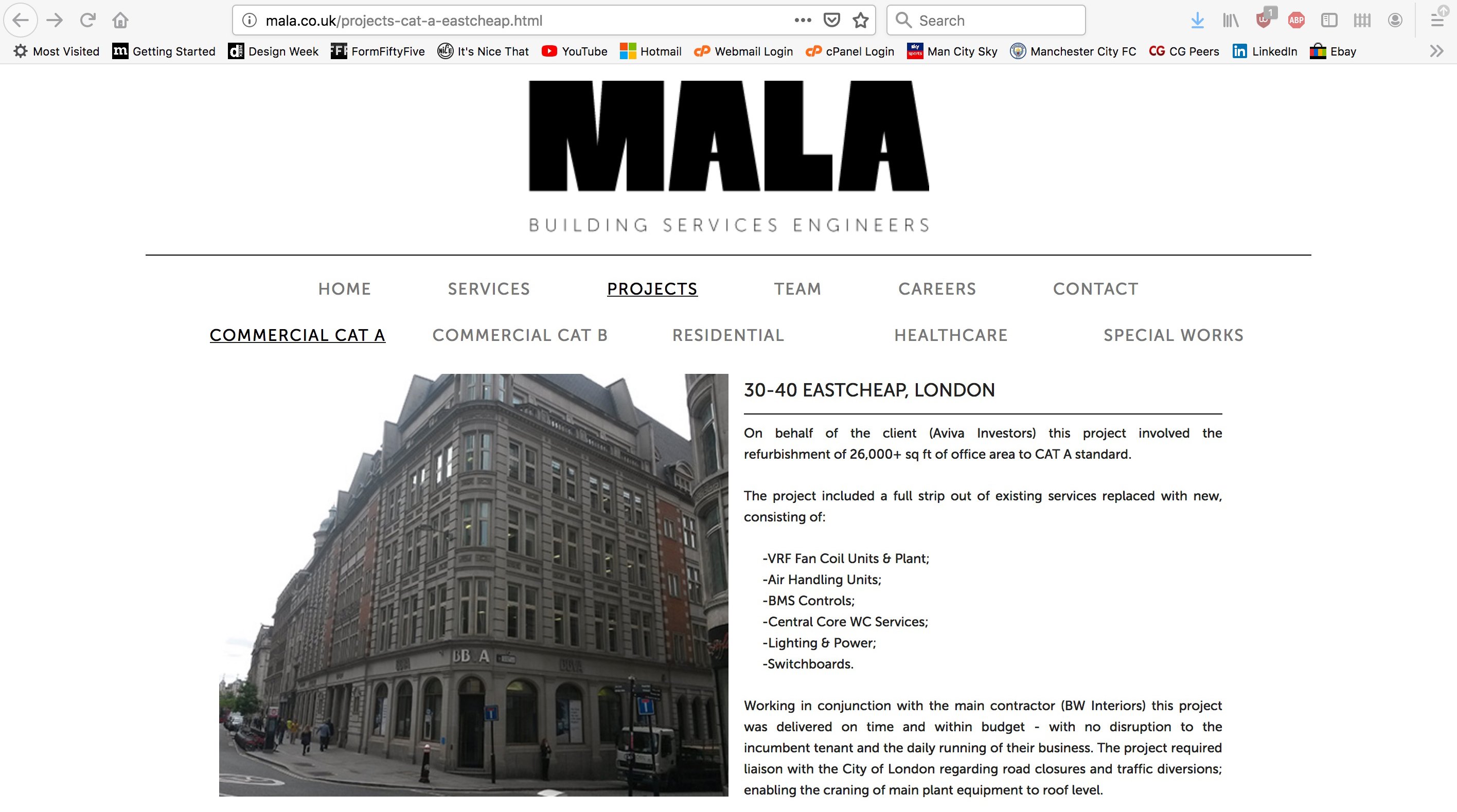
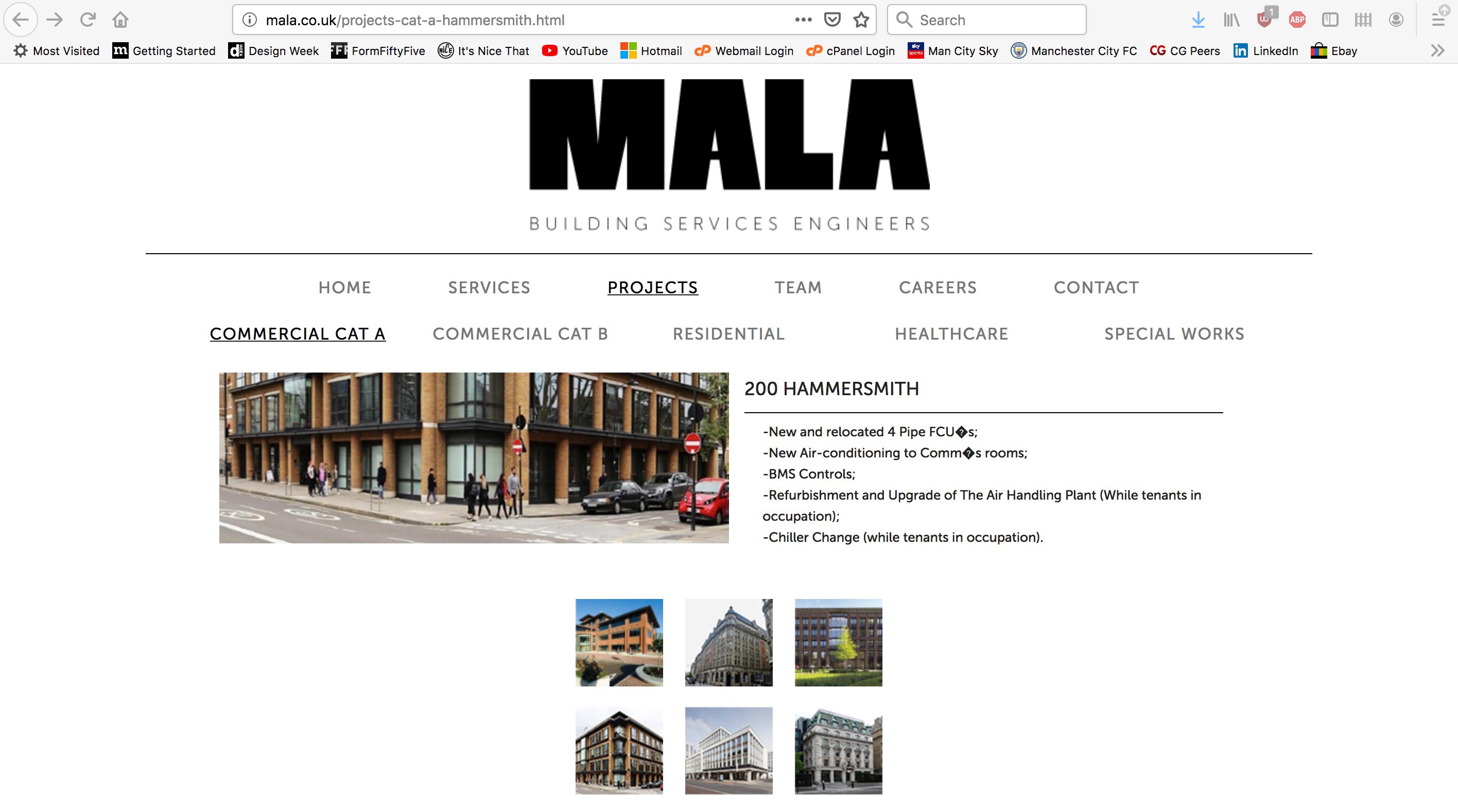
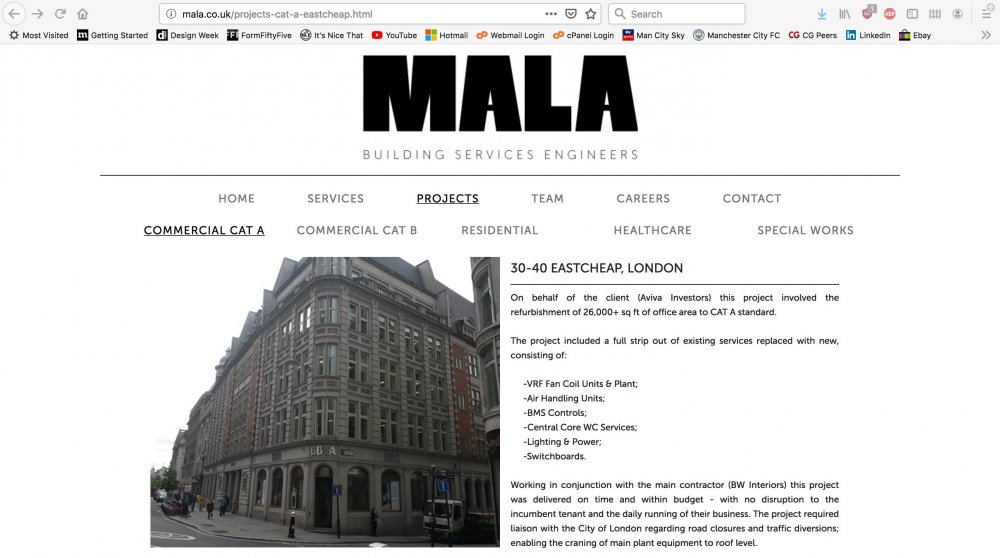
Hello. I am having some problems with pictures not properly displaying on a website. I have added the picture and created a div.tag for it and also added it to the CSS but it simply will not show properly. I will attached some pictures so you can see how it is being cut off. It is really baffling me why the new pages I have added have the pictures being cut off while the older pages render the pictures perfectly. The Eastcheap picture is how the size should be (more square) but they are showing more rectangular. Any help would be massively appreciated. Kind Regards




-
Hi Dave, many thanks for your help. It's by a previous designer and the company still like it the way it is. I have amended the apostrophes now and they all look good. Its the pictures that are still troubling me. Any idea why they are not displaying correctly?. I have added a div tag to the CSS and to the html code on the page but it is still not showing properly.


-
Hello, I am still having a little bit of trouble with the pictures not showing properly and also apostrophes are not displaying properly on my new web pages. I have added a .div for the pictures bit they refuse to show the whole of the picture. The first picture (Eastcheap) is how it should look. The apostrophes just show a small black box. Kind Regards


-
-
-
-
-
<?php include("footer.php"); ?> this is the footer link... it said footer2.php and I just had to delete the '2'
- 3 replies
-
- development
- design
- php
- html
-
Tagged with:
-
Hi Tim, Ahh yes I have seen what it is now. It is a PHP footer pasted in and I had to change the name of it. I have been looking at it for so long I had a brain freeze. Many thanks for your reply as you snapped me out of it and I had a look. Kind Regards!
- 3 replies
-
- development
- design
- php
- html
-
Tagged with:
-
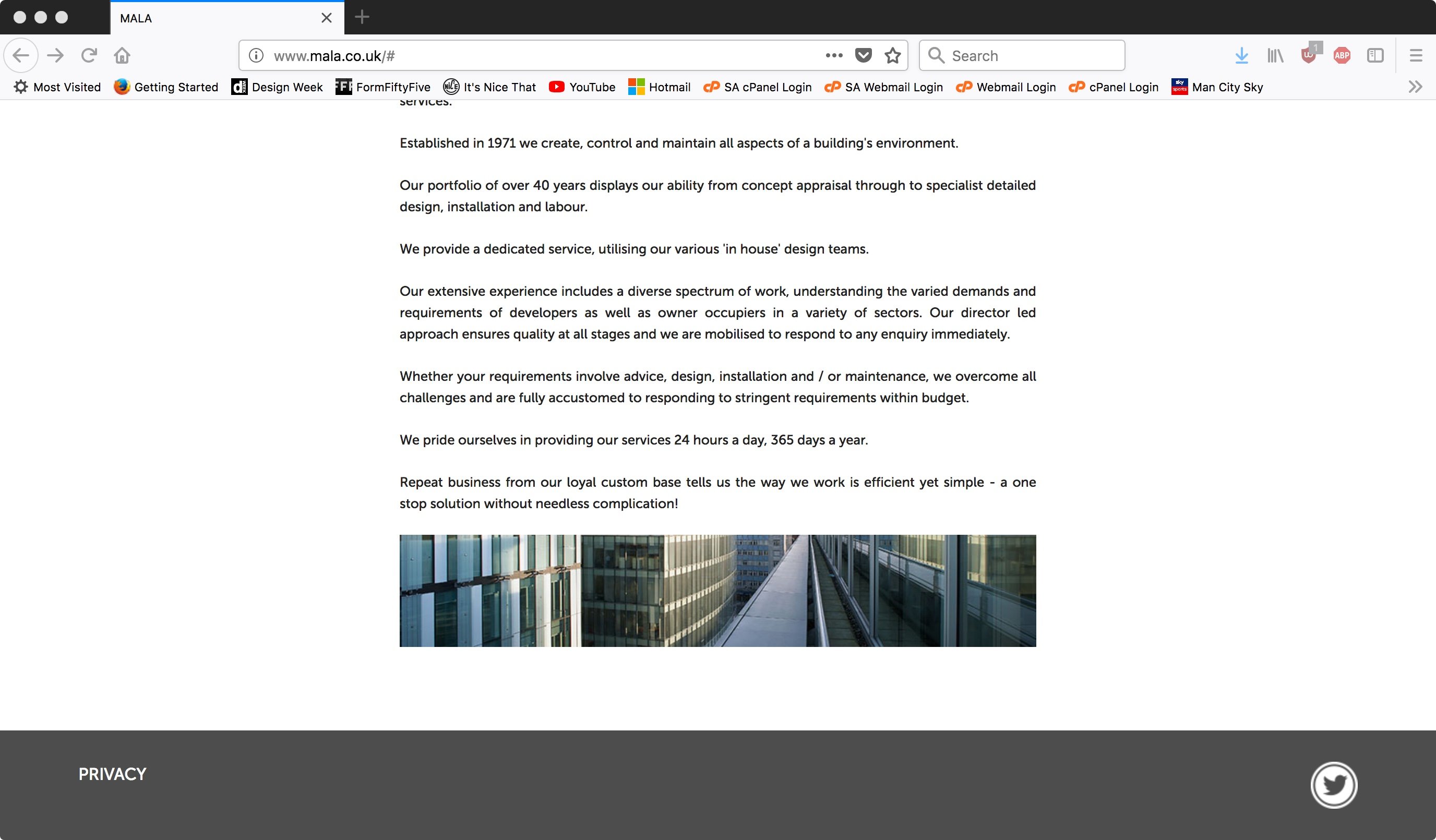
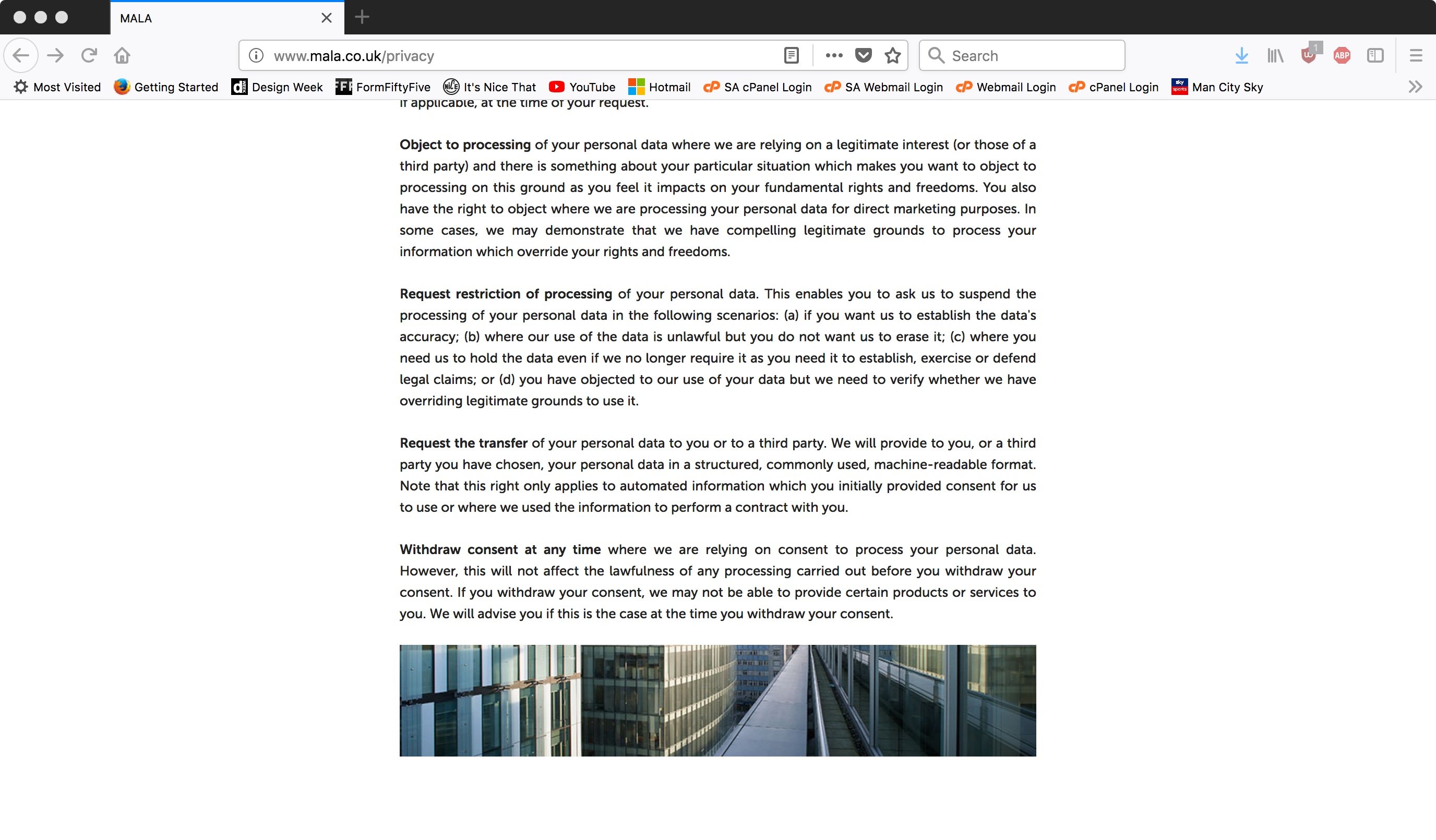
Hello. I have a curious case of a missing footer. I needed to add a lot of text to a page so the page is very long. When I first started to develop the text the footer was still there but as more text was added the footer suddenly disappeared. I find this very strange and I would like the footer to come back. Here is the link. www.mala.co.uk/privacy If you have a look at the other pages you will see the footer I mention above. Any ideas? Many thanks in advance.


- 3 replies
-
- development
- design
- php
- html
-
Tagged with:
-
A content management system? implemented through wordpress perhaps?
- 14 replies
-
- javascript
- php
- display
- copying
-
Tagged with:
-
Hi fisicx. It worked! the index page is now displaying correctly, many many thanks, it is much appreciated. But the problem is also when I click the link 'HOME' even though I have changed the page from html to php it is not working correctly. Is there a quick answer why it is html on the original server and displaying correctly? I will have to do this for all of the pages now? Would you recommend PHP for developing webpages? I now have to create a new privacy page and add a small link in the footer.
- 14 replies
-
- javascript
- php
- display
- copying
-
Tagged with:
-
Hey fisicx, I hope all is well and you are having a splendid day. Many thanks for your reply. Yes I totally agree the website can be massively improved for sure. I hope hope that this change would be simple and I could create a test server and copy it across and then work on it myself. I am having the problem getting it to display properly. The pages are html with the header and footer pasted in as PHP. This is a new technique for me but I suppose the last developer did it in his own way. All I have done is a direct copy from one place to another. What I don't understand is how I can do this and it does not display properly. It shows correctly on its original server.
- 14 replies
-
- javascript
- php
- display
- copying
-
Tagged with:
-
Hello. Do I have to change the paths in the actual pages or in the CSS style sheets? I will take a look in chrome for sure.
- 14 replies
-
- javascript
- php
- display
- copying
-
Tagged with:
-
Hello. I just checked with the domain provider to check if PHP is running on my account, they said it is so PHP must not be the issue. The previous developer has used a PHP header and footer to what I assume is to make those elements consistent across all pages like a template. What I want to do is just add a small link named 'Privacy' to the footer and then have that linked to a page with the privacy terms and conditions on it. But I am having problems just getting it to look right. In my experience I have only ever used HTML and CSS so I am really confused. It is only a simple change I have to make but I am lost to where to start!.
- 14 replies
-
- javascript
- php
- display
- copying
-
Tagged with:
-
Oh yes this is a site that could be massively improved!. Please tell me what you have seen?
- 14 replies
-
- javascript
- php
- display
- copying
-
Tagged with:
-
I just cannot understand how you copy it from place to another and it does not display the same.
- 14 replies
-
- javascript
- php
- display
- copying
-
Tagged with:
-
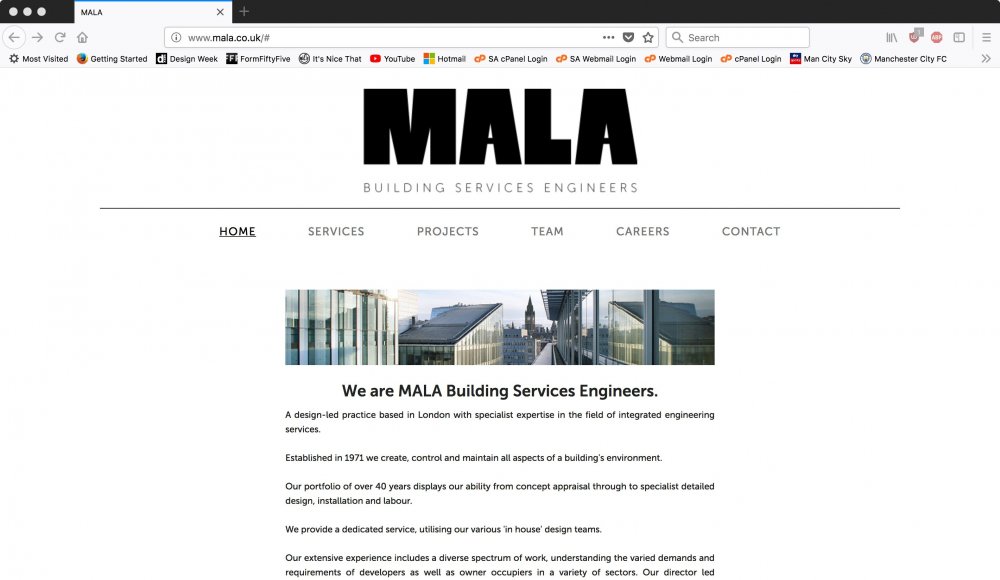
I need to put a link in the footer and create a new privacy page for this website (www.mala.co.uk). The footer is in php and is pasted into the code of each page. What I have done is created a test server and I have copied all of the files via ftp to this new location so I can make the changes. What I have found is that the website does not display correctly and none of the CSS or PHP is showing. Even though all I have done is copy all the files from one place to another. I did not create the website and I am wondering if the previous developer has done something to stop it being amended or copied. I am somewhat a novice but though I would be able to make the simple changes. PLEASE HELP! Kind Regards...

- 14 replies
-
- javascript
- php
- display
- copying
-
Tagged with:
-
Hi Guys, many thanks for your time to look at my problem. fisicx: I totally agree the splash page serves no purpose and is only making this particular problem worse. Many thanks for taking time to look at the files and I really appreciate it. Hypothetically how would one get rid of the splash page and have the website just go straight to the Home page? Jack: You are totally right and I have done exactly what fisicx and you have suggested so the problem of the folder downloading has now stopped. The new problem is when you first navigate to the website the splash page activates and then takes you to the website. When you are within the website and navigate to the different pages when you go back to the home page the splash page plays when you go back to the Home page. What I would like is that after the first time you see that splash page you do not see it again when navigating within the site. I totally agree with fisicx above saying that the splash page is not needed and only serves to delay accessing the website. I hope that makes sense What I have seen is that perhaps a cookie could be used to see if that person has been to the website before. If they are a first time visitor the splash page plays. If they are a returning visitor the cookie identifies this and the splash page does not play. Kind Regards
-
Hi fisicx, No worries, please find attached. These are the files I have downloaded and not emended the header.php file as I did that live via FTP. I know! I totally agree. But they were very insistent on that splash screen but I will definitely try and advise them not to have it as it only serves to make people wait more time to enter the site! Many thanks once again! Kind Regards, MALA Website New.zip
-
Hi fisicx, Many thanks for looking at the header file, it is much appreciated! Just to make 100% sure as I am ultra scared about editing a file on the live website. Will the website still open up with the splash screen but when you click the Home page link within the website it will not play the splash screen again? UPDATE: I have just made the change to the header.php and it does indeed play the splash page every time you go to the Home page. Is there a way so that it plays the splash page once and once only and when you navigate to the Home page within the site it does not play it again? Kind Regards
-
Hello, I hope you do not mind but I have attached the header.php as I am not able to see the link for the HOME page. Do you think that the MALA folder is there so that when you are browsing the website and you need to go back to the Home page it does not play the splash screen? So I would edit the file in Dreamweaver and then replace the existing file on the server using FTP? Kind Regards header.php
-
Good evening, Ah yes OK. I was hoping to make any changes and then test the site before it goes live to avoid any more problems and it getting worse. I am more used to working in a program like Dreamweaver to see what is happening. I am a little unsure what file to edit to make the Home link point to the Home page rather than the MALA folder download. Which program would you recommend to edit the code and which file do I edit with it being the menu at the top? I have a feeling that it is linking to the folder so not to play the splash screen every time you go back to the HOME page? Is this correct? Kind Regards