Robert Peet
Members
-
Joined
-
Last visited
-
Oh, I had a friend used to dealing with this stuff take a look for the ULR(s) and he couldn't find them. Have I been unlucky in buying a rubbish theme? It had good reviews.....
-
Thanks for the input. In what ways does google not like the theme? And assuming I need to get another theme, what should I look out for to ensure it's google friendly? Cheers
-
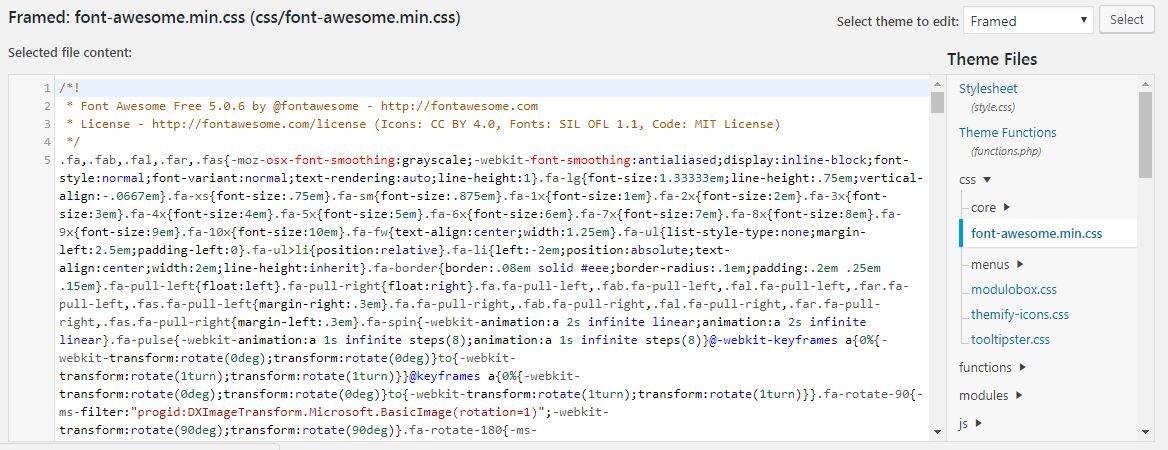
Well, located css file but I'm lost.... What changes do I make and where do I make them?

-
Thanks. again. It might be a few minutes work for some, but not for a complete beginner.....The ongoing battle is learning the terminology in addition to learning how to use it. I'd never heard of a .css file until this morning...... Now trying to locate it....
-
Thanks guys. Sorry complete beginner here....will the following plugin resolve this? https://en-gb.wordpress.org/plugins/ssl-insecure-content-fixer/ Cheers
-
-
-
Sorry, yes sure.........https://www.robertpeetphotography.co.uk/
-
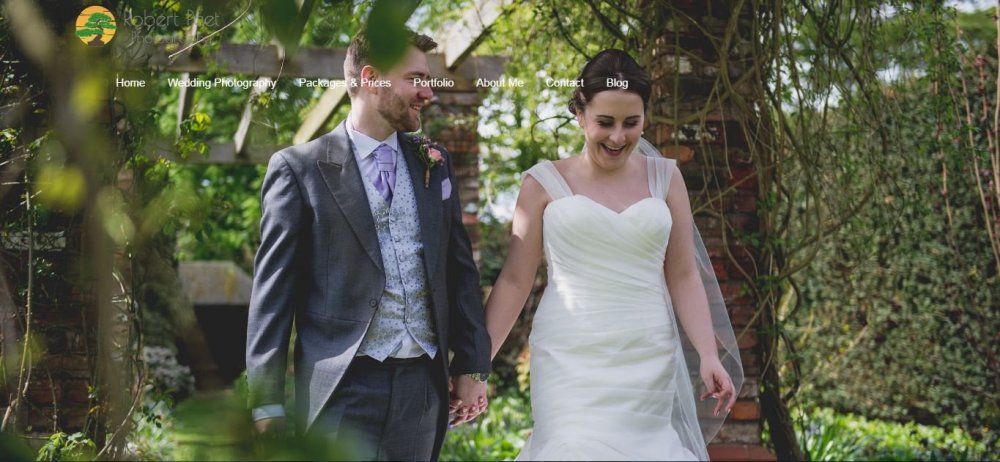
Hi all, Since updating my new wordpress site with https://www. address, my menu no longer sits nicely in the header. Also the font across the site has changed. Any ideas on how to correct this? Many thanks Rob
-
This has been solved. It turned out my PHP configuration limits were too low for the theme, which siteground rectified. Impressed by Siteground support. Cheers
-
Hi, I hope this an appropriate place for this... Purchased and installed a WP theme all okay. Trying to import ready site however data importing screen plays out indefinitely, as in attached image, and there are no changes to the backend. I have just one 'under construction' page published, and no other drafts. Any suggestions? www.robertpeetphotography.co.uk Many thanks Rob

-
-
Thanks, that's useful feedback. Hmm not sure on the font.....it seems okay at this end but there will be somewhat of a re-brand when I make the WP switch so perhaps a new font will be on the cards. No, much prefer full frame
-
That's great, thanks everyone. I really regret not moving to WP last year (and using Wix in the first place). My professional and personal life suddenly became very busy and at the time it felt like better the devil you know. Live and learn. Not having to clean up before a move is a weight off my shoulders. Thanks again.
-
Preparing to move from Wix to Wordpress but before I do that I want to clean things up as much as possible... A combo of Wix-rubbish and inexperience has lead to 466 404 errors. They are all images which have been removed or I have turned off the default 'open-up-when-clicked' function (this function assigns each image a unique URL). I have already exhausted Wix's 200 redirects. Is there anything I can do about these? Their effect on my google ranking has been significant. Site - www.robertpeetphotography.co.uk Many thanks Rob
-
I set up Search Console myself then added Head Code Meta Tags in the appropriate part of Wix, submitted a sitemap, fetched and indexed some pages. That's pretty much it. This was a while ago though. Over the past few months I've been updating the look of my site and most recently added the 'Featured Weddings' page and associated pages. I also deleted some pages/images and created 301 redirects where necessary. Was the new domain address in GSC the magic of Wix? I don't know. It wasn't me. I deleted all the 'location' pages yesterday and I've reappeared on google this morning. That feels a bit too quick for a crawl but we'll see how it goes. Thanks again
-
-
Many thanks for your detailed reply...I'll take a look at those issues. I must confess I didn't realise the duplicate text was such a big issue - I've seen other websites doing the same and ranking okay. No, I hadn't added 'https://robertpeetphotography.co.uk' to Search Console - it was just there one day when I logged in. Re: no. of pages - Yes, I'd noticed that. It appears to be all the images. Each one has a weird URL and 'inherits' the metatags from the page in which they feature. I don't know if there's anything I can do about it. All images have unique file names and alt text. I don't believe you can manipulate canonical tag with wix, but if you know how please do let me know. Finally - a source I don't entirely trust told me that I have a malicious URL/bot/redirect (please see highlighted script below). If you think this is a genuine issue, I'd be very grateful if you could let me know..... Thanks again Rob