Eskymo
Privileged
-
Joined
-
Last visited
Everything posted by Eskymo
-
does it support XML as I can highly recommend the FlashRelief Thumbnail Gallery. It's a Flash Gallery that pulls all the image information fron an XML file and pretty simple to set up.
-
It makes me laugh when I read copy like this: So a simple plugin can 'think' and export all the right graphics and write all the CSS styles for the layout and then write the HTML files too - surely that's not possible is it?
-
-
well I thought it would be easier to give you a simple file as a demonstartion of how to do stuff, rather than just trying to explain stuff, as I'm crap at explaining stuff. I taught myself...difficult at first...then with a little help from books and the web I've got to the stage I'm at now - still learning though! Hope the files help. Give me a shout if you want anything explaining, or any more help.
-
I've created a basic html file for you with an associated css file and all the images I've used - all in the attached zip...that should give you a head start...it's just a quick job as I've got to take the dog out now and haven't had time to refine things, but it's a start anyway...let me know if you need any other help...I might be around later. nobledesigns.zip
-
-
There's always Contribute from Adobe/Macromedia...
-
or you could simplify it by using: <div id="apDiv3" style="margin: 0 auto; width: 591px; height: 76px; z-index: 3"> the '0' refers to top and bottom and the 'auto' refers to left and right. for instance you could re-write Ben's code as #container { margin: 0 auto; }
-
great! nice to know.
-
no problem...i'll add it to my new list of logo's i've designed, something I'm just getting into. glad to help...
-
I'm not exactly sure what you mean...but if I think you mean that the central part of the site will have a vairable height and you want the background to adapt to this - there's no problem as the background fades to white and so if you set the body element to be white also in your css then the central part of the sight can expand as much as you need it to into white space...the footer will be pushed down by this and there's not need to worry about that. This is probably not what you mean though, so apologies if I'm barking up the worng tree.
-
hi there Here's what I've come up with...feel free to do with it what you wish. That's a PNG file, so if you right click and save as, you'll be able to download it and open it in fireworks or photoshop. E


-
I think you mean www.cfforums.co.uk I could certainly use the blue and the orange colours you've got. I'll try out some simple stuff this morning and see what I come up with.
-
well it's built using tables too, so doesn't get my vote.
-
I've got some spare time this week, so quite happy to help you out, but I need some ideas from you as to wehat you're after - have you got any visuals of the site yet? Do you know what kind of colours you want to use?
-
Well why didn't you say that? There is no mention of asking for a review in your initial posting and you've for some reason posted your thread into Web Design Coding and programming / Ecommerce Discussion...you shoudl post it into the review section if you want comments. Basically you're advertising your site...quite blatantly.
-
Thatnks for taking the time to do that for me...looks fine to me too - I think my client just hasn't explained the issue very weel. I presume she means that there is a grey band at the bottom of the image as the content on the left is pushing the background beyond it...well that's a relief! I guess I can increase the height of the image or reduced the padding ont he text on the left. Does anyone know if there is a way for me to have the image dsiplay ata a certain height and if the content on the left pushes the grey background down too much for more of the image to display...like an overflow thing? That would be ideal, but not sure if it's possible.
-
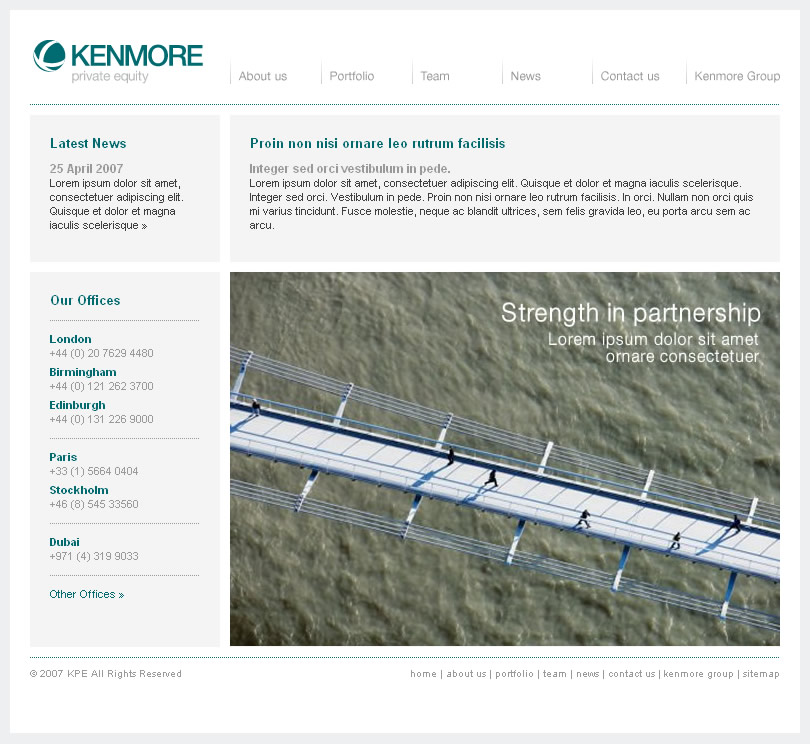
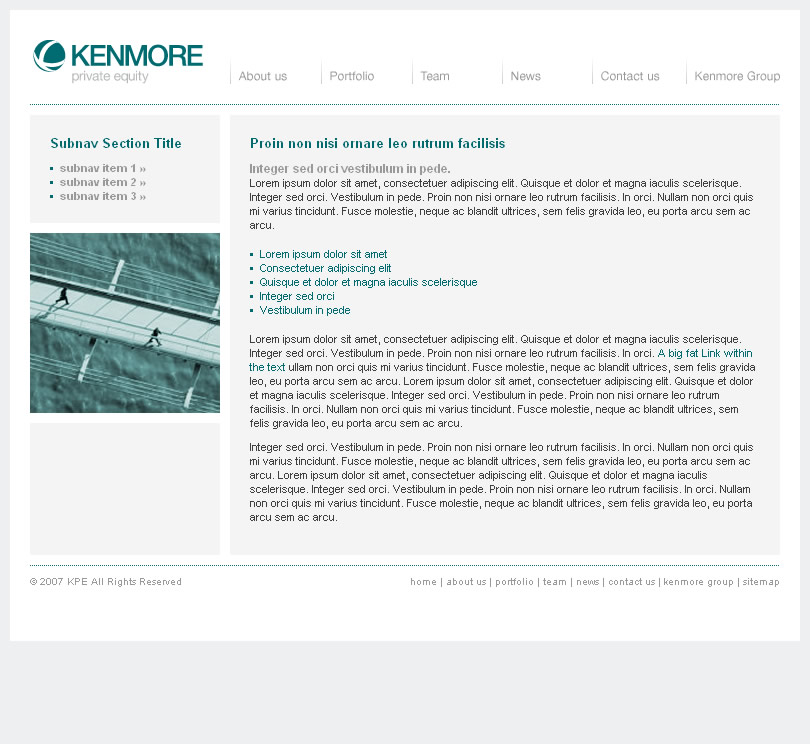
Hi All I haven't got IE6 running on my machine as I upgraded to IE7 and can't get the two to run in conjunction with each other...I've got a client at the moment who uses IE6 and so the site needs to work in that browser. 80 The problem I have is with a background repeating image on the Content DIV that contains a left floated div and a right floated div. The background image, which fakes two columns for me, doesn't repeat in IE6...or so my client says. I've tried using http://browsershots.org and asked for screenshots of the page I submitted in IE6 but have never got a screenshot...I've tried 3 times now and always had to wait over 4 hours and never got an IE6 screenshot...very annoying. Does anyone know of a faster screenshot browser testing site? Anyway - if some one could test the following in IE6 on a PC for me I'd be very grateful as I would like to see what my client is seeing... Home Page Should look like this: Generic Page Should look like this: Basically the grey background isn't showing up in IE6 at the bottom of the office box on the homepage and she's not sure about the other pages [???]. If someone can post me some screenshots so I can see if there is an issue, I'll post my code up and see if anyone can help me further. Thanks!!!

-
thanks.
-
not enough definition between the different postings...all the grey text merges into one big mass. Might be better if the alternating blocks backgrounds weren't grey as well - try another colour and it might be easier to differentiate between the different rows.
-
what can you offer in return...? also a little more info about what you need might be beneficial in order to get a response... 'nice looking simple one' doesn't really give me an idea about the type of logo you need..what's the site? what's the company? what's the market? what's the target audience?
-
welcome...
-
I knew it was around £4500
-
I used to work part-time but freelance on the side and it was still a requirement for me to register as self emplyed and to pay my Class 2 NI contributions every month - but I was making a lot of money on the side...so that's probably why.
-
I'm too old to know anything about earning your first £2000 - so long ago...