flazza
Members
-
Joined
-
Last visited
-
-
Update
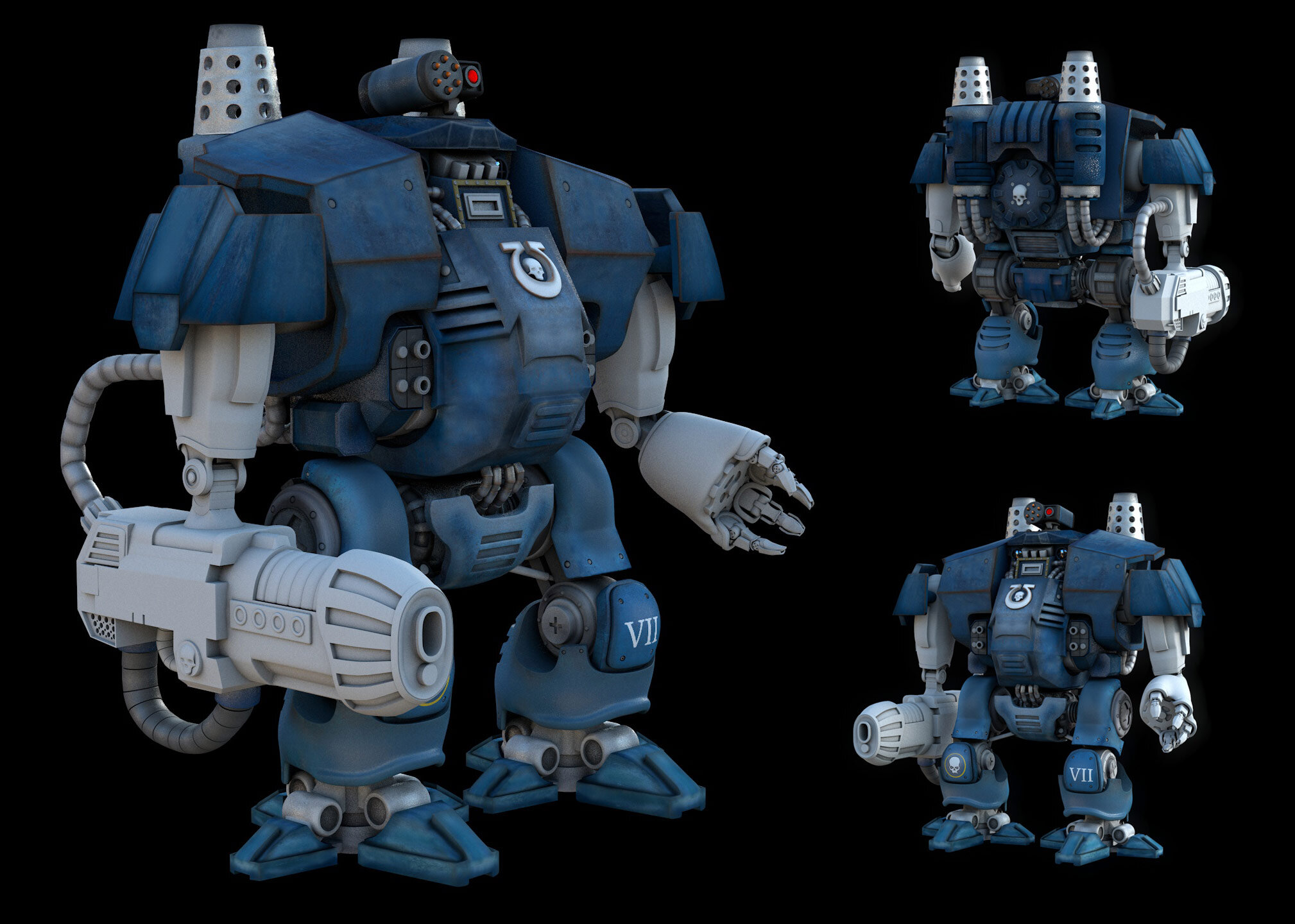
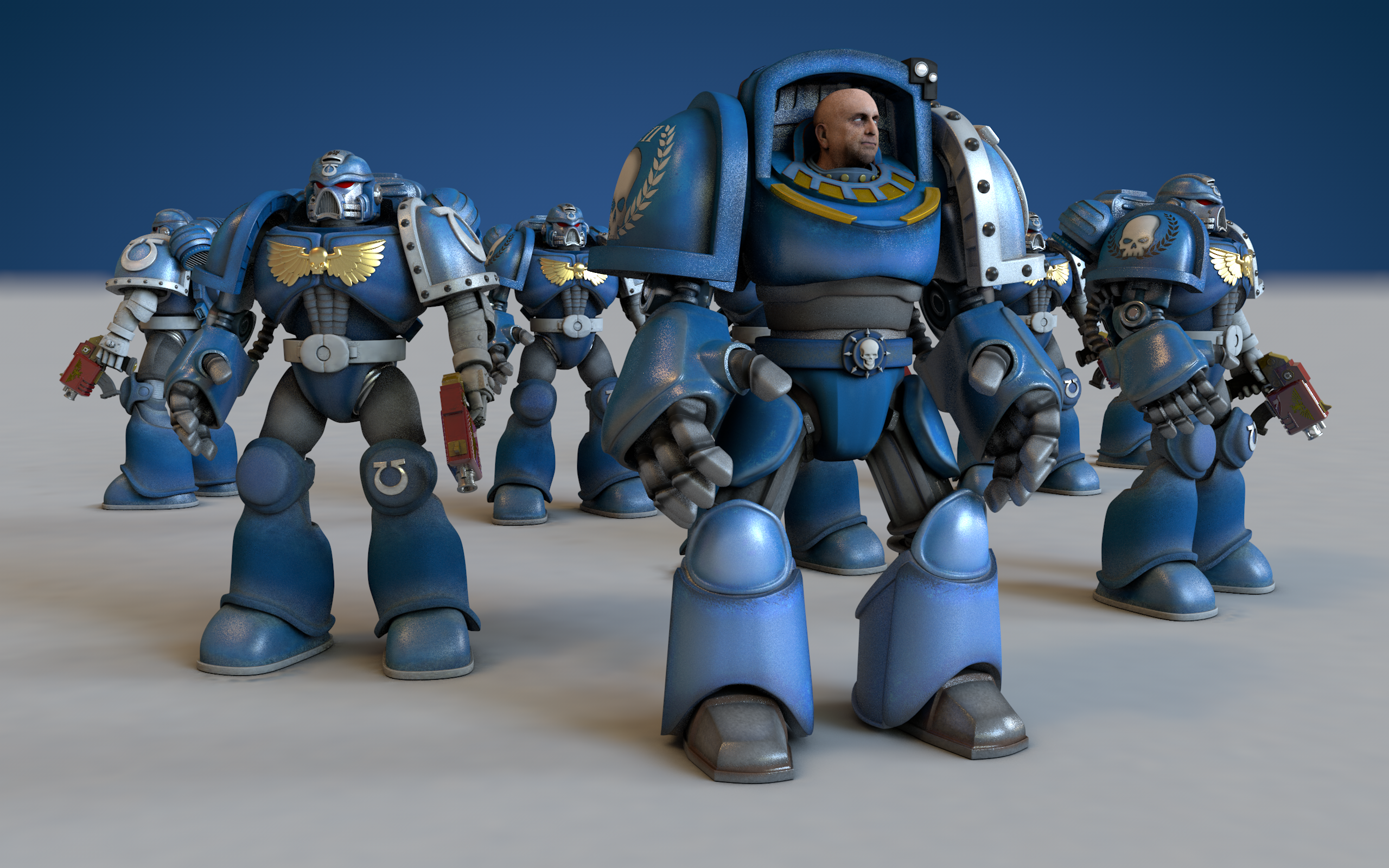
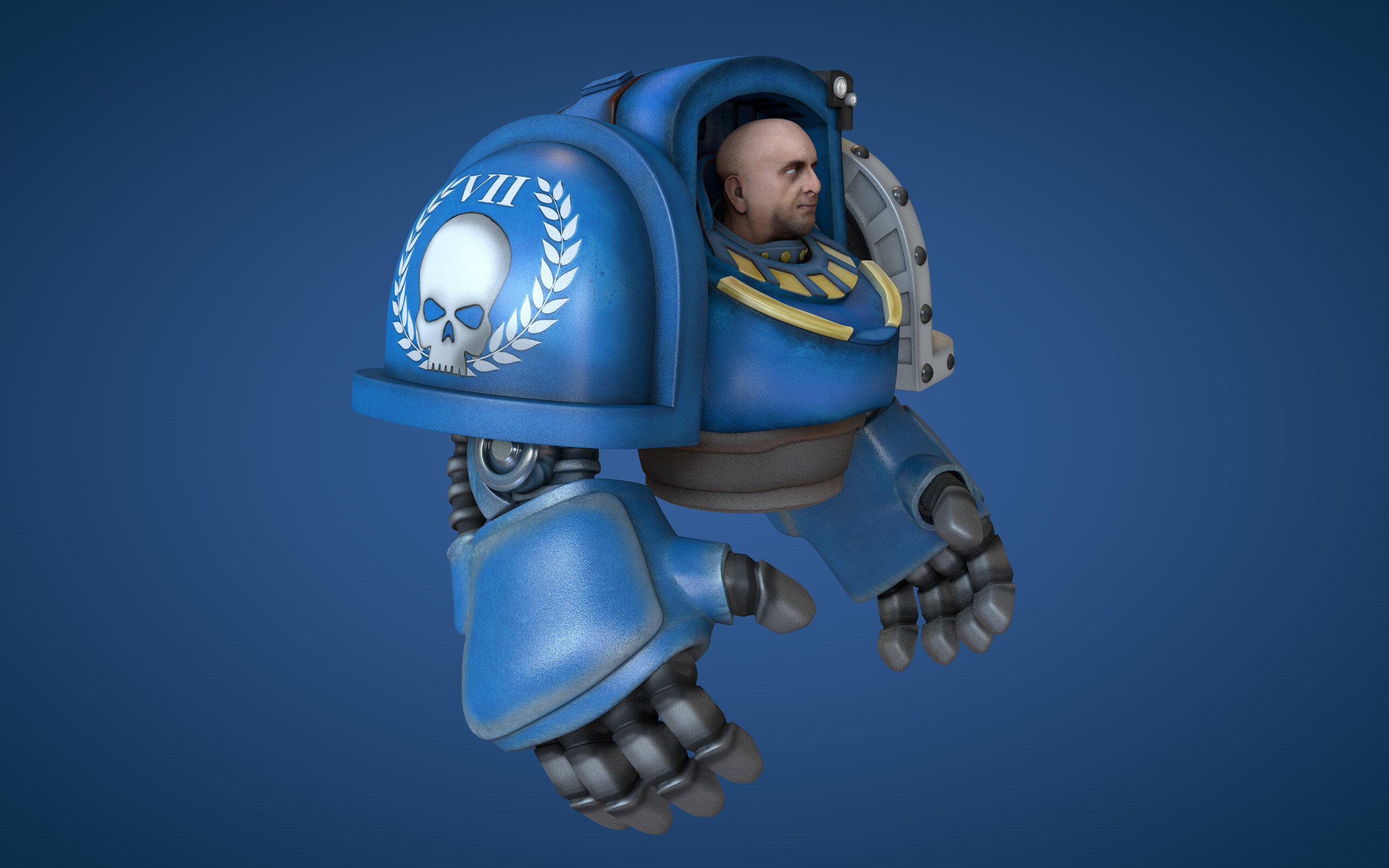
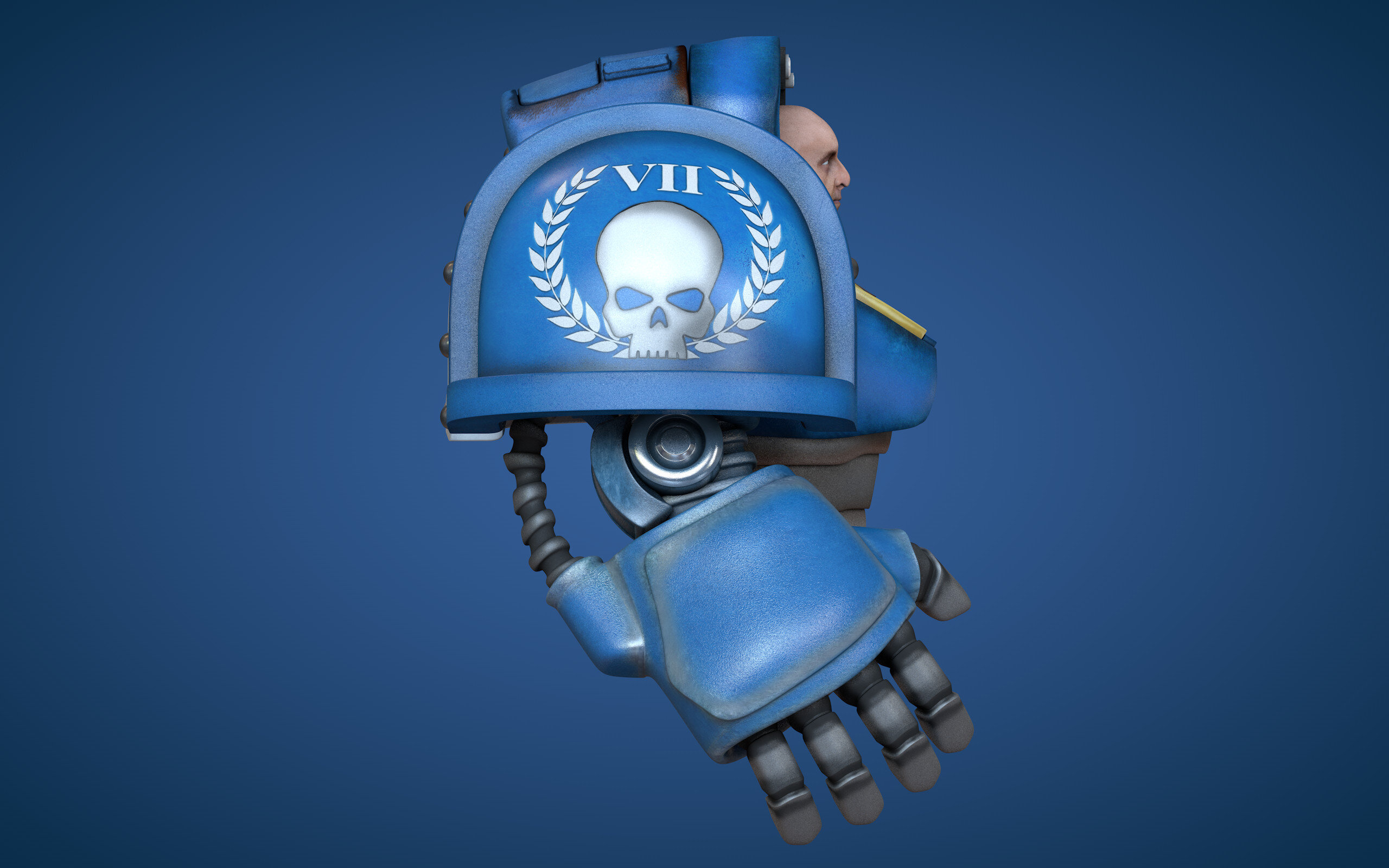
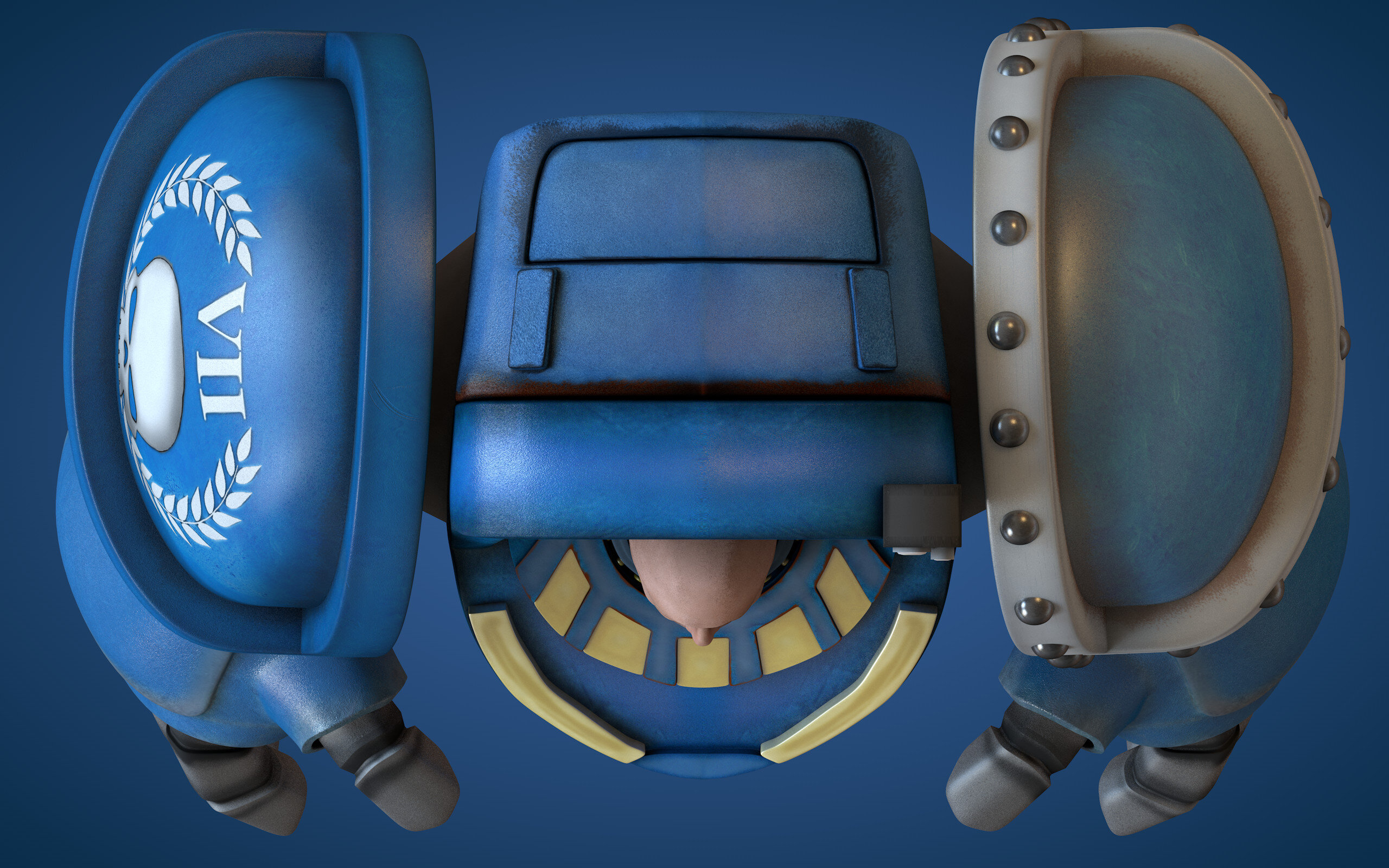
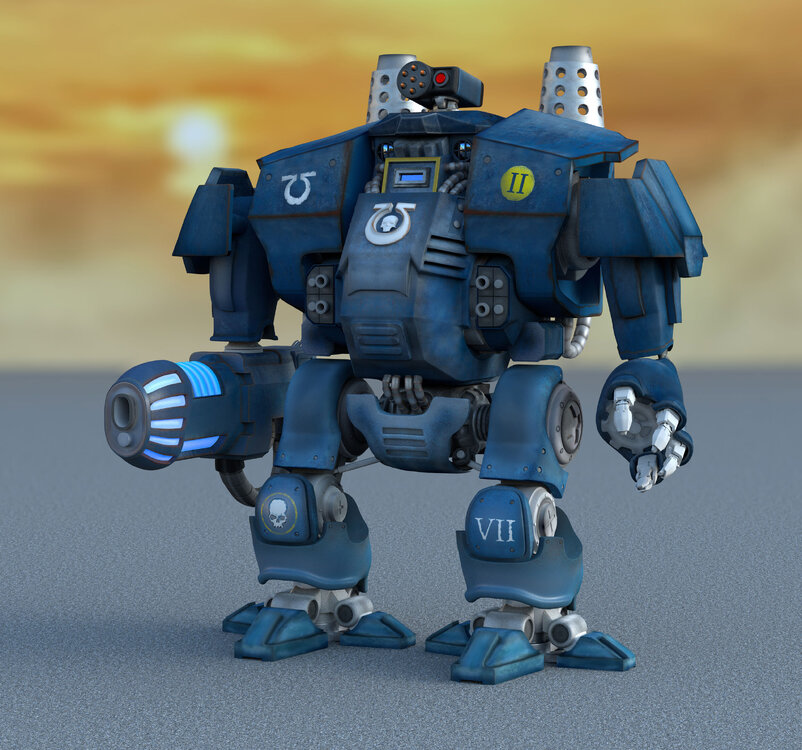 test.mp4...Been a while, life kind of got in the way of things Done some more on the dreadnought
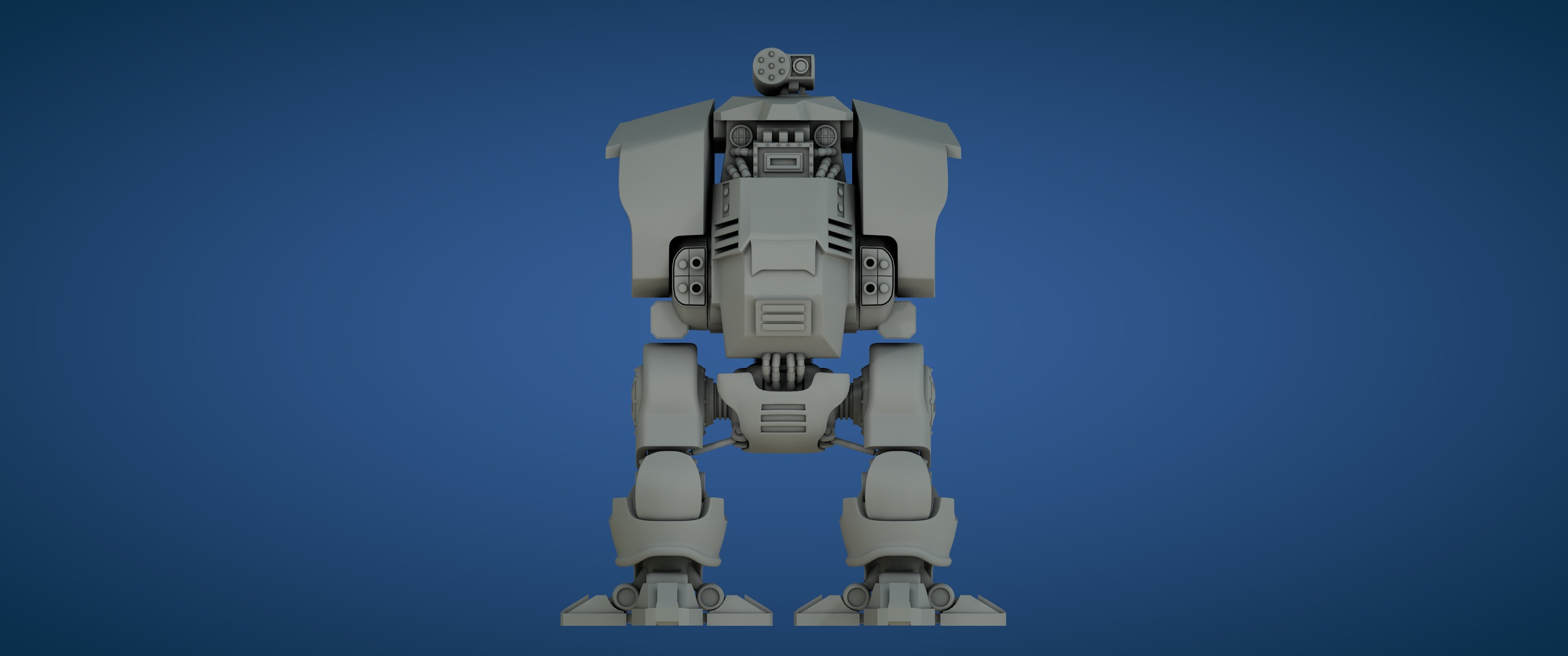
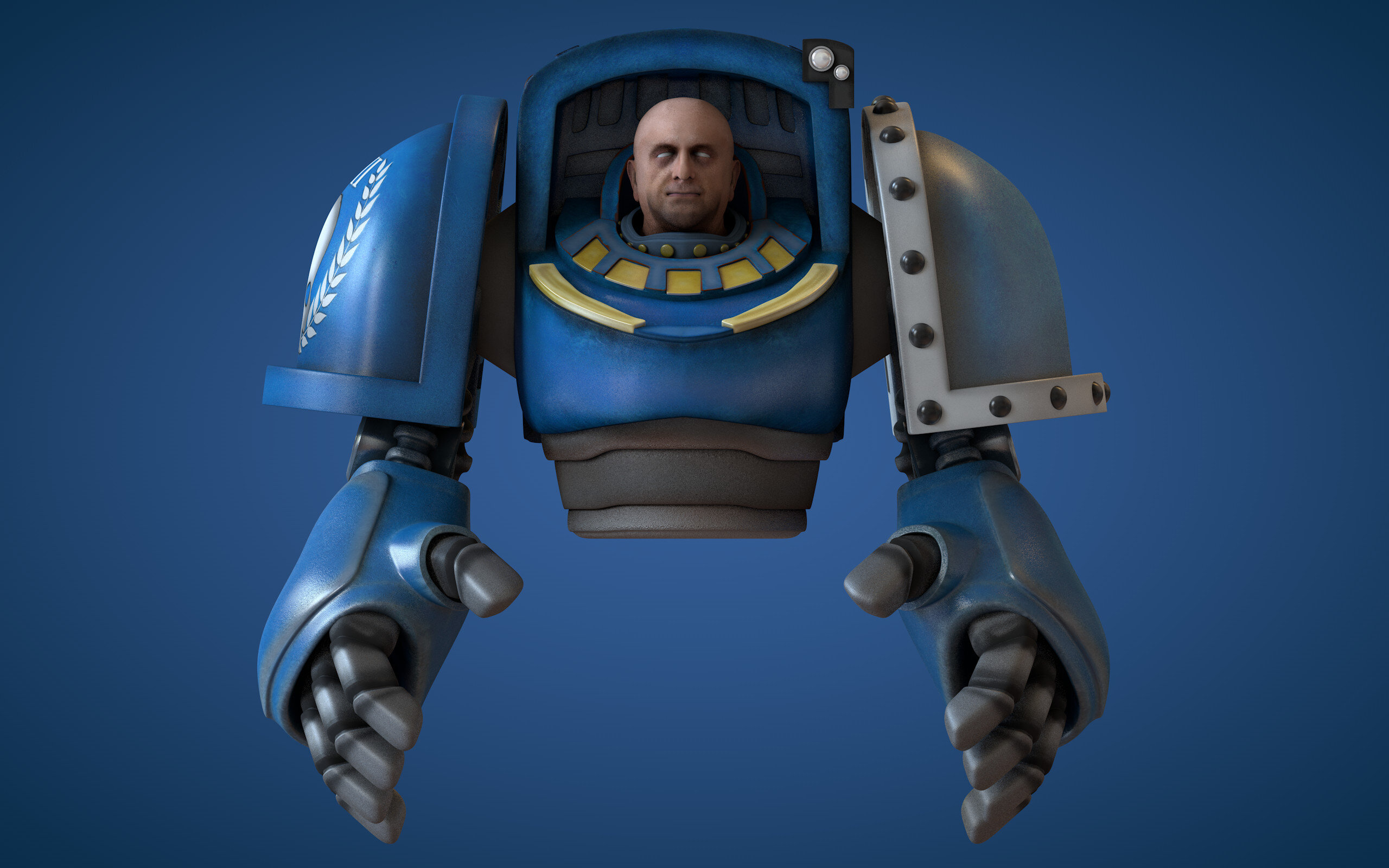
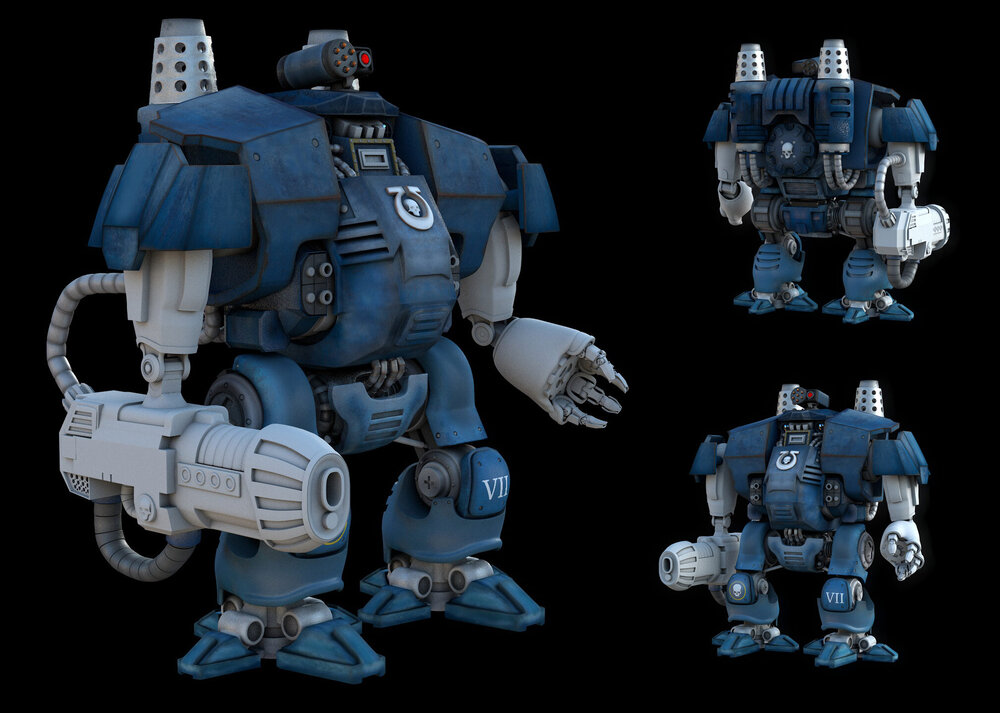 Adding a dreadnought to the scene, currently missing arms (which I will be modelling next)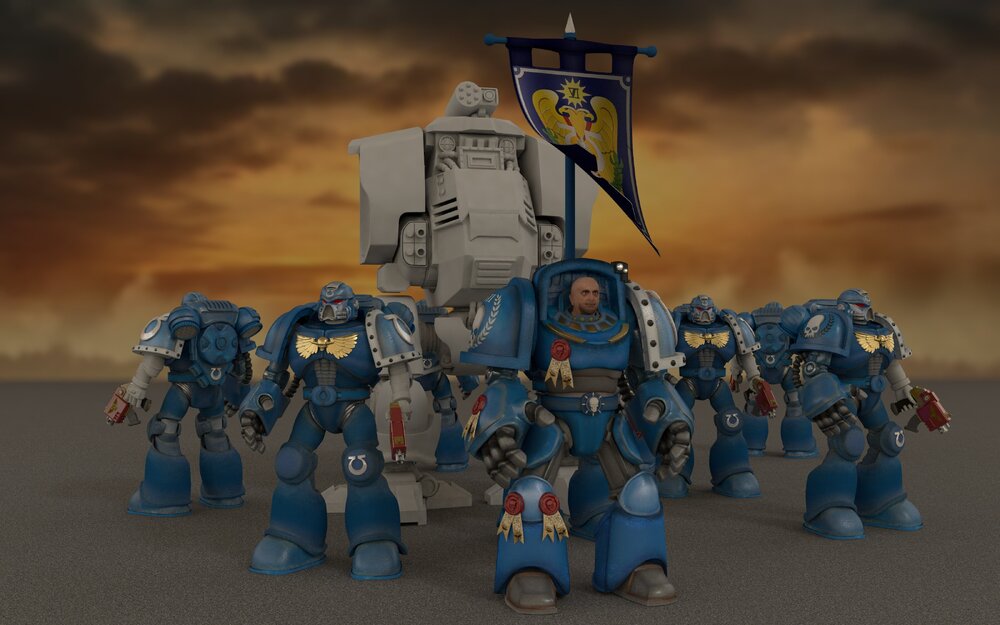
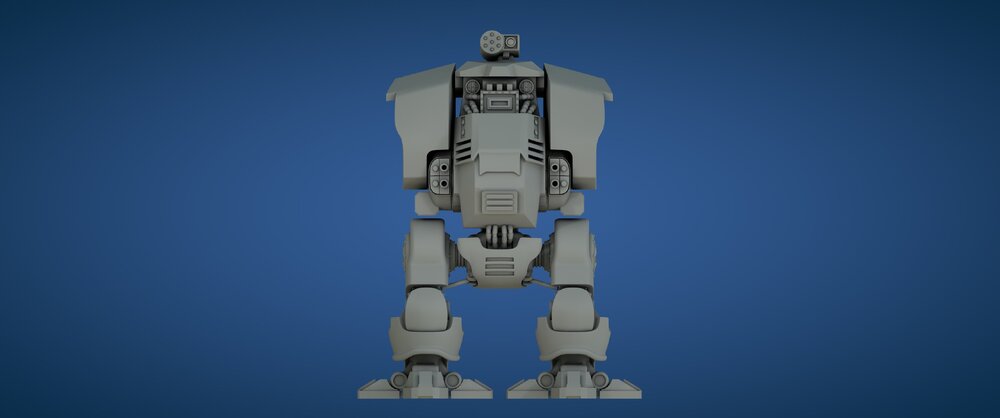
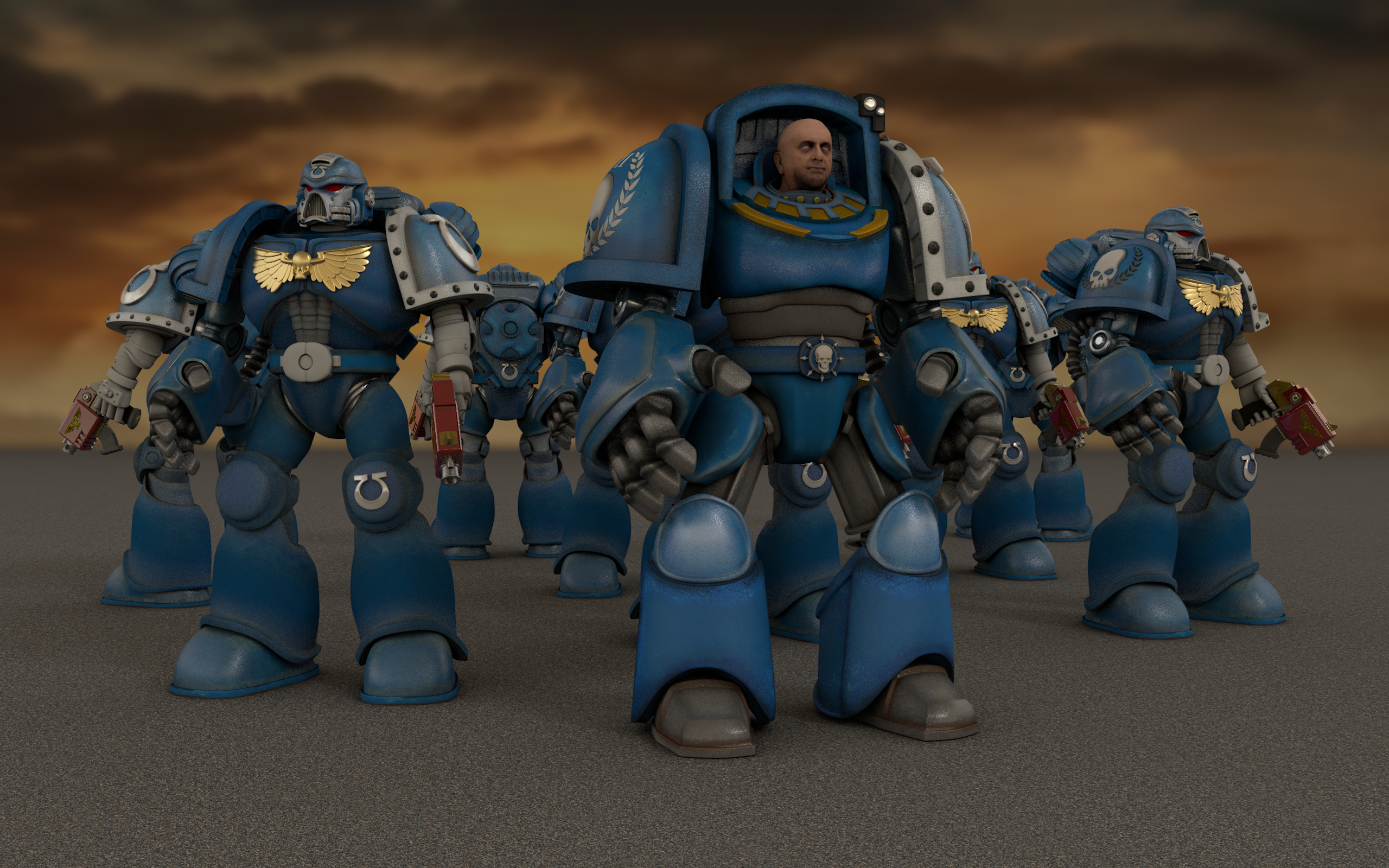
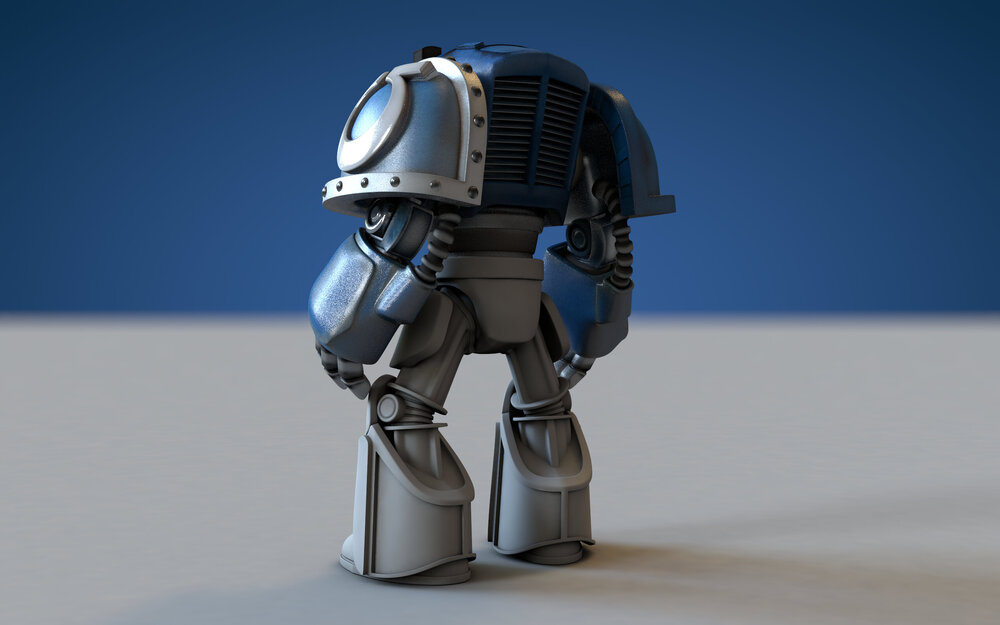
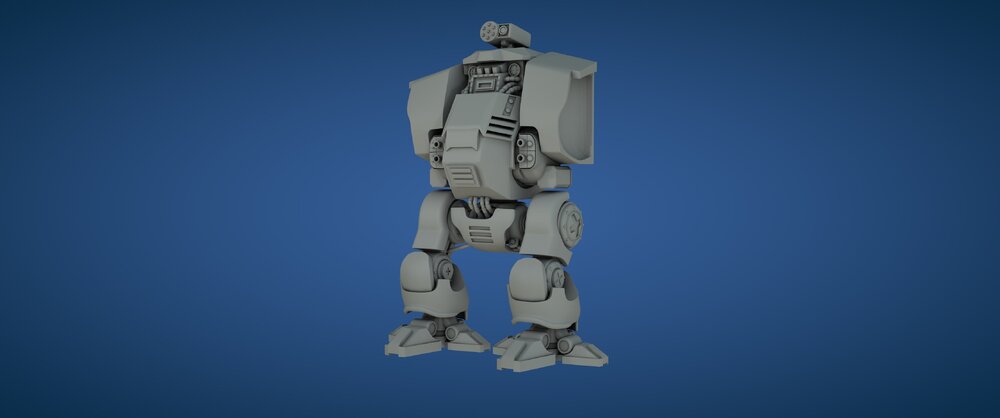 Put in a backdrop and switched to a moody hdri
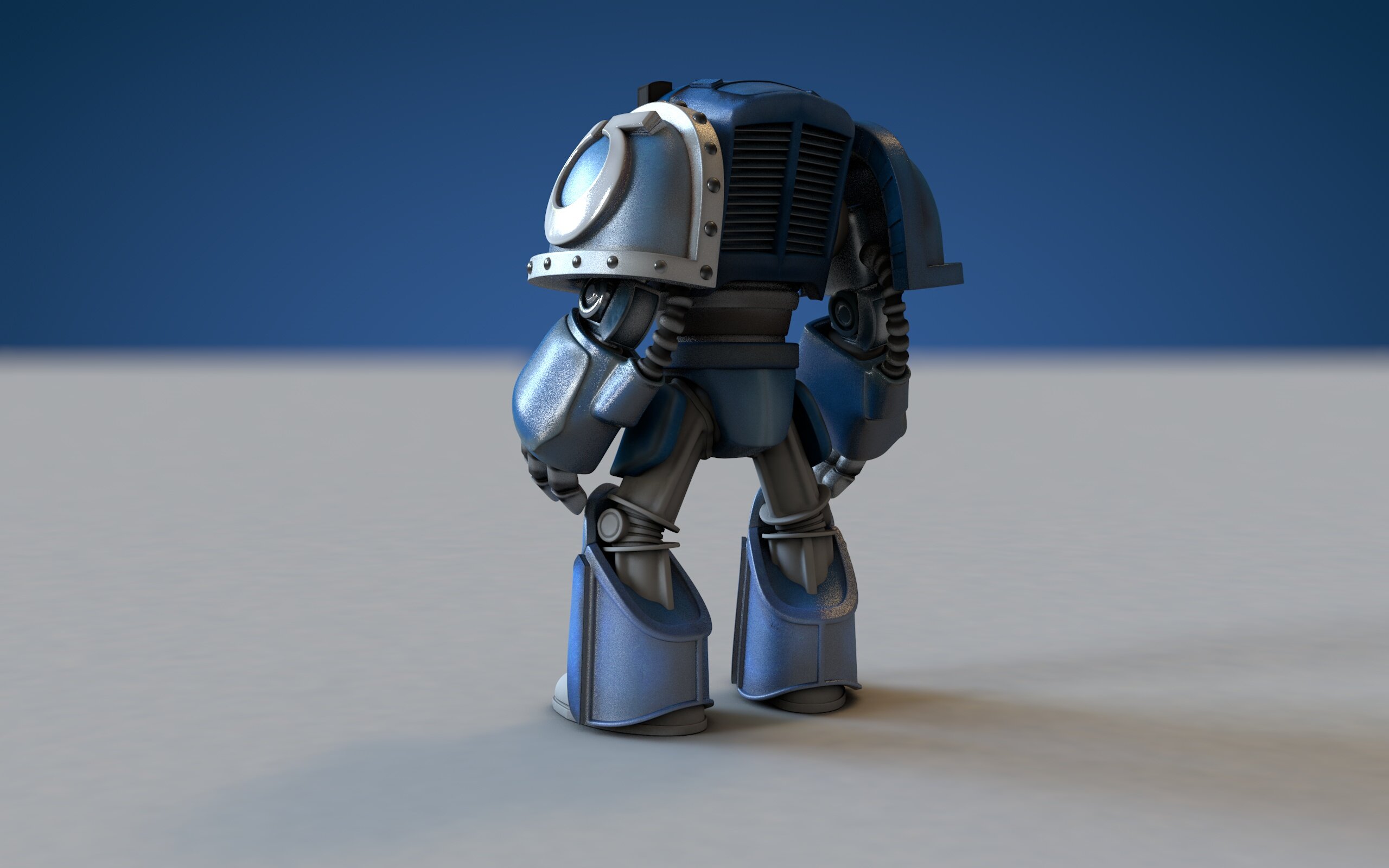
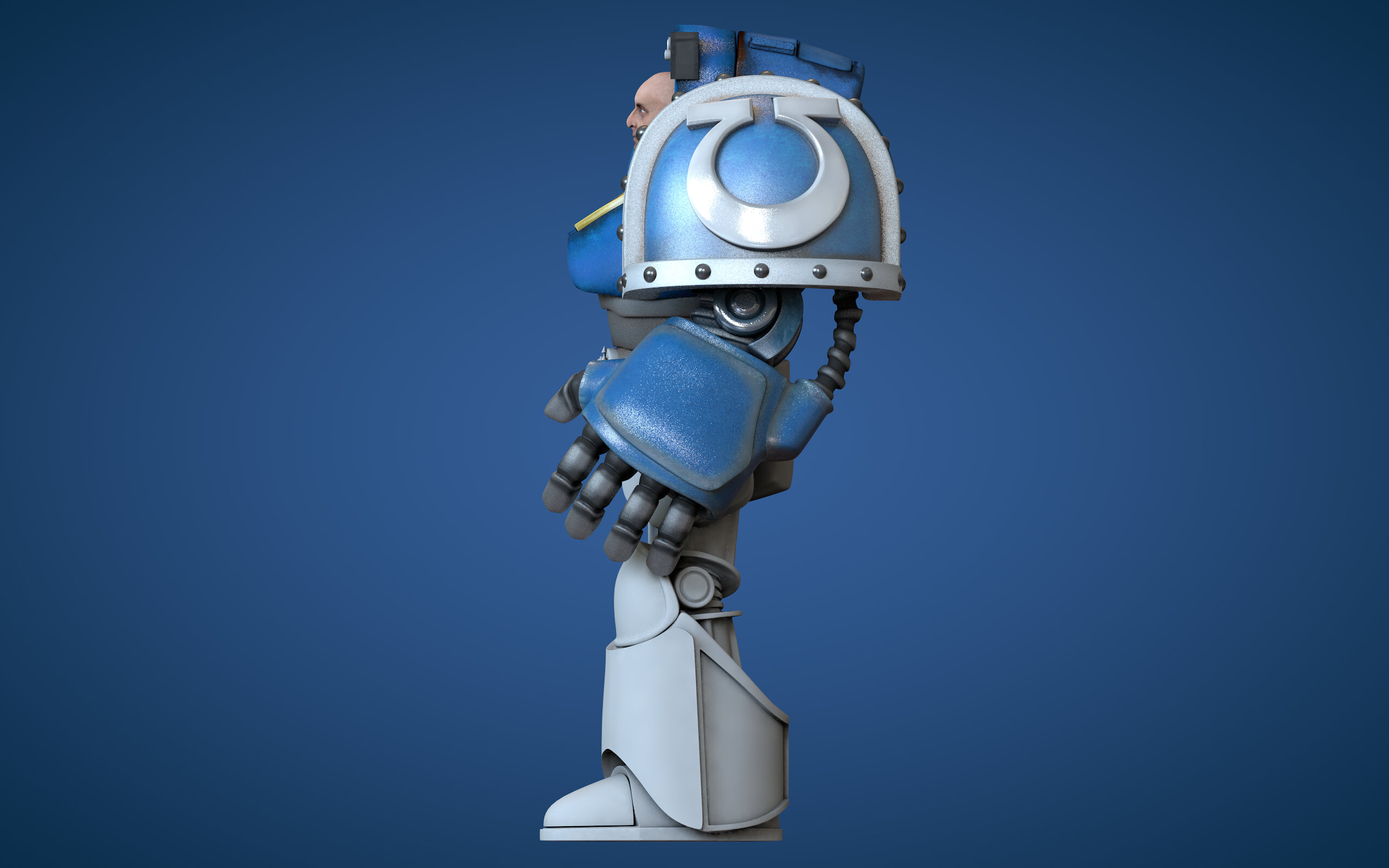
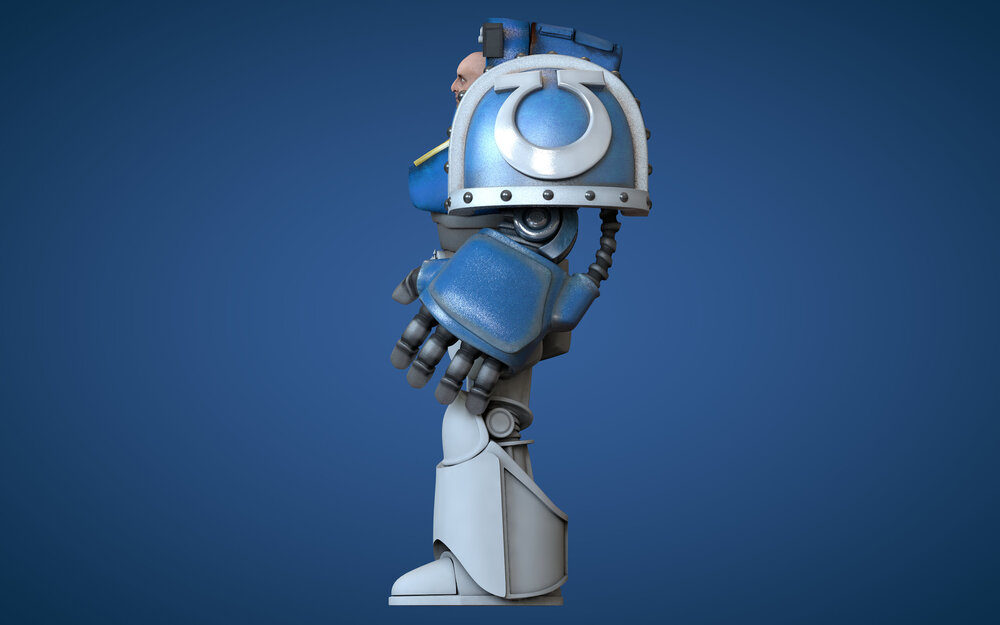
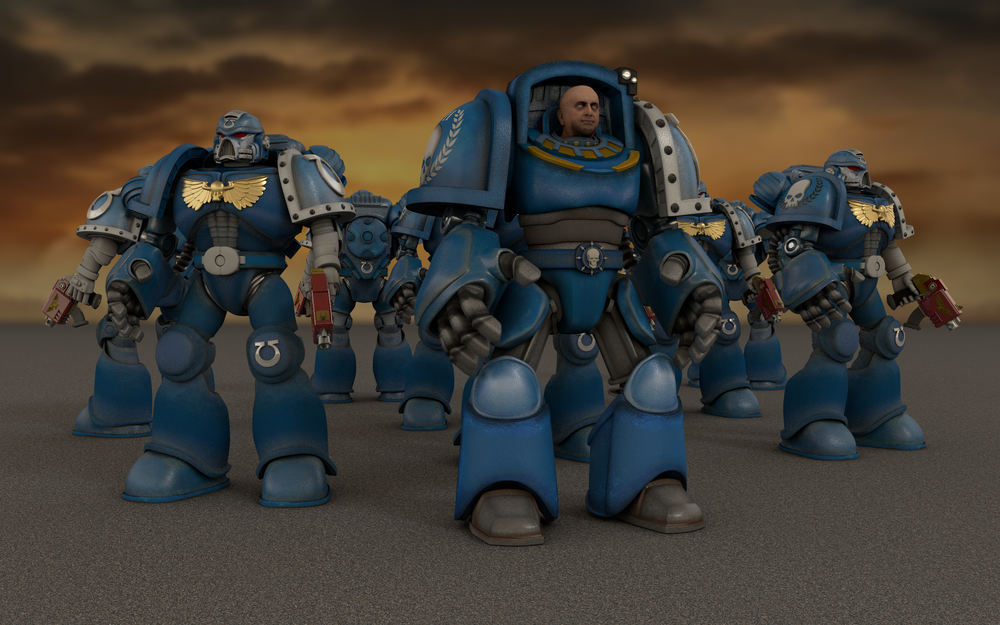 Merged with another unfinished model of mine so I could scale stuff properly. Edit: just noticed some texturing errors... I think when I merged the models I had some conflicts with stuff named the same.Done more of the uv unwrapping and painting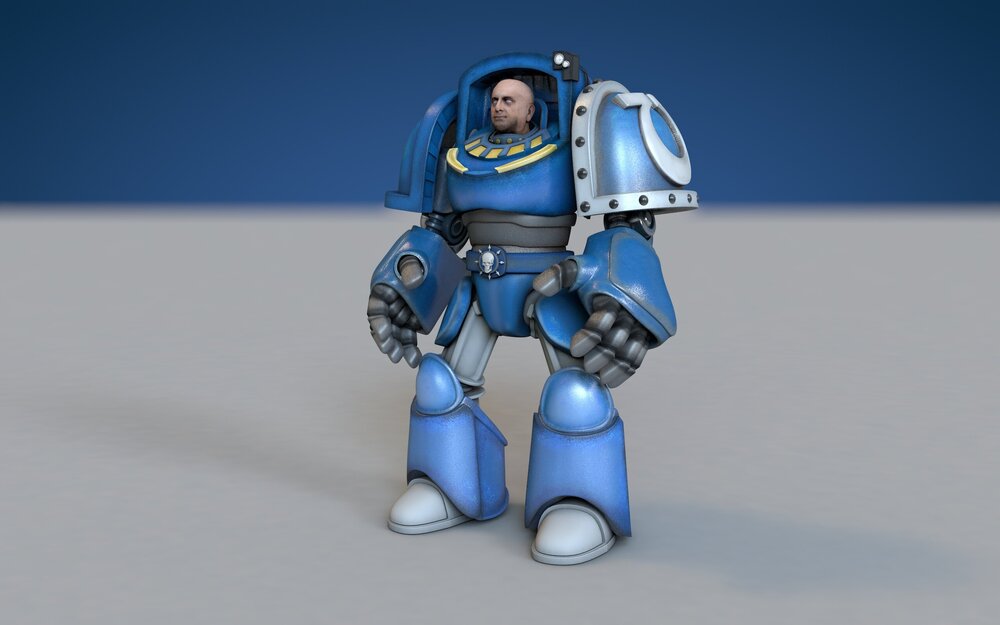
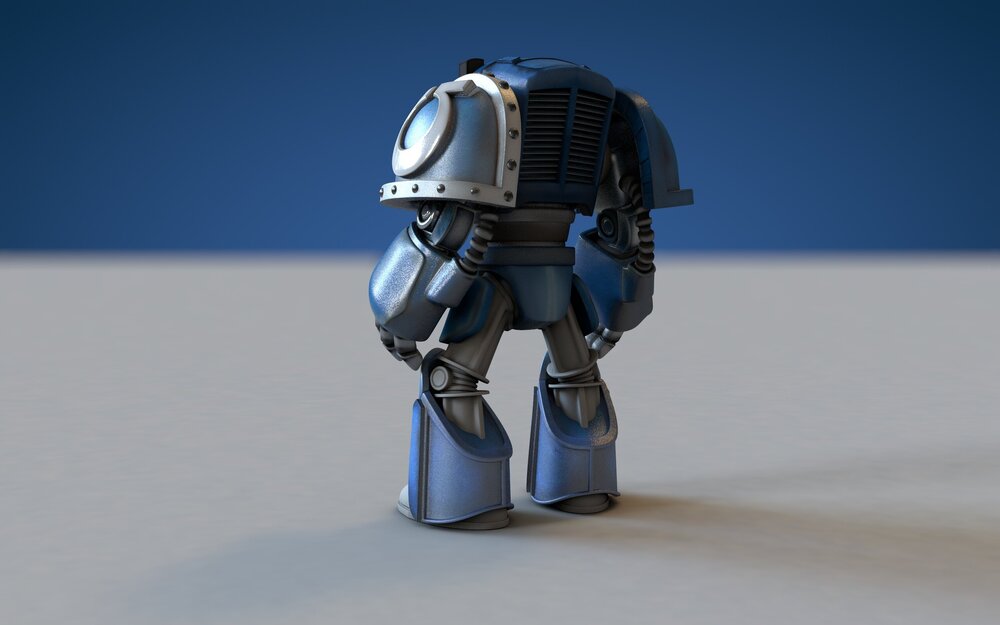

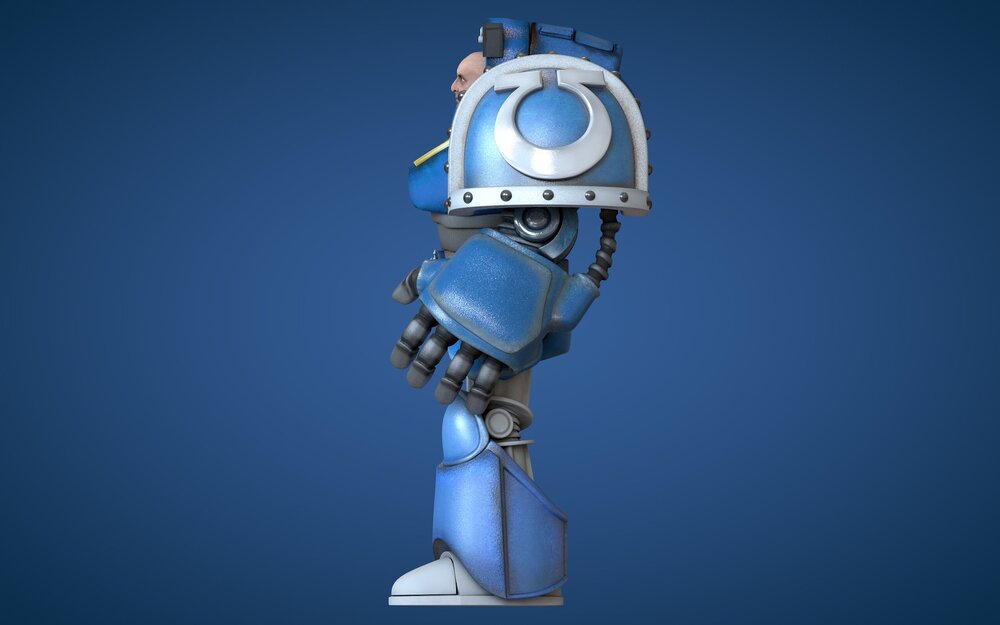 Program is Cinema 4d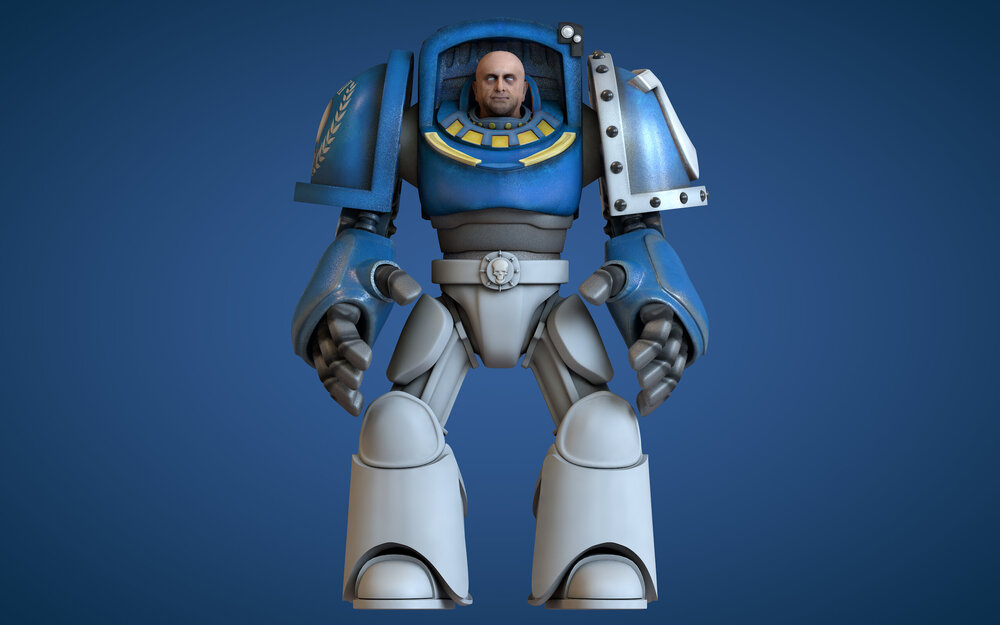

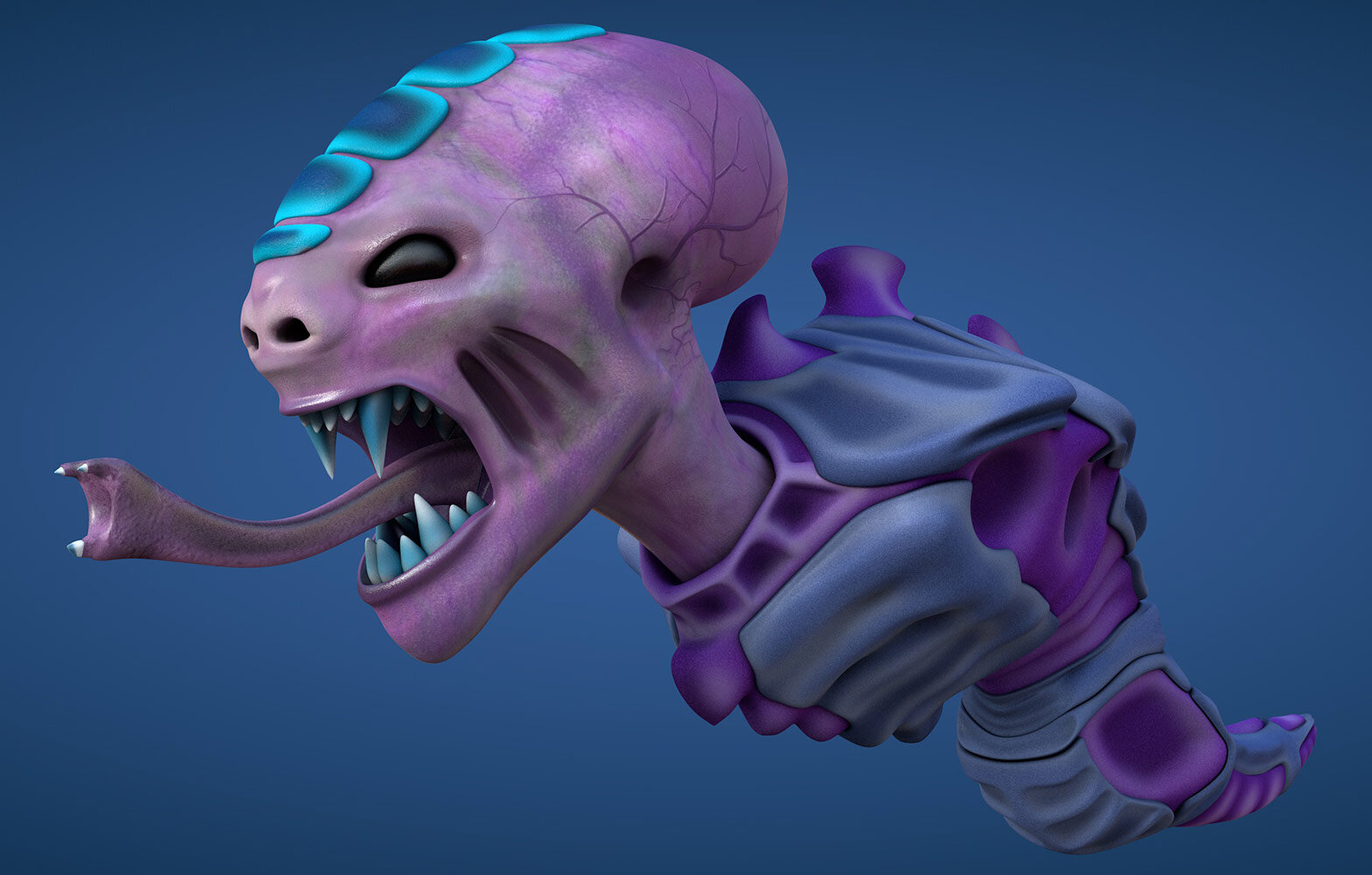
 It's been years since I last posted on here Howdy Something I am working on (hobby only) Just about done on the top half and will start modelling the legs soon. Some bits I will definately re-visit as I am not happy with them but I will leave that until I have the bottom half done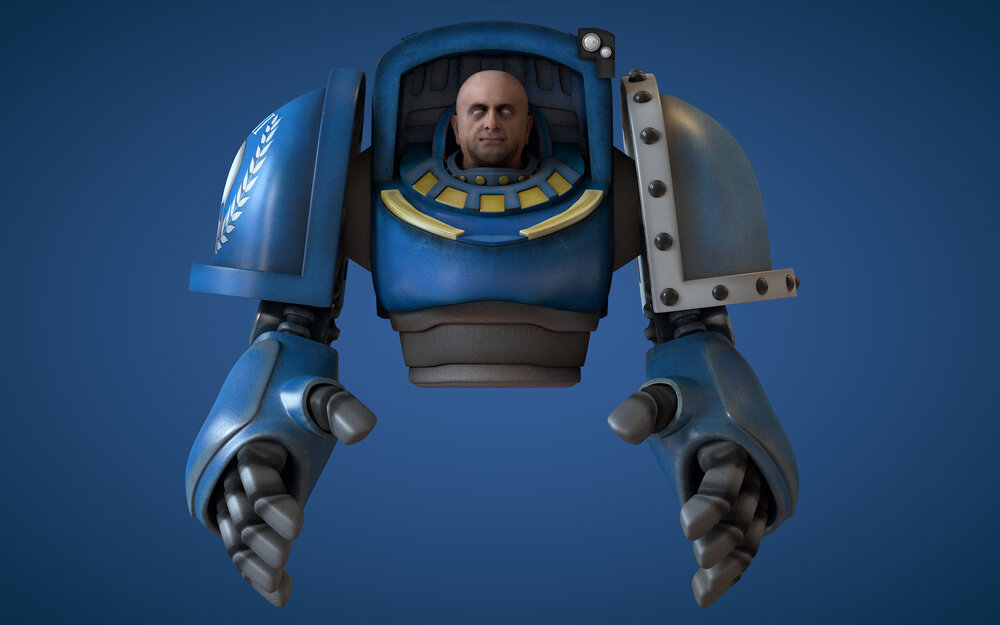
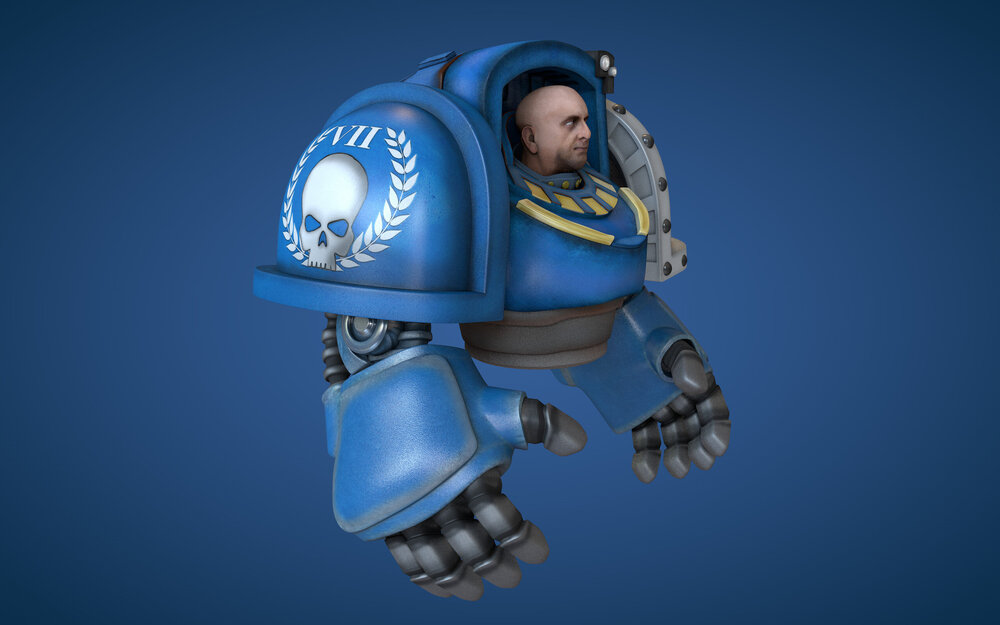
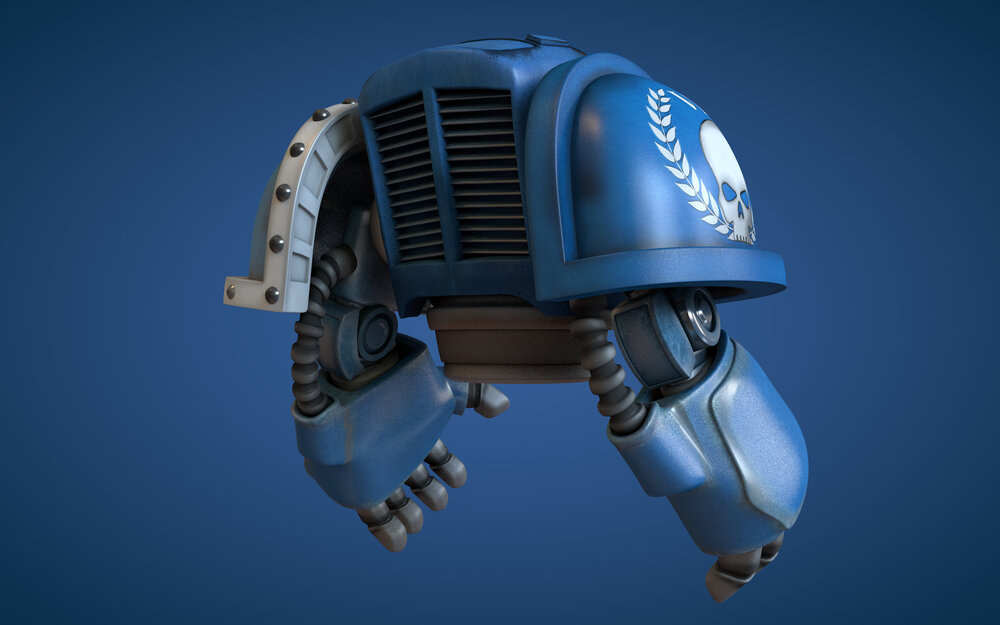
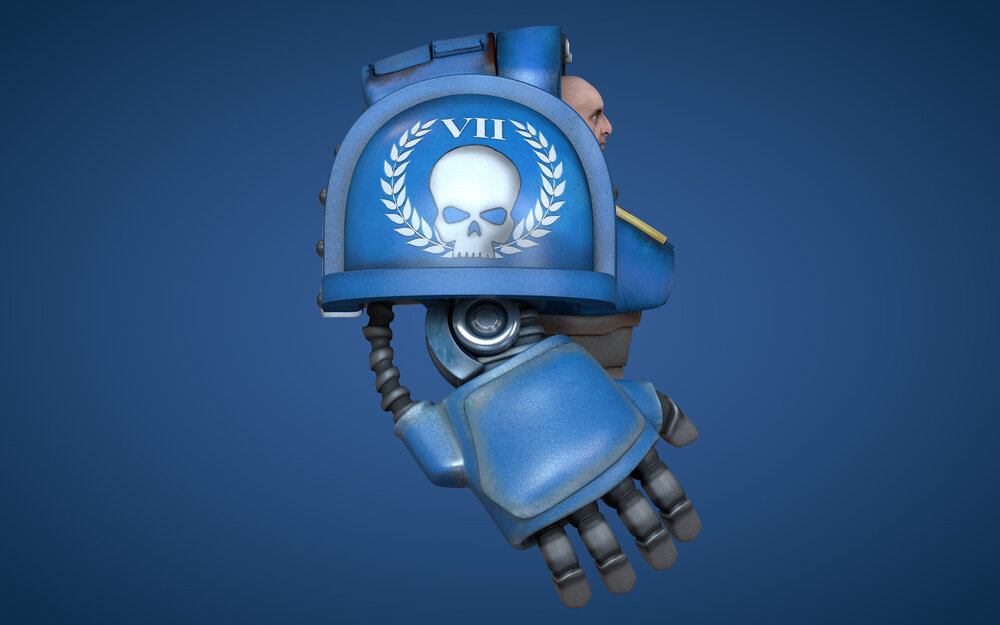
 Was asked to re-visit this and 'jazz' it up ((i hate phrases like that...grr) nelly was modelled/textured and rendered in cinema4d
 print ad, rendered the elephant to a3 size just in case. kept my bedroom supercomputer busy for 10 minutes Copy isnt nailed down yet.What do you all reckon? win or fail? Not 100% happy with my elephant, rushed him a little and some bits suck, dont really have the time at the moment to fix it though.The two ways of having images in emails are image linking or image embedding. Embedding adds to the filesize of the document and can get your email marked automatically as spam, the plus side to using it is that the images will always show by default. Image linking gives you a faster downloading more streamlined html email however people have to 'show images' in most email clients. There are trade off's to using both.