Skip to content
View in the app

A better way to browse. Learn more.

Web Designer Forum

A full-screen app on your home screen with push notifications, badges and more.

To install this app on iOS and iPadOS
  1. Tap the Share icon in Safari
  2. Scroll the menu and tap Add to Home Screen.
  3. Tap Add in the top-right corner.
To install this app on Android
  1. Tap the 3-dot menu (⋮) in the top-right corner of the browser.
  2. Tap Add to Home screen or Install app.
  3. Confirm by tapping Install.

daddino

Members
  • Joined

  • Last visited

Everything posted by daddino

  1. Hmm, do you really think that it looks better now? What do others think?
  2. Many thanks for your response! I was working on it and trying different apporaches lately and came up with this. What do you think? I believe it's not boring and gets stuck in the head.
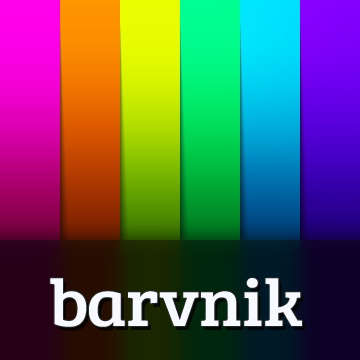
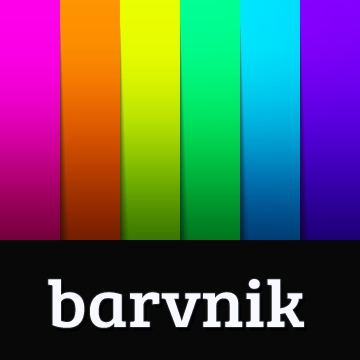
  3. I'm wondering which splash screen will look better for an app for color scheme design. Also I haven't decided about the name. The program is Polish but in near future it may be targeted worldwide. Which one is more user-friendly in your opinion? Many thanks for your help

Account

Navigation

Search

Search

Configure browser push notifications

Chrome (Android)
  1. Tap the lock icon next to the address bar.
  2. Tap Permissions → Notifications.
  3. Adjust your preference.
Chrome (Desktop)
  1. Click the padlock icon in the address bar.
  2. Select Site settings.
  3. Find Notifications and adjust your preference.