icreativesol
Members
-
Joined
-
Last visited
-
im not marketing
-
btw im nt he im she :)
-
im nt rude.bt just clearing ur misunderstanding.
-
i dnt need to market myself. its nt bad to take opinion here as its review forum.
-
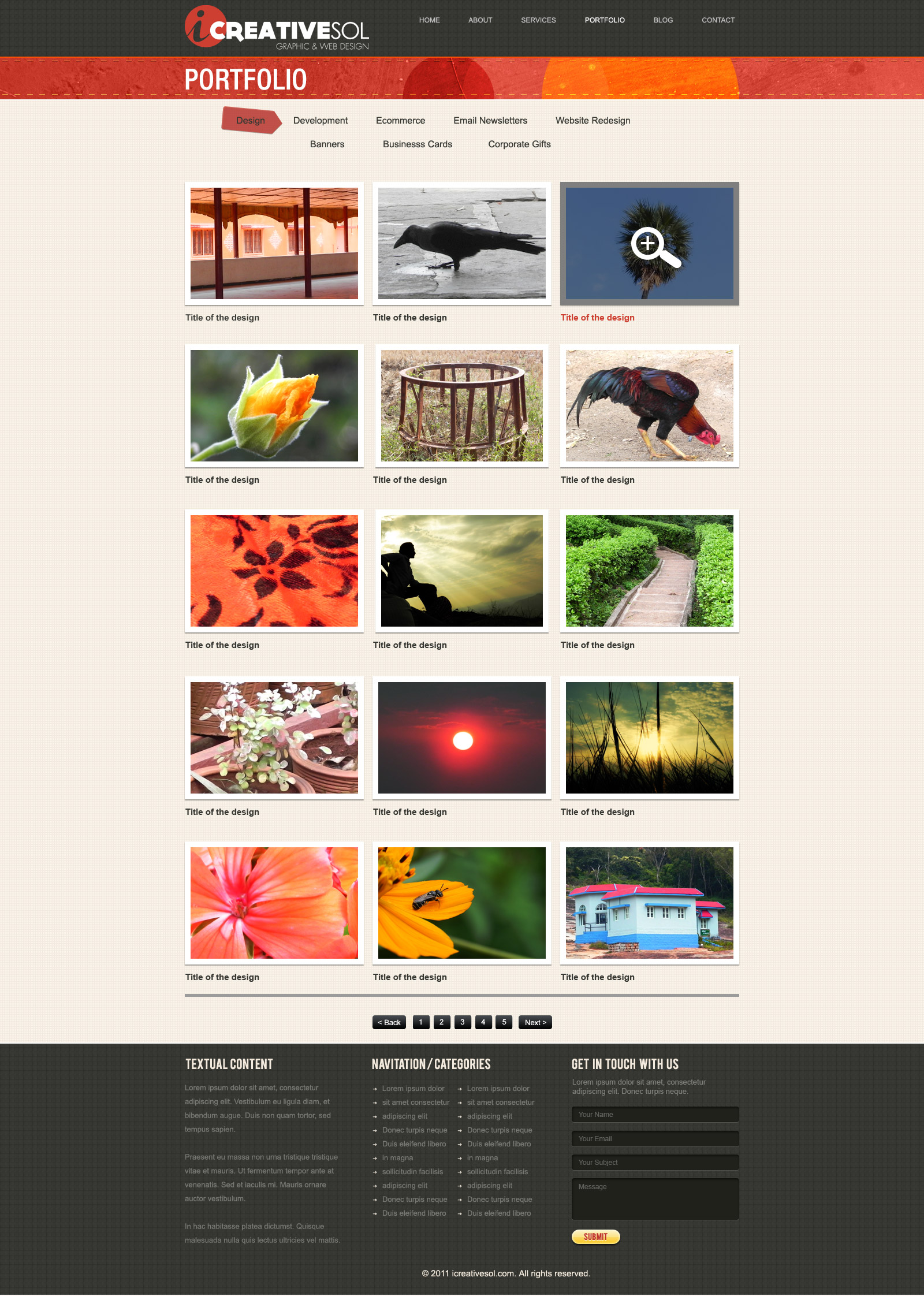
how is it now footer is left

-
i didnt get it.not much means
-
here it is

-
here r the changes.i have changed how is it now.

-
hi actually it was a free layout bt ichanged lot of things in it.since im nt a designer I dnt do designs .actuallly latest news was a wong heading it was why us. bt what actally d u mean by themeforest theme.can i edit it and use it for my website.
-
hi distracting in what way i didnt get you.ill surely change the fonts n all. what abt entire layout n portfolio thing
-
Hi i need feed back on this layout please help me out.


-
thanks kyle. its for web designing company
-
-
Please help me to select any of one logo. and suggession to improve it plz.