stonemen
Members
-
Joined
-
Last visited
-
Hello, Thanks to some advice on this forum I managed to connect an ftp account and successfully uploaded my html and css files under the public_html directory under filezilla. However, when I type in my domain it still simply displays the default cpanel page. Does anyone know why this might be the case? I used hostgator for both the domain and hosting.
-
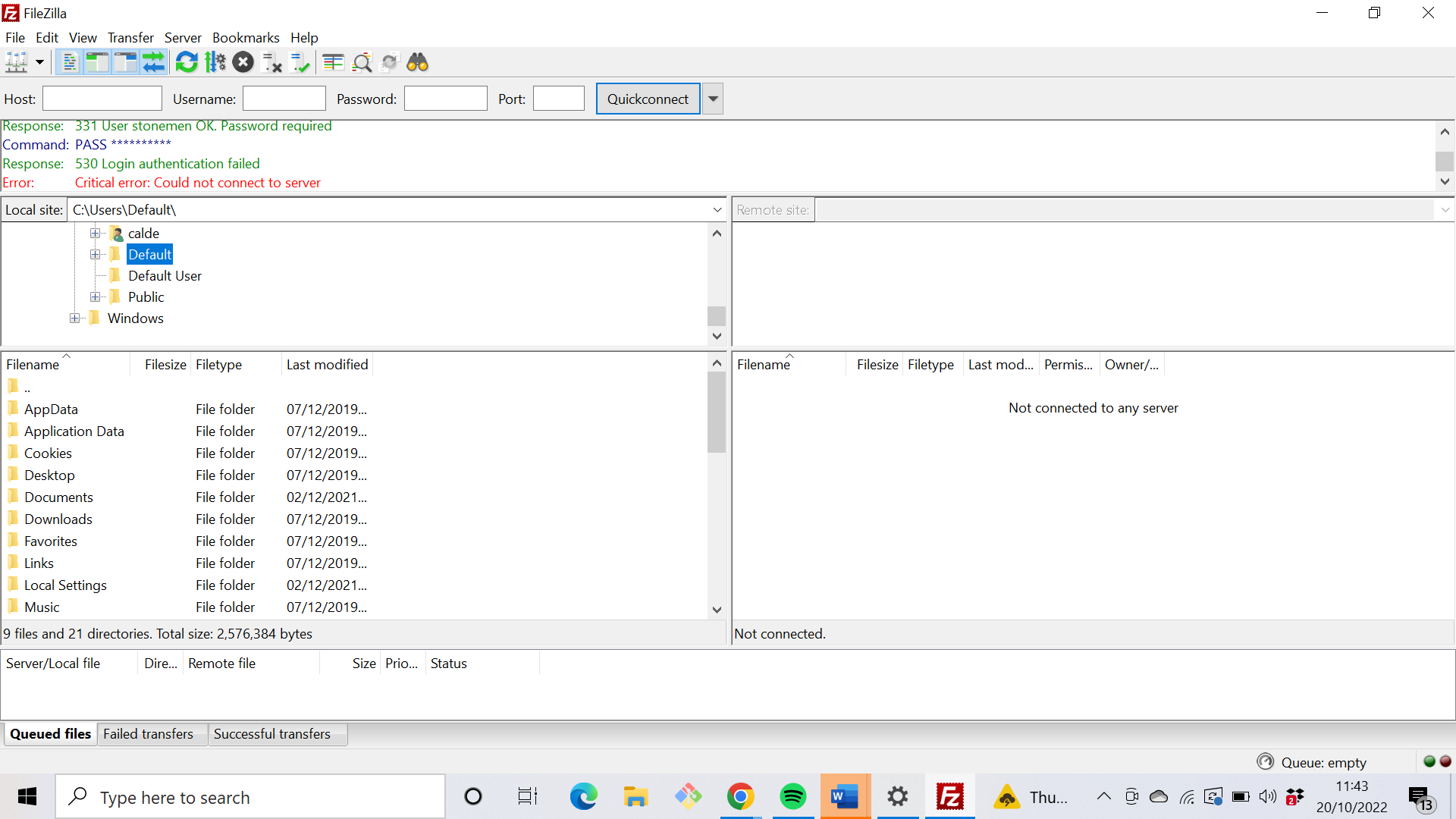
Hello, I tried making a new ftp account with a new password and everything and it still displays the message seen in the first screenshot. The only other thing I can think of is that the SSL is not authorised but I'm unsure how to authorise it.
.thumb.png.5cb4ce9faf9f9522d57ececfc9a257d5.png)
.thumb.png.45d8e181e055d877bd4213bd323b2c5f.png)
.thumb.png.9c770ad0c0b79d62a302168ec0cc602b.png)
-
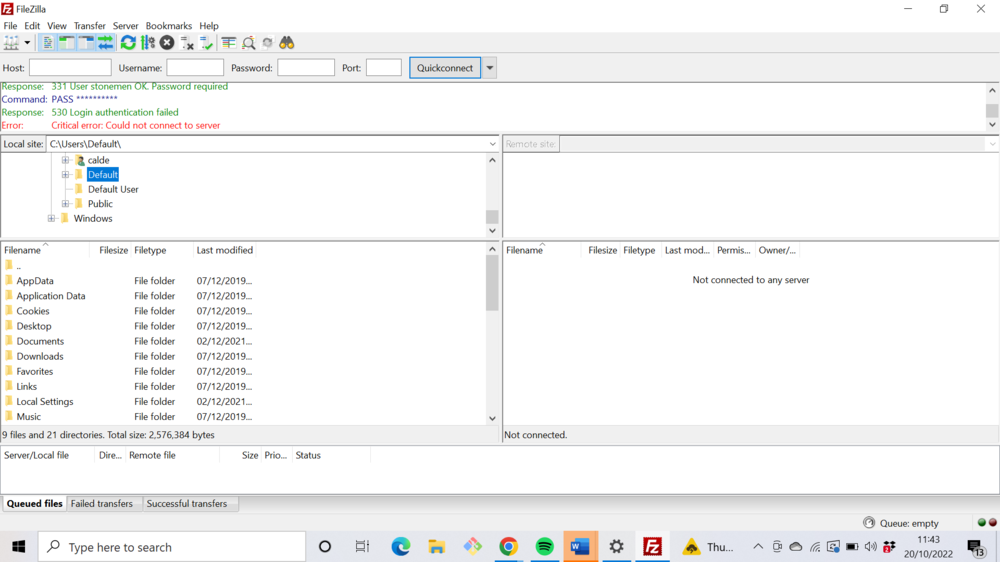
Hello, I just finished my first website and am trying to get it online. I have already paid for a server host and domain using Hostgator but cannot connect add any html or css files as my filezilla account won't connect as seen below. If anyone can help in any way that would be amazing.
.png.1c0e33be2776c3f2939e7cc999618cc7.png)
.png.9abe4d50800582a40a20de4500fd26a2.png)
.png.3b59672723ca0435130bbe4f314145b0.png)