Digital Forge
Members
-
Joined
-
Last visited
-
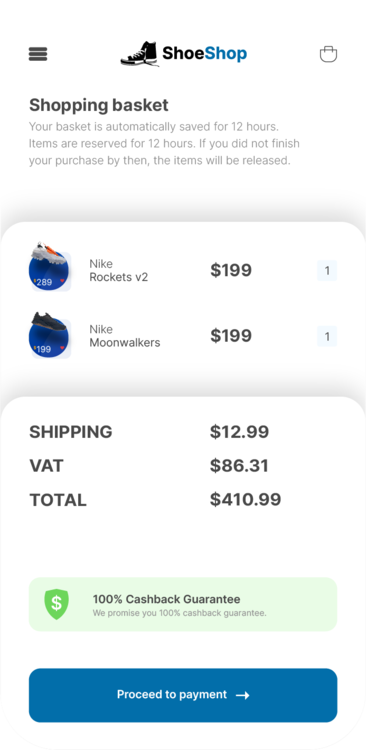
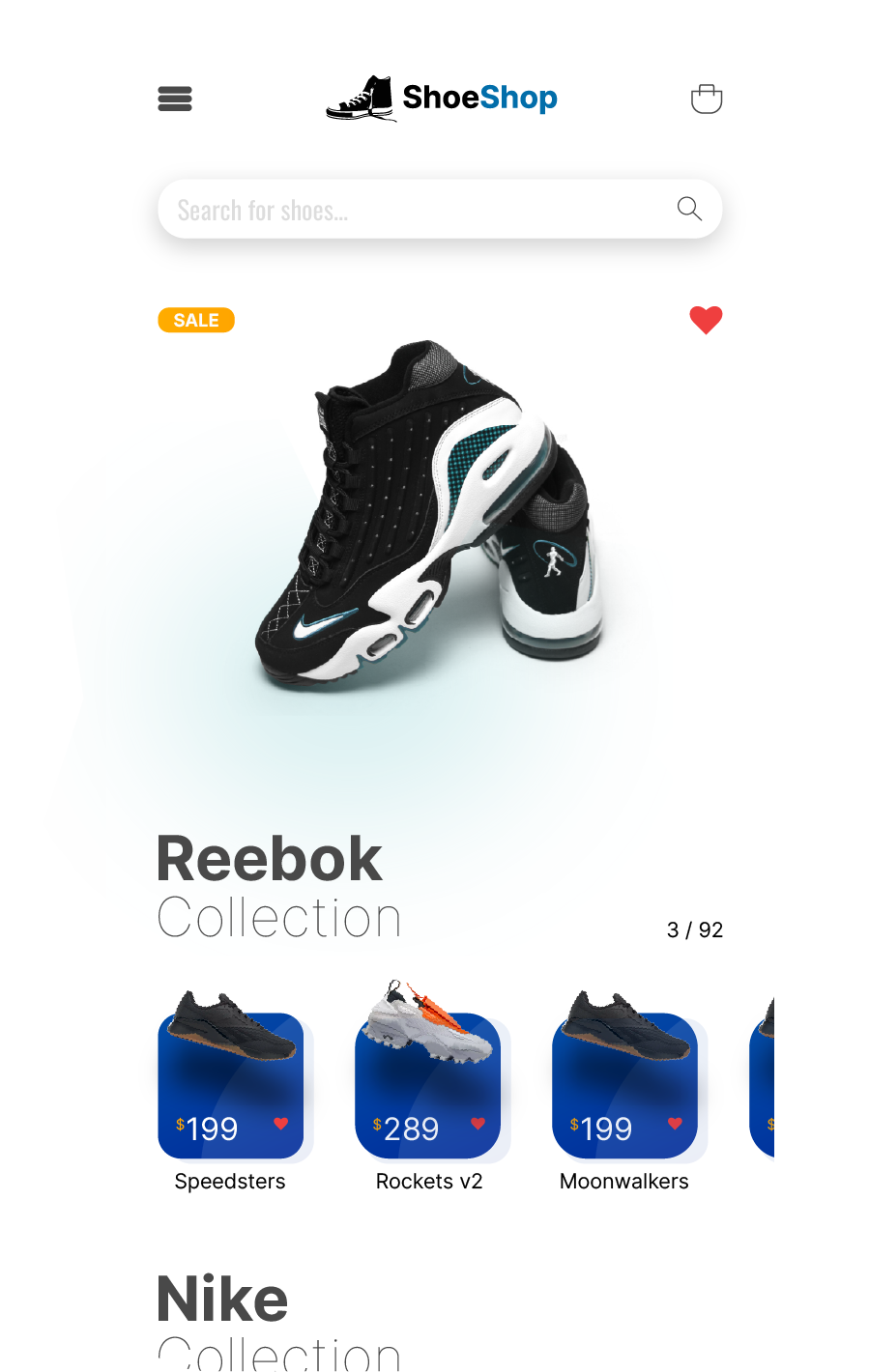
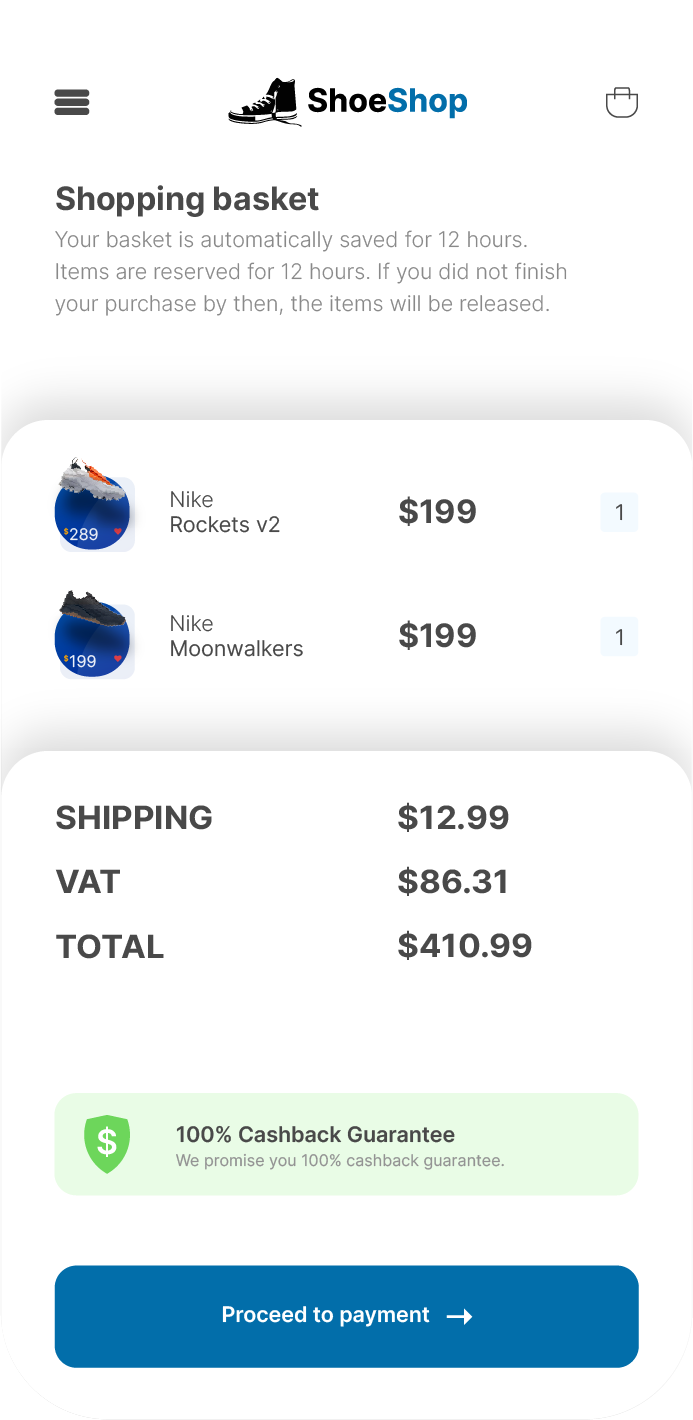
Hey guys, I am a software engineer with 20 years of experience. I am also a SEO expert. I decided that I wanted to learn how to design as well. So since a week or two I have been doing a lot of designing. I really would appreciate it if you guys could follow me on my social media channels (I will always follow you back!) and leave some positive feedback for me so I can improve my skills. As said, I have a lot of experience as a developer, but designing is new for me so go easy on me 😁 https://dribbble.com/digitalforge https://www.behance.net/digitalforgeweb My latest work is a e-commerce app for mobile. My latest work is a e-commerce app for mobile. × Pasted as rich text. Paste as plain text instead Drag files here to attach, or choose files... Max total size: 7.43 MB Uploaded Images presentation-4k.png 1.75 MB Insert × screen-contact-4k.png 24.25 kB Insert × screen-index-4k.png 330.27 kB Insert × screen-order-placed-4k.png 59.4 kB Insert × screen-payment-4k.png 66.11 kB Insert × screen-product-4k.png 259.67 kB Insert × screen-shopping-basket-4k.png 91.27 kB Insert × My latest work is a e-commerce app for mobile.