Skip to content
View in the app

A better way to browse. Learn more.

Web Designer Forum

A full-screen app on your home screen with push notifications, badges and more.

To install this app on iOS and iPadOS
  1. Tap the Share icon in Safari
  2. Scroll the menu and tap Add to Home Screen.
  3. Tap Add in the top-right corner.
To install this app on Android
  1. Tap the 3-dot menu (⋮) in the top-right corner of the browser.
  2. Tap Add to Home screen or Install app.
  3. Confirm by tapping Install.

pwm2021

Members
  • Joined

  • Last visited

  1. pwm2021 joined the community
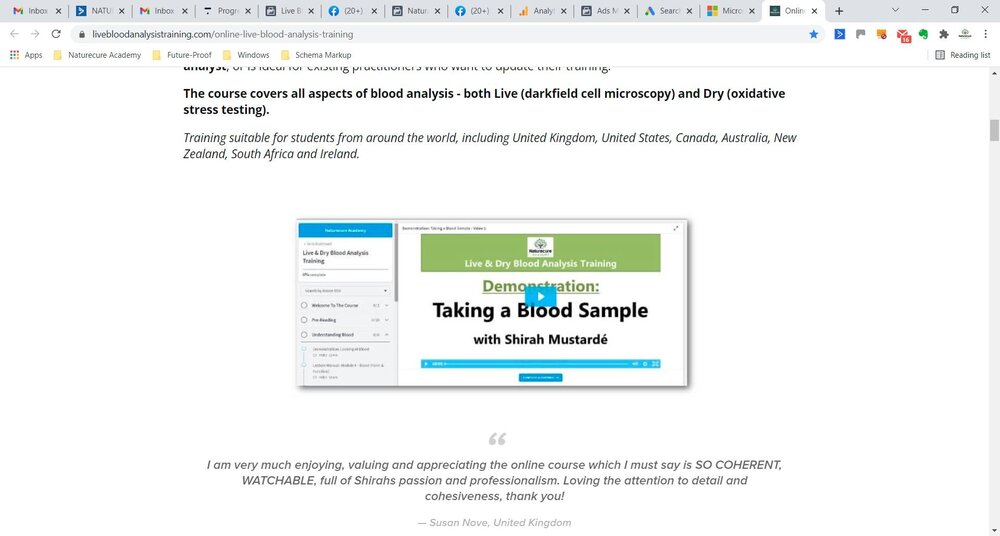
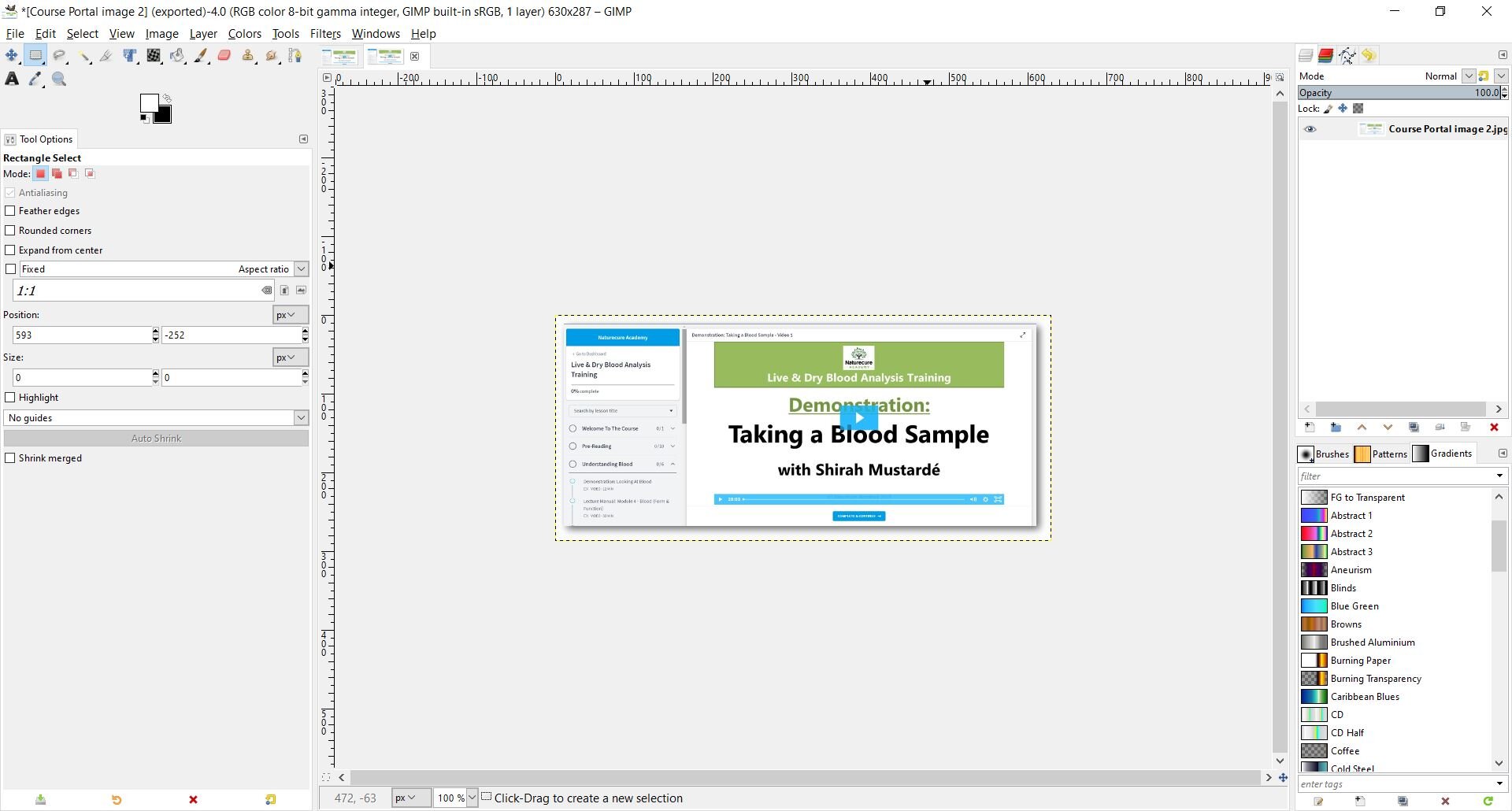
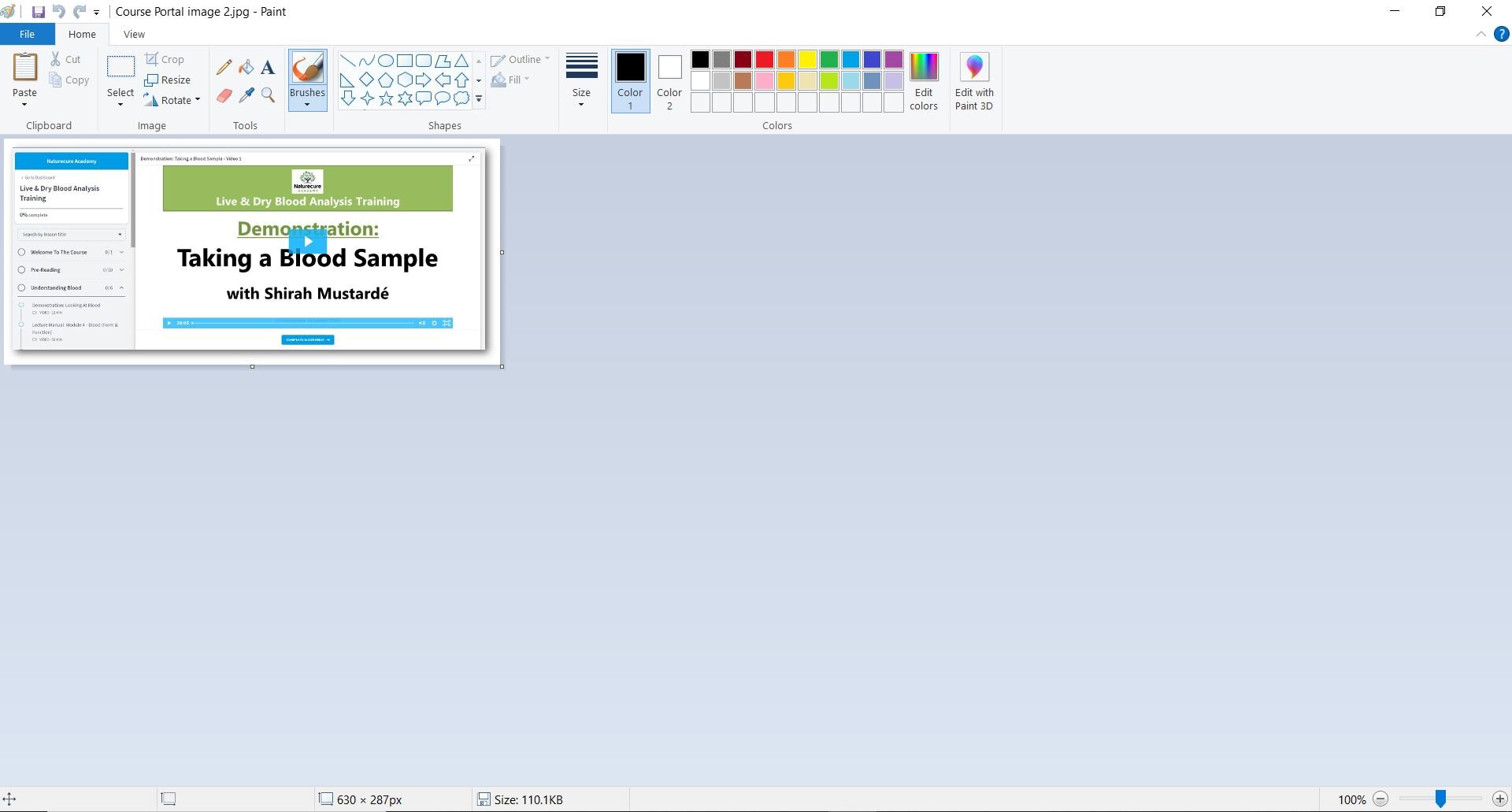
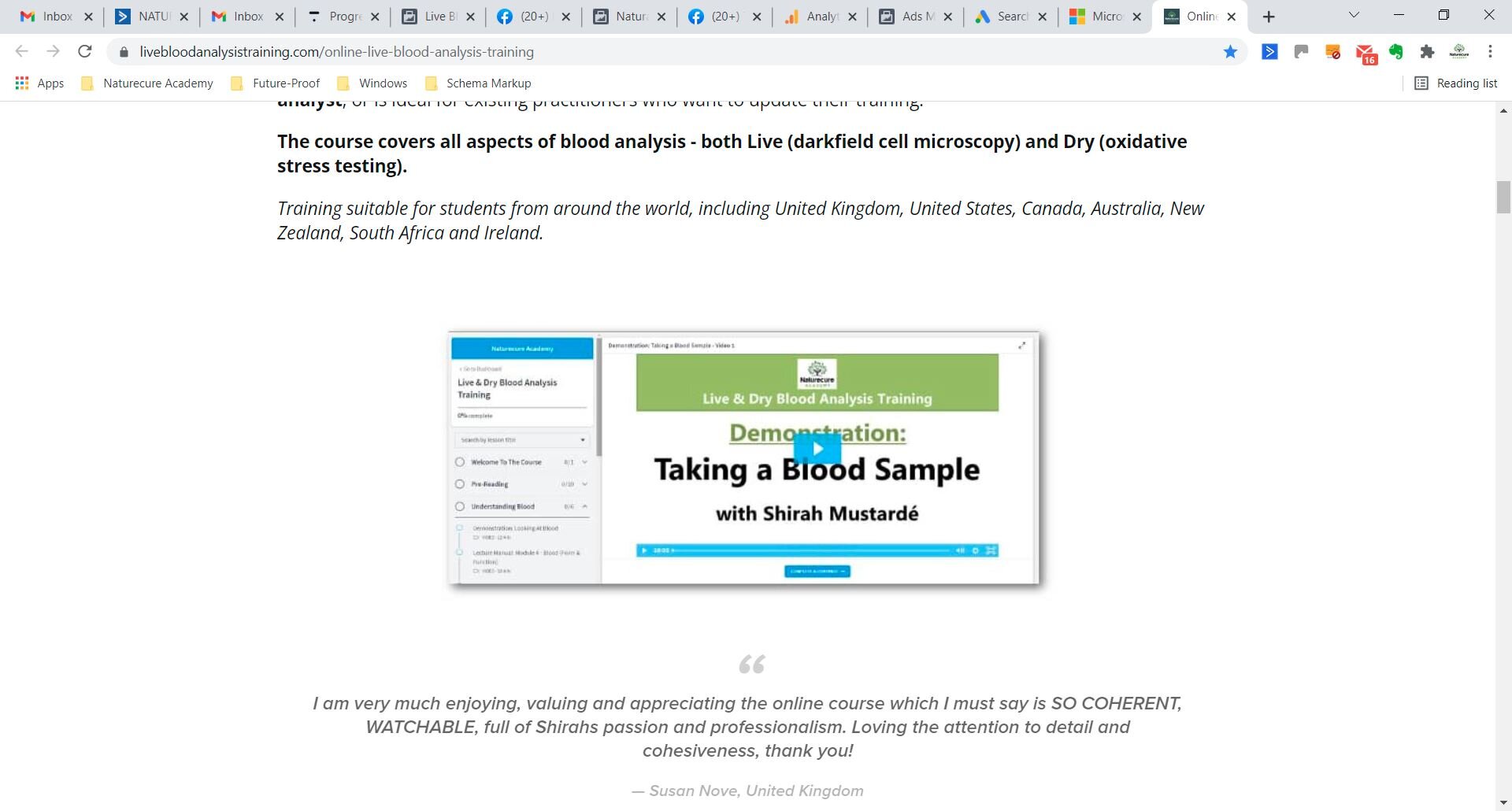
  2. I am having a real problem with jpeg images displaying differently in different locations. If I use GIMP to create a jpeg with 100% image quality & 72dpi and then display the image in Microsoft Paint, all is well. The original image viewed on Gimp and the Microsoft Paint version look identical - same size and level of detail. So far so good. The problem is if I upload the image to Squarespace or even open that same jpeg file in Microsoft Photos App, then they both display a version of the image that is slightly larger and more blurry than my original.

Account

Navigation

Search

Search

Configure browser push notifications

Chrome (Android)
  1. Tap the lock icon next to the address bar.
  2. Tap Permissions → Notifications.
  3. Adjust your preference.
Chrome (Desktop)
  1. Click the padlock icon in the address bar.
  2. Select Site settings.
  3. Find Notifications and adjust your preference.