RebekahN
Members
-
Joined
-
Last visited
-
For positioning the submit button you could try adding conditional style sheets http://css-tricks.com/how-to-create-an-ie-only-stylesheet/
-
This time last year I was sort of in the same situation! The best thing that I find to do when starting a new website is to put pencil to paper and think about layout and design and let the creativity flow. Then mock it up in photoshop (or similar) and get it looking exactly how you want it to look, and then you're ready to start coding. The worst website I ever made was when I just launched straight in to the coding with a blank canvas! You know you're ready for client work when you get to the point where you can show them a photoshop mock-up and be confident that you know how to code it up! When you get your first client, work with them. Make sure you know exactly what they want and if they don't like something, they'll let you know. The best experience is going in at the deep end, and don't commit to do something for a client if you don't know ho to do it! One happy client will usually recommend you to others, so find someone who needs a website, don't charge them too much and take your time on the site so the client is happy! Hope that helps!
-
I'd be lost without my Mac! Interesting post though - they are a bit overpriced!
-
thanks guys, I feel very warmly welcomed already!
-
thanks! i like your site too! i must say, yours is a lot more snazzy than mine! i haven't climbed aboard the javascript wagon yet!
-
aye like, norn irons great so it is!
-
thanks notbanksy! thats the nav over a bit now! don't know how I had missed that huge gap! lol yea, i know things are a bit sparse still! I got a job with a design company over the summer there, but was told i couldn't use any of the work on my portfolio! understandable, despite my disappointment! p.s. i think some of the stuff banksy has done is really cool! unless by 'notbanksy' you mean you hate his work....ah well!
-
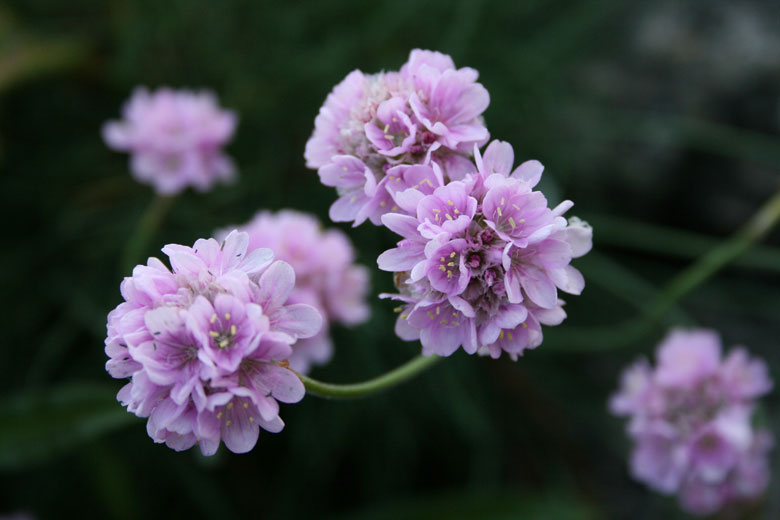
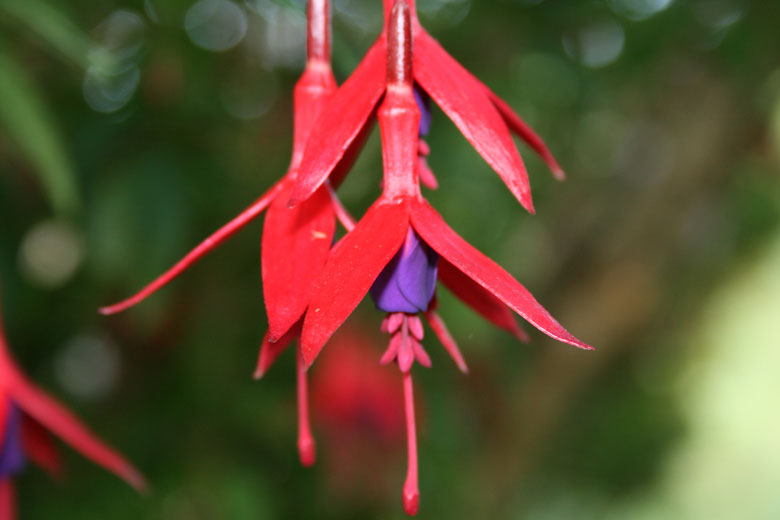
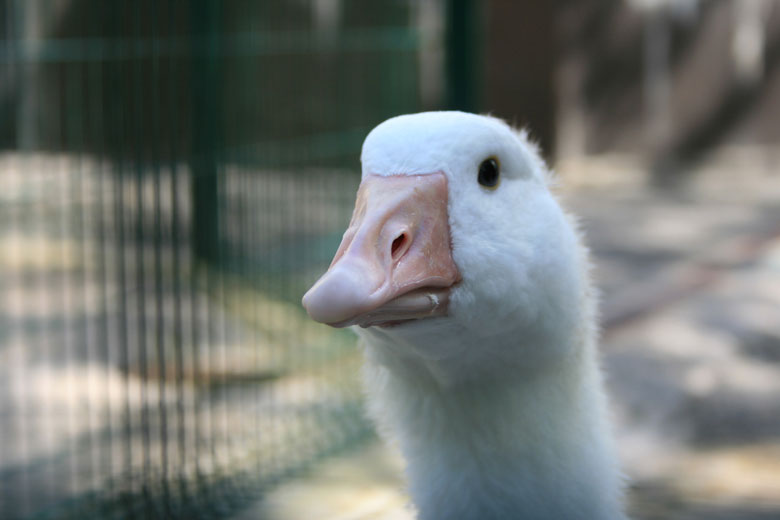
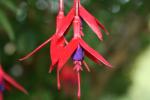
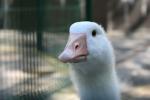
Collection of photos/ digital artwork!
-
I've the Canon EOS 400D with the bog standard 18-55mm lens! Hoping to expand my collection soon! would love a macro lens!
-
thats a cool tutorial! i'll have to give it a go! you're very quick!
-
Hi folks! Was hoping to get some feedback on my portfolio... http://www.rebekahnorthey.co.uk I know the actual content is not the best, and sparse, but would like some feedback on general impressions! I'm willing to take all ideas on board! I've only been studying web design for a year or so, and as a result I am unable to evaluate my own work yet! Any comments gladly received!
-
Hey Spyros! I'm just trying to navigate my way through the forums at the minute! difficult to know where to start! lol!
-
It's going well! just going into my final year next week! we're starting a 3D animation module with Maya and I'm sort of dreading it! but I'm sure the challenge will do me good! looking forward to getting finished up with the course and seeing whats in store next! Glad you like the avatar!
-
Hi my name is Rebekah! I'm a 20 year old university student studying multimedia! I have found some really useful information through this community and finally thought I'd join up to be a part of it! hello everyone!