gfc9596
Members
-
Joined
-
Last visited
-
This very basic javascript should (i beleieve) display a hidden layer. But it doesn't work..... <script type="text/javascript"> function showLayer() { document.getElementById('index_log').style.visibility="visible"; } </script> can anybody tell me what is wrong?
-
i notice that the rotator has a border on the home page and not on the destination page. It also looks like there is a margin somewhere on the rotator in the home page which doesn't appear on the destination page. Not being an expert i'm just clutching at straws, but i betcha some of the more experienced guys can give you a fix.
-
I'm not really up on HTML 5 - i'm still learning and have not really looked at it yet. I assume that HTML 5 is now the version everyone is using? Will it mean re-learning?
-
so i need to know how to code for every type of DOCTYPE? or is there a standard that everyone generally uses?
-
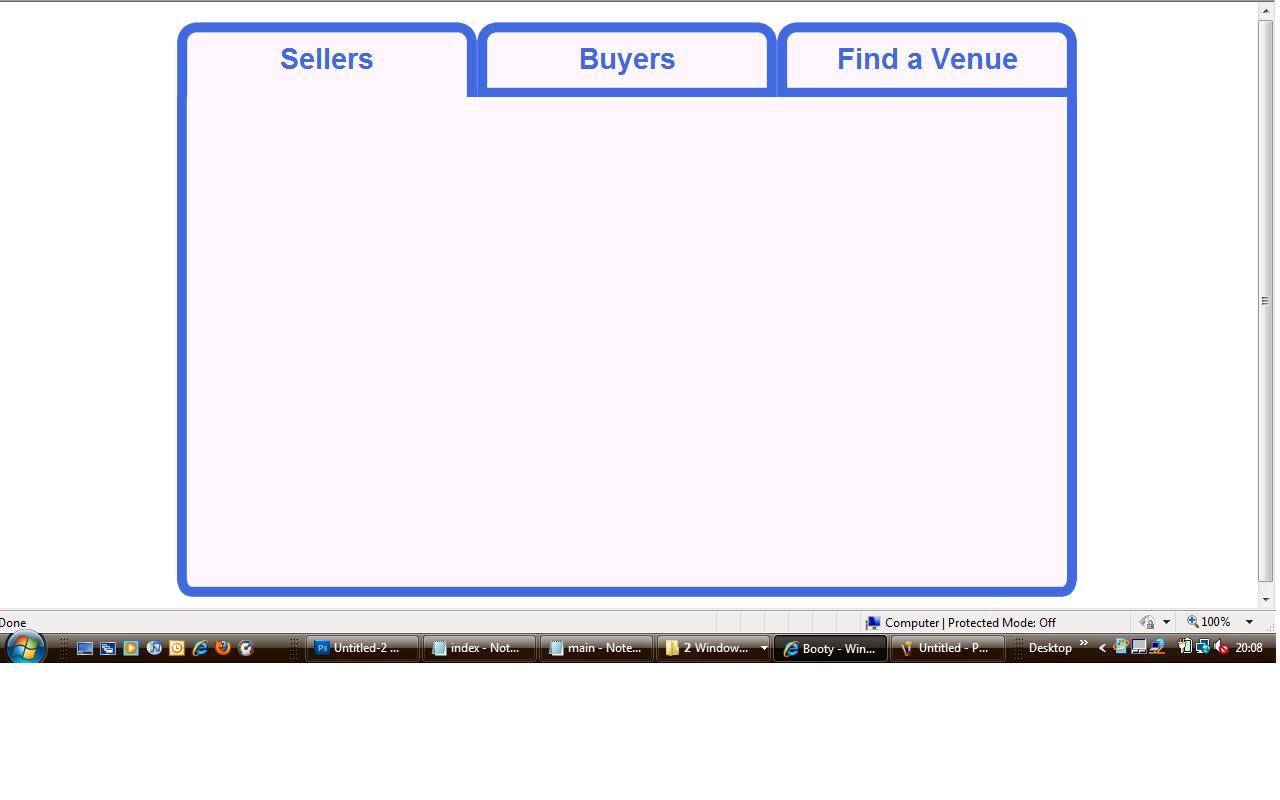
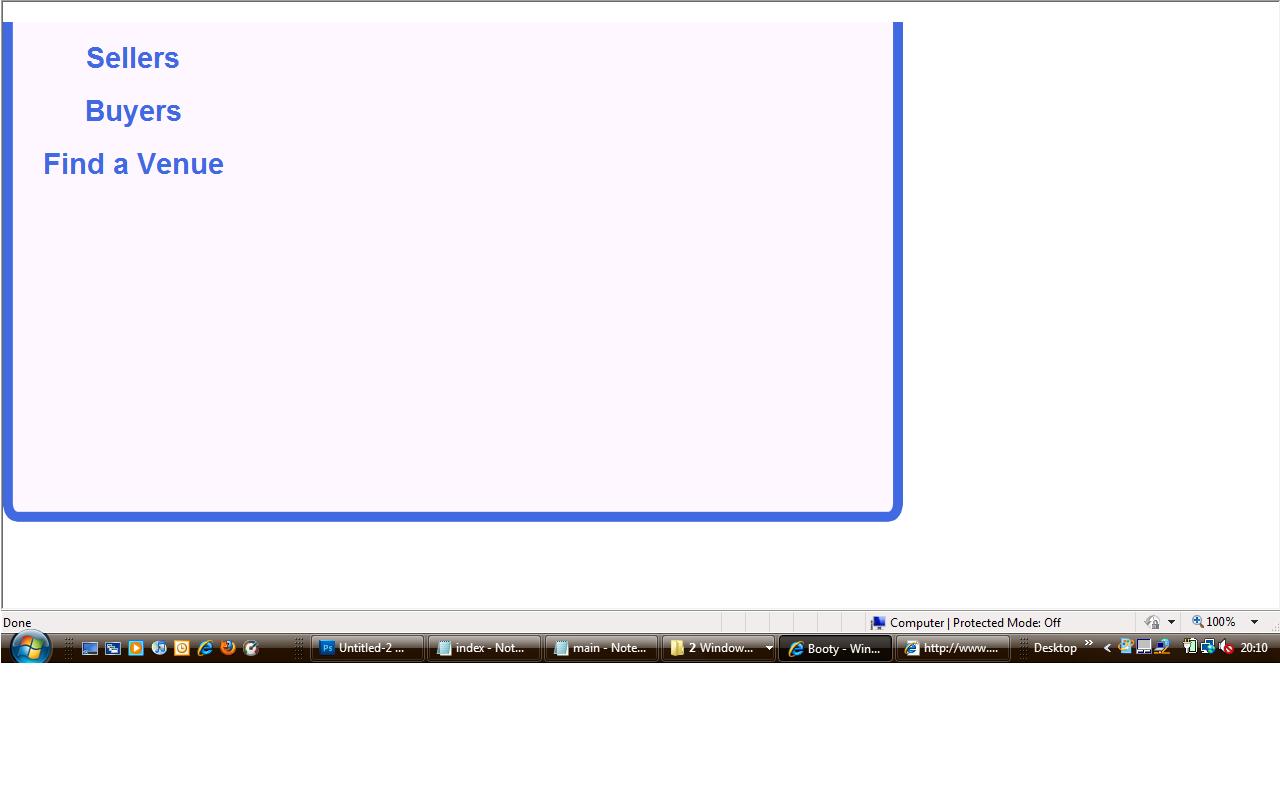
Can anybody explain to me why adding the following DOCTYPE to my page causes the layout to change from picture 1 to picture 2? <!DOCTYPE html PUBLIC "-//W3C//DTD XHTML 1.0 Transitional//EN" "http://www.w3.org/TR/xhtml1/DTD/xhtml1-transitional.dtd"> <html xmlns="http://www.w3.org/1999/xhtml"> Please forgive the very basicness of the site layout - it's a basic project for a basic purpose.


-
I have a table in my database similar to the one shown below pcode | cases | packets | order_id| ---------------------------------- F0570 | 2 | 1 | 45671 | ----------------------------------- F0570 | 1 | 3 | 45672 | ----------------------------------- F0570 | 4 | 2 | 45673 | ----------------------------------- What i am trying to do is use php/mysql to tell me how many cases and packets there are for each product code. I can obviously see that there are 7 cases and 6 packets ordered for this particular product. But what i am trying to do is transfer this into another table which will produce a picking list (below) but i can't work out how to get the totals for each product. I have tried COUNT and SUM but get really odd results that don't help pcode | cases | packets | ------------------------- FO570 | 7 | 6 | -------------------------
-
thanks, the point about browser compatibility makes me understand the benefits.
-
Exactly what i thought, i always like to check to make sure my coding validates - but it seems pointless having the logo that easily available. Does it really make people trust your sites, or visit your sites anymore? I wouldn't imagine so
-
Does it really matter if you get your coding validated by W3C and then put their little logo on your pages? Is there any realy significance to this? I don't think that your average web user who has no clue how the page is constructed will have any interest in seeing that little logo. Can anybody enlighten me as to the possible significance?
-
Ok.....very basic Javascript for the hidden layer <script language ="JavaScript" type="text/javascript"> <!-- function showLayer() { document.getElementById("info").style.visibility="visible"; } function hideLayer() { document.getElementById("info").style.visibility="hidden"; } //--> Basic PHP to select the products from the database (excuse my basic PHP).... $q3 = "select * from products where pcode = '$row2[pcode]'"; $r3 = mysqli_query($cxn,$q3) or die ('Error Q3 customer log'); while($row3 = mysqli_fetch_assoc($r3)) { include("gp.inc"); echo "<table width='70%' style='float: left;'> <tr> <td width='40%' onMouseOver='showLayer('info');">$row3[description]</td> The <td> with the description listed is where i want the layer to appear above with product info.......
-
Can anybody help me with this little problem i've got. I have a product catalogue in a mysql database which can be queried and return the products a customer is looking for. I want to have a hidden layer which appears when the user hovers over the product description which brings up the price, stock and order button. I have no problem getting the hidden layer to pop up, but i can't seem to get the product information to appear in the box. I am using PHP/MySql to query the database, and obviously the layer is a javascript (onMouseOver) function. Any help / advice would be greatly appreciated
-
I can't post a link because it's just on my computer but i'll post the code if that helps?
-
Hi Guys, Please could somebody tell me why an invisible element i have stacked using the z-index property is making the element beneath it stretch to the size of the stacked element? It's supposed to pop up when a user rolls over a certain area of my sidebar (which is 200px wide) the element to pop up is 350px wide. I thought if i used the z-index the element on top shouldn't affect the bottom Any ideas?
-
Yes, all is as it should be!
-
$Wrd = new COM("Word.Application"); $template_file = "C:/invoice.doc"; $Wrd->Documents->Open($template_file); $Wrd->visible = false; $WrdDoc = $Wrd->Documents->Add(); $total = 0; $table = $WrdDoc->Table->Add($Wrd->Selection->Range, 1, 6);; //get first table in document ..........I won't put all the boring middle bit in........ $Wrd->ActiveDocument->SaveAs("C:/invoice$num.doc"); $Wrd->Application->Quit; $Wrd = null; The middle bit basically gathers the necessary information from the database and generates an invoice using bookmarks and by adding rows I'm not entirely sure of the library because i've just been reading articles online and adjusting to suit my needs - probably really bad practice in know!! Like i say it all worked perfectly with my old computer but now doesn't work at all