Skip to content
View in the app

A better way to browse. Learn more.

Web Designer Forum

A full-screen app on your home screen with push notifications, badges and more.

To install this app on iOS and iPadOS
  1. Tap the Share icon in Safari
  2. Scroll the menu and tap Add to Home Screen.
  3. Tap Add in the top-right corner.
To install this app on Android
  1. Tap the 3-dot menu (⋮) in the top-right corner of the browser.
  2. Tap Add to Home screen or Install app.
  3. Confirm by tapping Install.

Sarbjit Grewal

Members
  • Joined

  • Last visited

  1.    Sarbjit Grewal reacted to a post in a topic: How to increase the page speed?
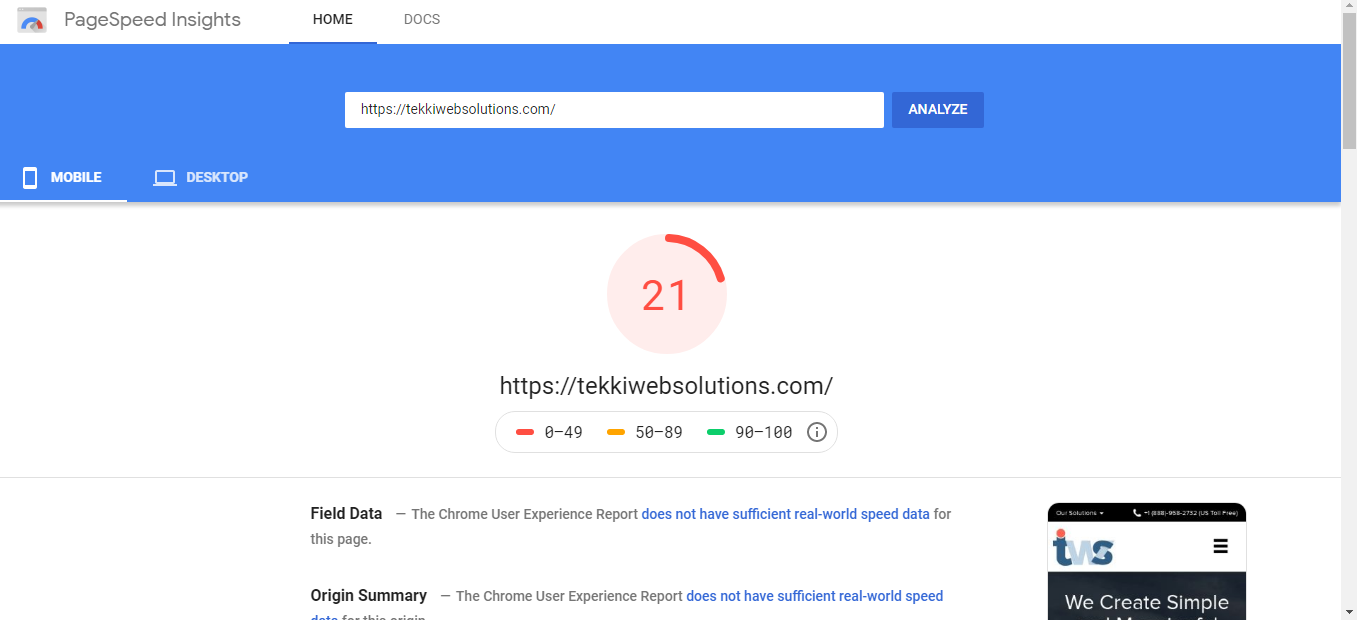
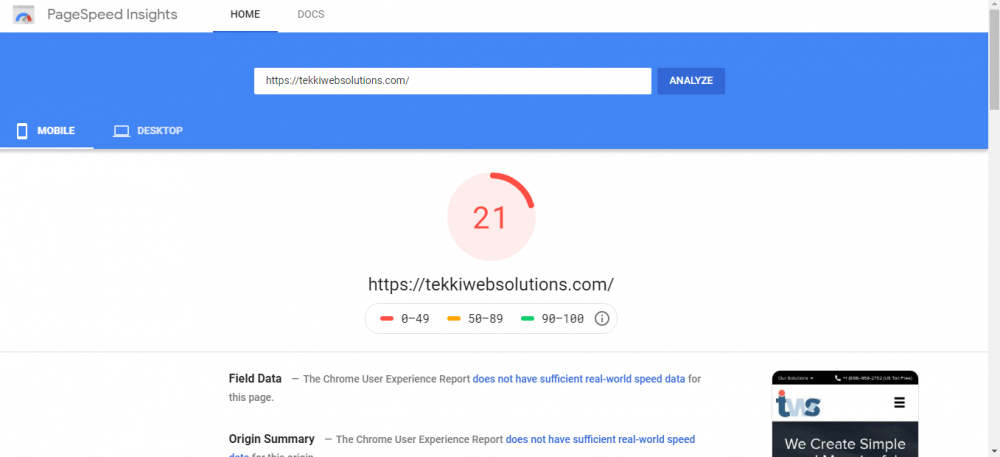
  2. Hello Everyone, I just want the solution of my problem, as my website's page speed is slow enough to load any content. Please help me out to enhance the speed of my website https://tekkiwebsolutions.com/
  3. yeah, it is working on all the browser and mobile devices. You can get the help from the support desk related to this.
  4.    Sarbjit Grewal reacted to a post in a topic: Useful links for designers/developers
  5. Your whole website is indexed by Google and by far AngularJS and NodeJS both are developed by Google. Google is always put their products on priority in terms of reputation and scalability.
  6. As per my understanding, Godaddy is no longer standing out host provider for shared hosting and their technical support team is always asking for paid technical support. So, I have moved my website to new host.
  7. Node.js is a platform built on Chrome's JavaScript runtime for easily building fast and scalable network applications. Node.js uses an event-driven, non-blocking I/O model that makes it lightweight and efficient, perfect for data-intensive real-time applications that run across distributed devices.
  8. I am charing 7 to 15 dollars per hour and also depend upon the task.
  9. Hello Everyone, I really thankful for being a part of this web design community.

Account

Navigation

Search

Search

Configure browser push notifications

Chrome (Android)
  1. Tap the lock icon next to the address bar.
  2. Tap Permissions → Notifications.
  3. Adjust your preference.
Chrome (Desktop)
  1. Click the padlock icon in the address bar.
  2. Select Site settings.
  3. Find Notifications and adjust your preference.