Rakz
Members
-
Joined
-
Last visited
Everything posted by Rakz
-
I own one and use it as a replacement for my Jailbroken AppleTV... I have all my media stored on a NAS drive then I have the Raspi connect wirelessly to stream Music/Movies/TV Shows. I am currently running Raspbmc (http://www.raspbmc.com/) which is a port of xbmc. I also have BBC iPlayer, ITV Player, 4oD 5 demand and TV Catchup installed as addons. It also allows AirPlay so I can stream my iPhone/iPad onto it. I got mine at release which only has 256mb RAM, but V2 has 512mb. I had everything else laying around the house so I just needed the raspi (inc delivery) £35
-
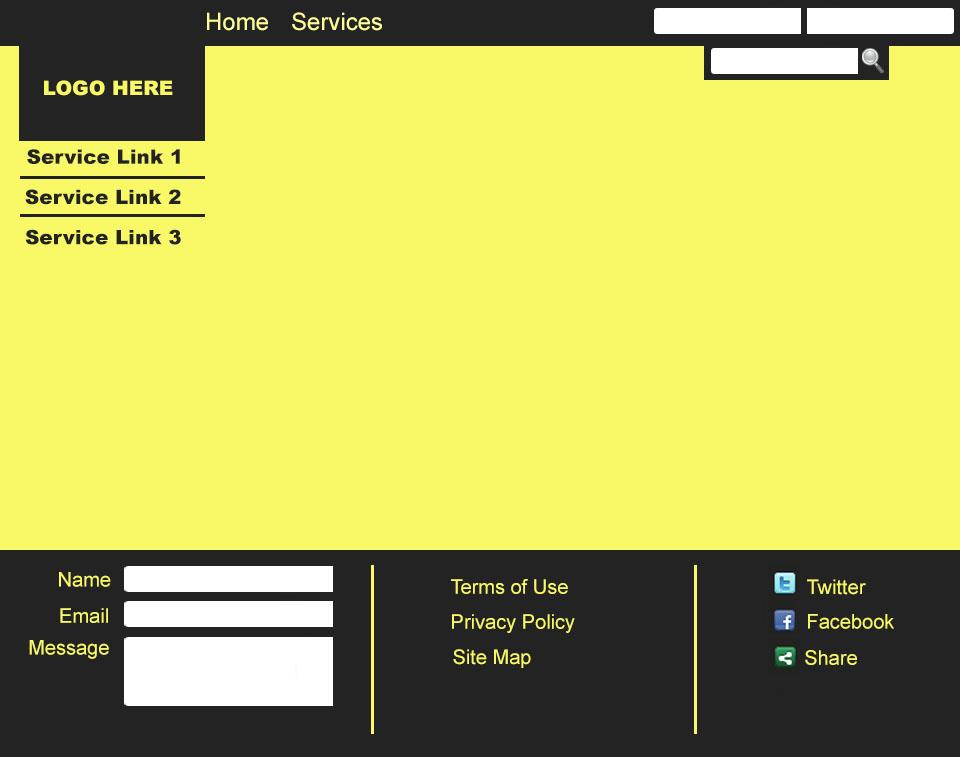
Your telling me its alot! i feel that i also need to learn jQuery but adding that into the mix aswell started to push me over the top! Ive picked alot of it up quickly, its just the design side that i am struggling with! Here is that start of the new layout...
-
Ill have a look and see what i come up with! ill post my new layout once i have something!
-
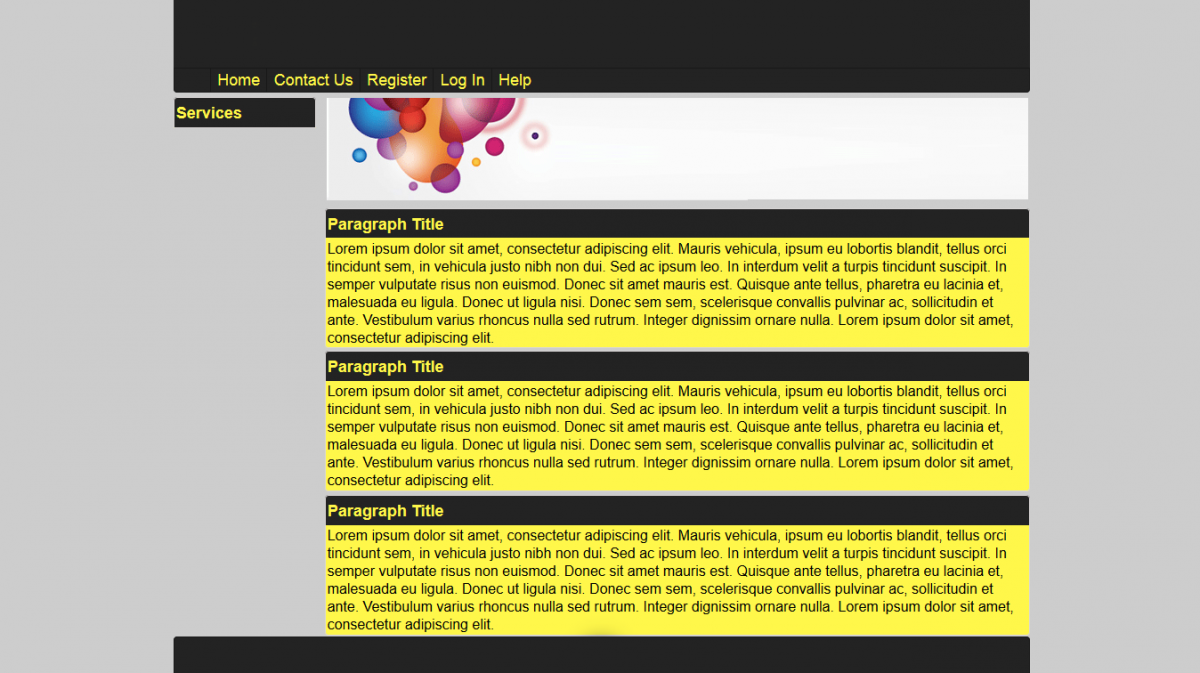
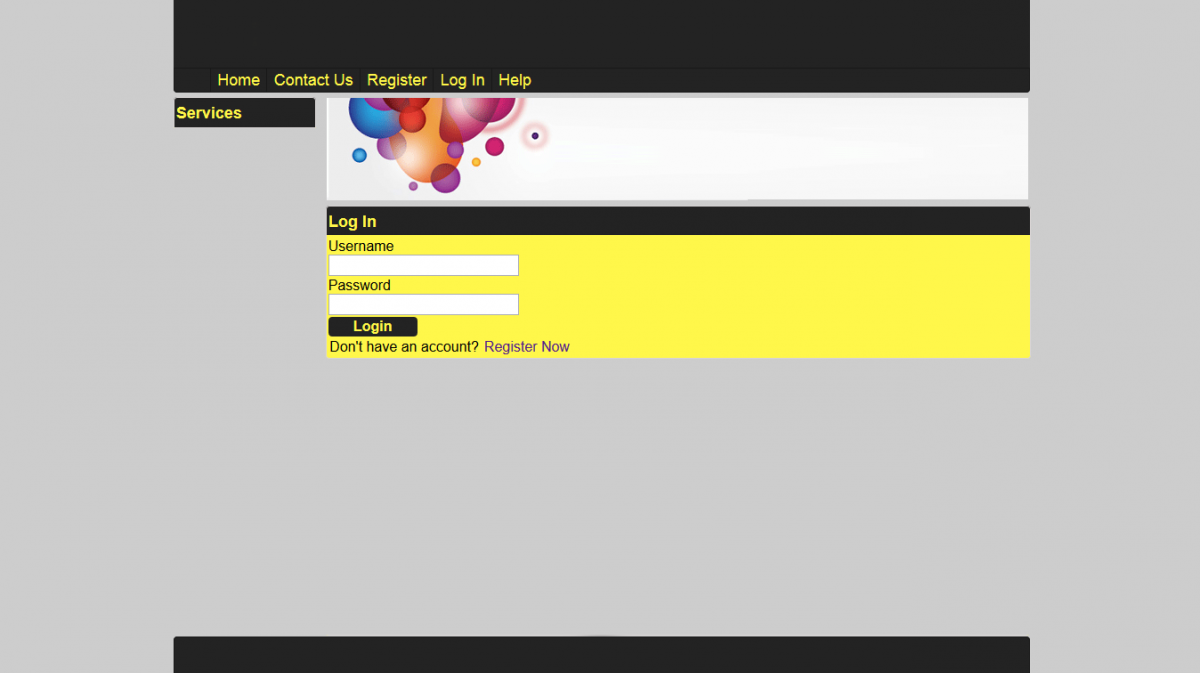
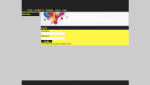
I am in the process of learning HTML / CSS / ASP-NET C# MVC, Where i currently work we have alot of spreadsheets which do various things and as a project for learning i decided to convert a few of them into a web application! Here is my design i have mocked up and looking for feedback! The one criteria is that it stays yellow/black themed (although the image is slighty grey than black). the image below my navigation will be replaced with something meaningful (the one in the attached images is from Google search) that is mainly to make it look abit more interesting! The 'Services' side bar on the left will always be empty until they have logged in, should i hide that until they have logged in and have the content the full width??

-
-
-
I missed a sentence in my last post which should have said, I am also learning ASPNET MVC but the main issue
-
Thanks for the welcome The main issue I have is that I suck at designing!
-
Im currently learning HTML5 and CSS3, looking forward to getting help from you all!