Skip to content
View in the app

A better way to browse. Learn more.

Web Designer Forum

A full-screen app on your home screen with push notifications, badges and more.

To install this app on iOS and iPadOS
  1. Tap the Share icon in Safari
  2. Scroll the menu and tap Add to Home Screen.
  3. Tap Add in the top-right corner.
To install this app on Android
  1. Tap the 3-dot menu (⋮) in the top-right corner of the browser.
  2. Tap Add to Home screen or Install app.
  3. Confirm by tapping Install.

hamed84

Members
  • Joined

  • Last visited

Everything posted by hamed84

  1. Yes i see, but I want to learn some basics like the relations between shapes and read some inspirational books to improve my drawing skills.
  2. hamed84 replied to hamed84's topic in Frontend
    Good recommends Mike I'm working on it Tanks a lot.
  3. What's your meaning?
  4. hamed84 posted a topic in Frontend
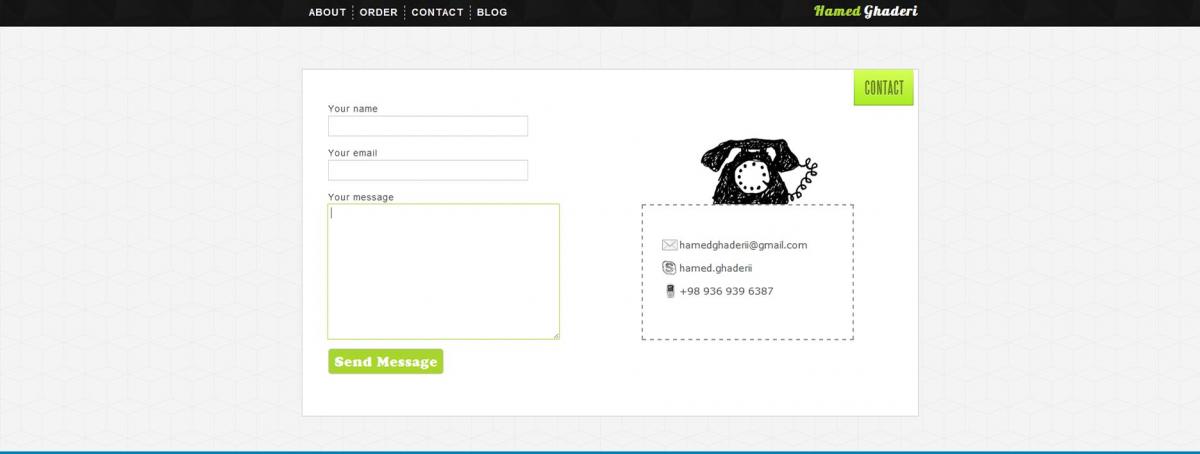
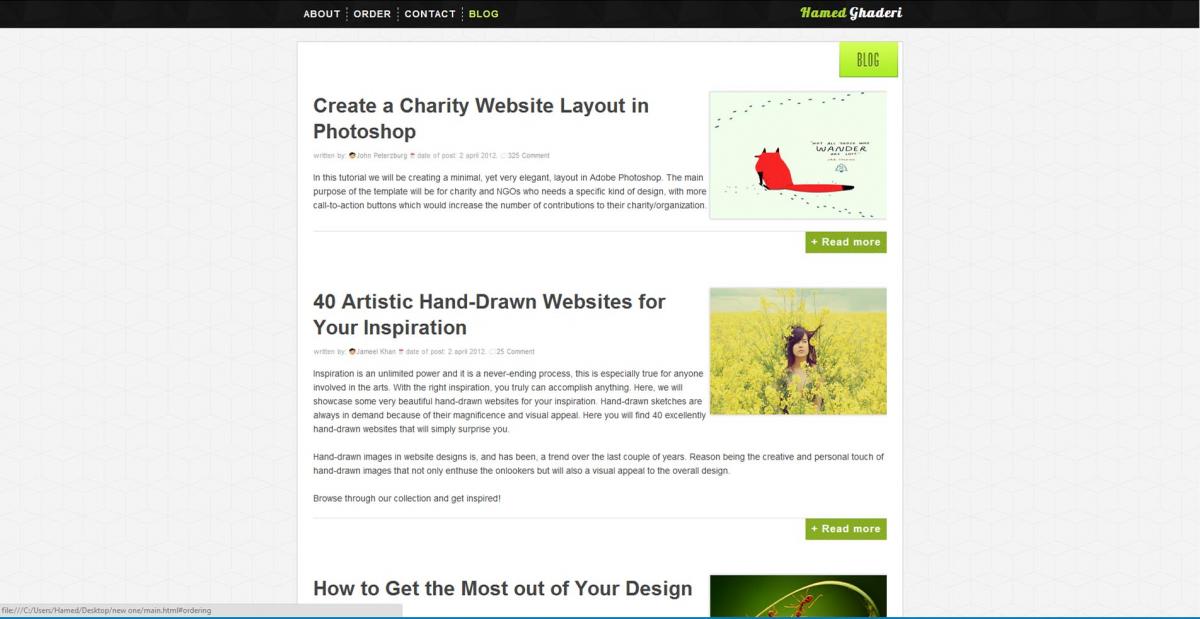
    Hi Everyone. This is my first web design I want you to help me improve that by your comments Tanx
  5. Hi dudes. I want to learn Sketch Design. so please introduce me some sketch learning Resources.
  6. i just started learning html in w3schools.com then i read the CSS the missing manual book now i'm learning php from Lynda tutorials you can reed this book for improve your design too: 100 Things Every Designer Needs to Know About People

Account

Navigation

Search

Search

Configure browser push notifications

Chrome (Android)
  1. Tap the lock icon next to the address bar.
  2. Tap Permissions → Notifications.
  3. Adjust your preference.
Chrome (Desktop)
  1. Click the padlock icon in the address bar.
  2. Select Site settings.
  3. Find Notifications and adjust your preference.