g-007
Members
-
Joined
-
Last visited
Everything posted by g-007
-
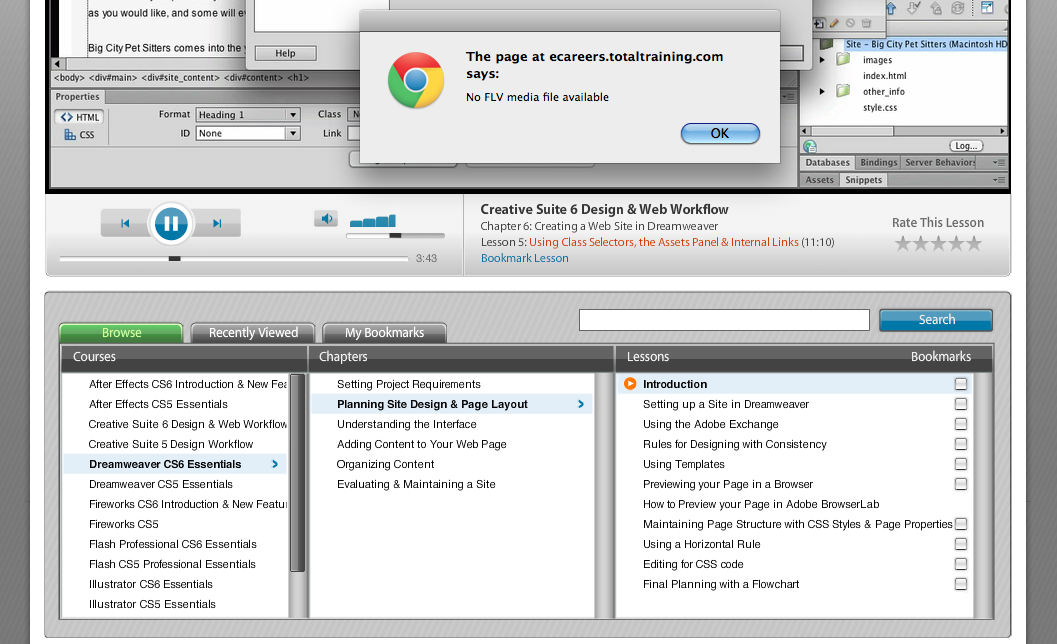
Hi I have purchased this course and think that it was a waste of my money. I was lead to believe that the course would not be the same as the video tutorials that you can find free online. They assured me that it would be more interactive, which they back-up with a 24 hour access to sample the course. As soon as I purchased the package, I found: > the 24 hour support does not reply to you straight away. > when you click on the support tab goes to page that simply says "Support" nothing else > the videos are not interactive, but just videos - when I was told that it would be interactive like their demo > some of the course files are missing and > some videos would just simply stop playing. I am still waiting for a reply on my query and do not have much hope of receiving a reply anytime soon