rahul dagli
Members
-
Joined
-
Last visited
-
I currently have a website and blog. I have a limited hosting plan purchased. When I upload images on my hosting server it consumes a lot of bandwidth and space. So I was thinking of hosting images on some-other image hosting site and direct linking it to my site. I found out few sites like imageshack, photobucket, tinypic, imgur. However, I see all have certain restrictions. The features i am looking for are as follows: 1. At least 10gb space 2. At least 500gb bandwidth (bec I hav very high traffic) 3. Very high speed even during heavy load like 1000 visitors accessing every hour. 4. Ultra reliable servers (99.9% uptime) 5. Privacy control 6. Must not ever delete image if inactive 7. Create and manage albums 8. Company that will last long in business atleast for next 10 years. 9. Free of cost 10. Hotlinking/ Directlinking image.
-
I am currently working on customizing a twenty eleven wordpress theme. I finding it difficult to locate the php fuction location inside the documents. It would be really very useful to locate code like firebug inspect mode for html and css.
-
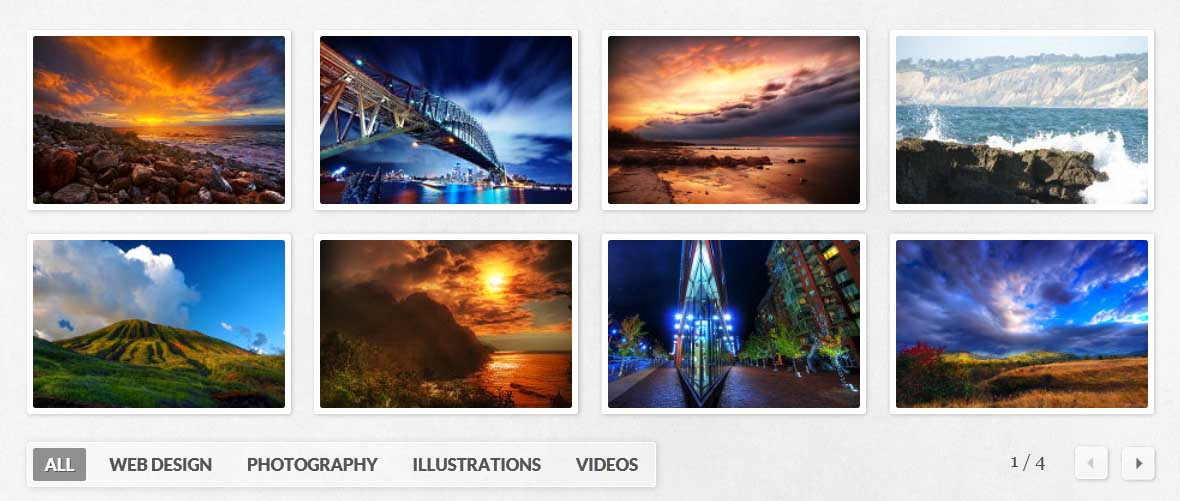
I am looking for something like the link below: My link I tried combining prettyphoto with quicksand but it didn't worked. So I am looking for alternatives. I also searched on google but couldn't find one. I am using dreamweaver software for creating the website so if there is any dreamweaver extension or widget it would be better.
-
I am building a static website using html, css and jquery. How can I combine both of the feature. You can look at the example below: My link

-
No, I don't have any affiliate program with any of them!! I have only selected two of them because of my personal choice and I find them more intuitive than others.
-
I find both of them intuitive. However which one is more powerful and flexible to create from scratch? I didn't include other frameworks because I find them tough!! I do have got basic knowledge of html and css however I find it boring to hand code.
-
I wan't to make a website for myself for freelance business in which I wan't to include different services that I wan't to offer like graphic design, web design, 2d, 3d animation, visual effects, motion graphics etc. Should I make separate for each of them or combine into one big site. I also wan't to include my portfolio, blog and forum. Is there any extra benefit of having separate sites in terms of page ranking?
-
No, my point is as I mentioned above that I won't be directly using the stock template as it is. I would be using template as a starting point like a framework and would be customizing it like changing text, pictures, background, color etc according to my needs using my own creativity. Here there's an article Brandon Jones who inspire to use templates in fast changing world of web: http://webdesign.tutsplus.com/articles/general/are-stock-templates-good-or-bad-for-web-designers/
-
I am a mediocre web designer with no experience. But I want make my portfolio look very attractive. If I use professionally designed premium web template and customize a little bit and include it in my portfolio, is it a bad practice? Can employer know if I am using a template since there are millions of them available online to choose from?