t3chnobear
Members
-
Joined
-
Last visited
-
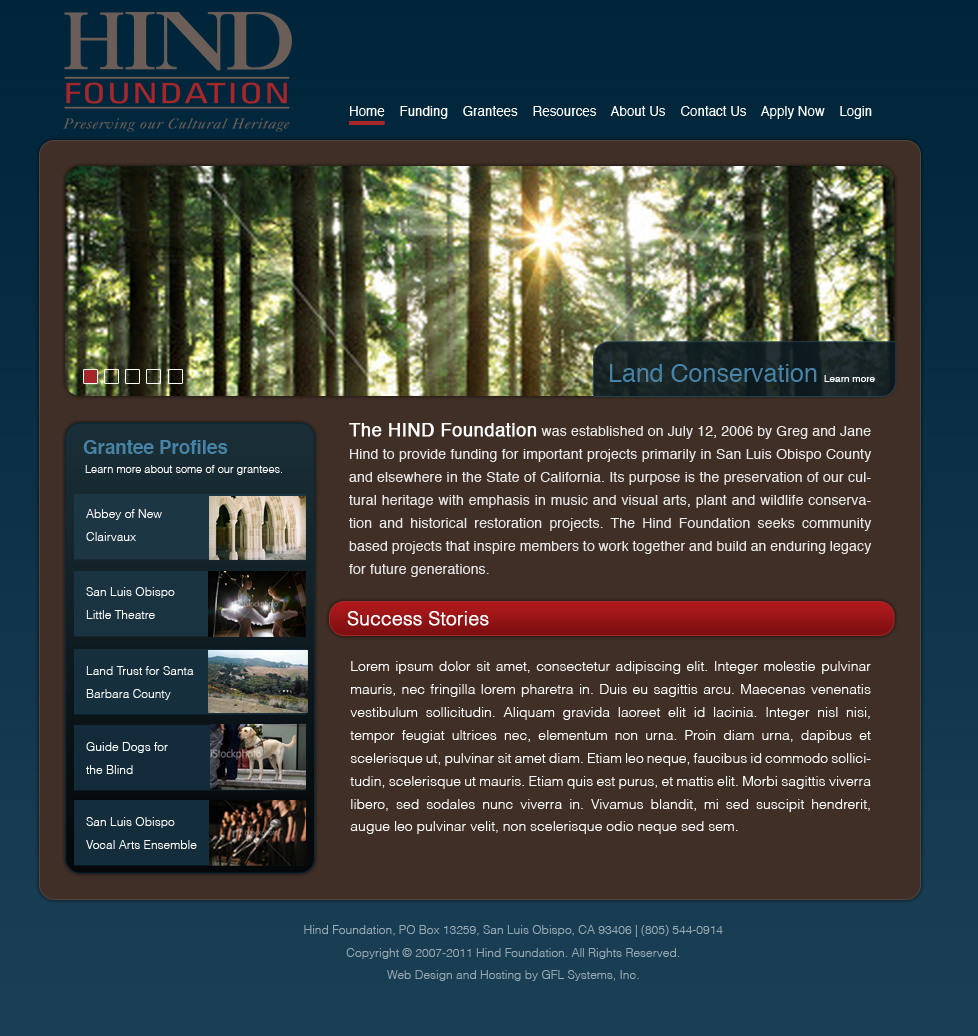
Howdy Folks, Thank you soon much for your feedback, color balances is something I'm working on being better at. Changes made Rounded corners Increased width of Grantee Profiles Added grantee thumbnail images (comp images from istock) Changed bottom red box to red title bar Increased saturation. Let me know what you think. Thanks!

-
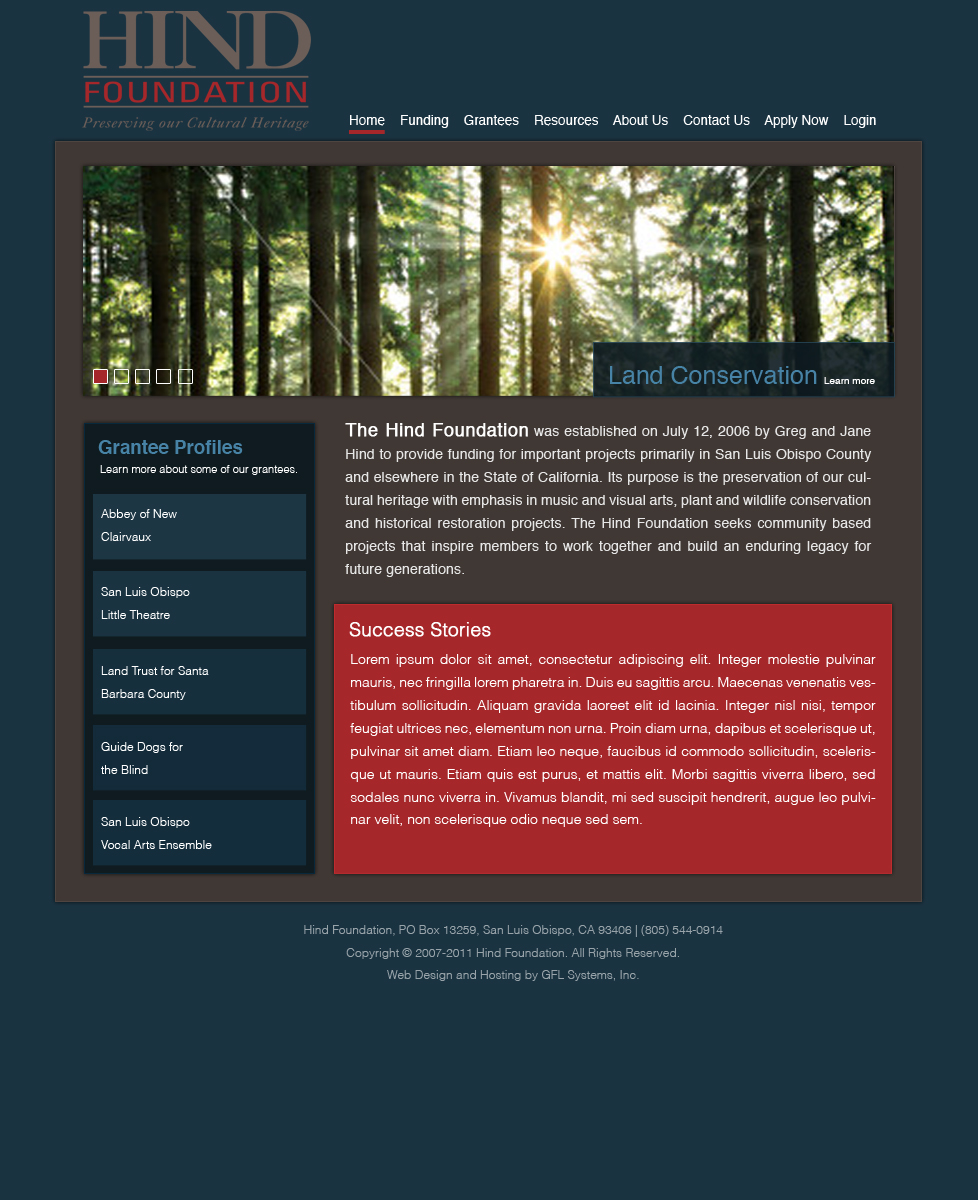
Hello Designers! I'm looking for some thoughts about this design I've been working it. It is for a foundation that donates money to various charities and arts programs. A few notes The banner image is a comp of a stock photo from istockphoto.com. It will be much higher quality of course and this will rotate images. The grantee profiles section will have thumbnails to the right. This is my first post here and I'm pretty excited to be joining a community of designers. I've been in need of more direction and inspiration for a while from more experienced designers. Thank you!