kurfsub
Members
-
Joined
-
Last visited
-
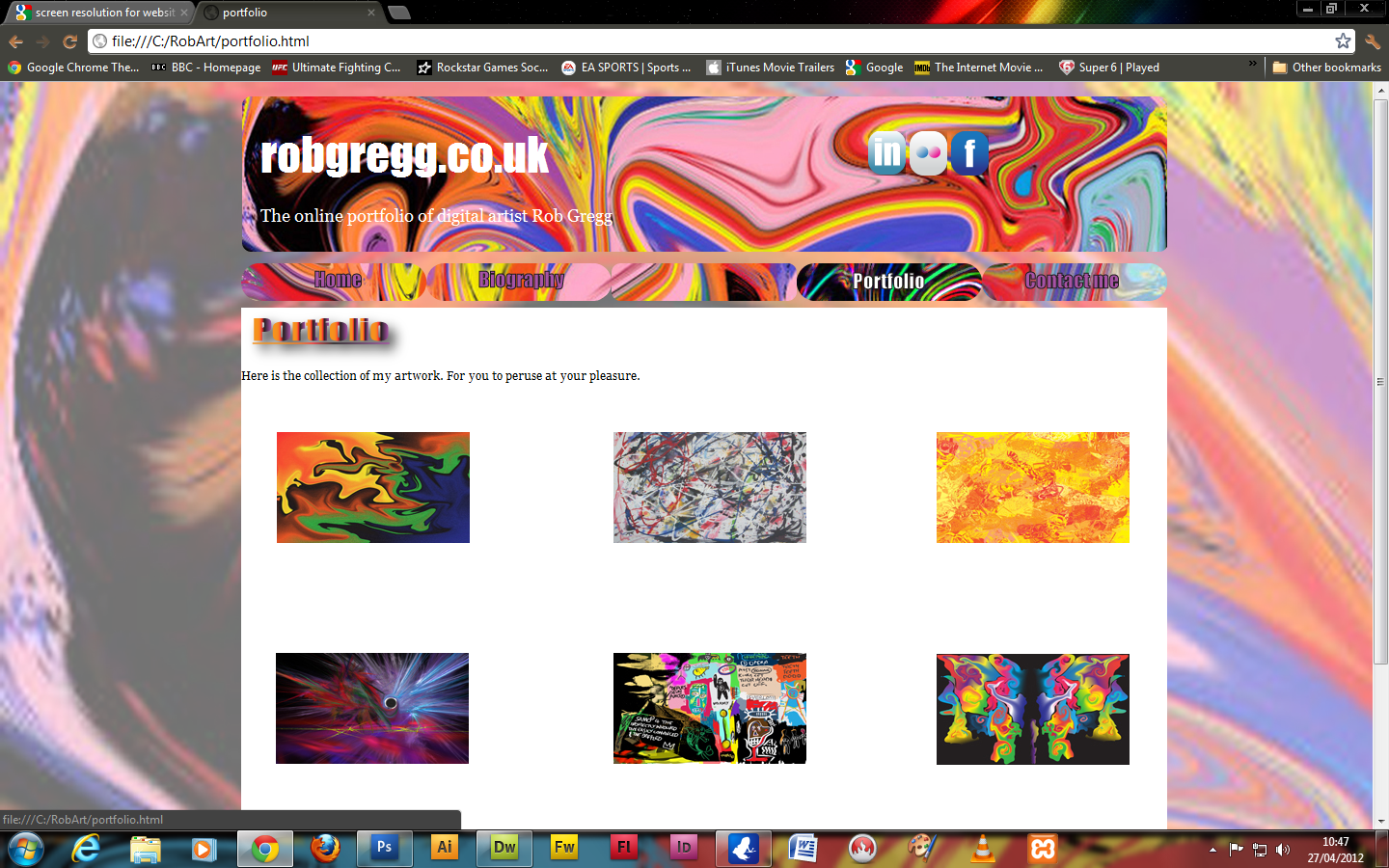
Some pretty cool stuff on here.I was doing an online portfolio/website for my digital artwork. But had a bit of a major balls up doing the photo gallery. Did it in thickbox originally but that didn't work as it's no longer maintained apparently. Tried doing it with Dreamweaver web photo album feature. But then had the problem of linking back to my website, which I managed to do but would have to point out how to get back to any visitors. So tried it in Bridge which looked cool. But would have the same problem. Then did it in sv builder as recommended by an Adobe 'expert' only to get my images wiped except the ones in the gallery itself. Luckily recovered most of them. But gotta rebulid it. So if any one has an handy tips, advice etc, on doing a photo gallery. Please let me know. Nice one!!


-
Found the problem! Still can't fix it though. When the gallery is created and creates the index.html page. It also creates separate html files in a folder called pages for the images in my root folder. So clicked on one of them found the code for the home button, changed the link to poemsgallery.html which is where I want it to come back to on my website. That didn't work due to the image html files being in the pages folder. So need to link them somehow. Tried pasting the poems...html into pages folder then lost all my images from header etc. So will try moving the image where the poemsgallery one is. But if any one knows a solution. Please let me know. Thanks. Rob PS. If I Don't respond for a while. It's because I'm asleep as it's 2.30 am here.
-
Hey Sash. This may not work properly as was messing with it just. Will have another look at it tomorrow. In the mean time here's the code so far! <!DOCTYPE html PUBLIC "-//W3C//DTD XHTML 1.0 Transitional//EN" "http://www.w3.org/TR/xhtml1/DTD/xhtml1-transitional.dtd"> <html xmlns="http://www.w3.org/1999/xhtml"><!-- InstanceBegin template="/Templates/RobArt Template.dwt" codeOutsideHTMLIsLocked="false" --> <head> <meta http-equiv="Content-Type" content="text/html; charset=utf-8" /> <!-- InstanceBeginEditable name="doctitle" --> <title>Template</title> <!-- InstanceEndEditable --> <style type="text/css"> <!-- #Page { position:absolute; left:250px; top:15px; width:960px; height:889px; z-index:1; } #Header { position:absolute; left:250px; top:15px; width:960px; height:161px; z-index:2; background-image: url(images/Warp%20spasm%20head.png); } #Footer { position:absolute; left:250px; top:831px; width:960px; height:145px; z-index:3; } #Navbar { position:absolute; left:250px; top:188px; width:960px; height:39px; z-index:4; } #Content { position:absolute; left:250px; top:234px; width:960px; height:599px; z-index:5; background-color: #FFFFFF; } #Links { position:absolute; left:855px; top:38px; width:39px; height:46px; z-index:6; } #apDiv1 { position:absolute; left:9px; top:9px; width:55px; height:54px; z-index:6; } #apDiv2 { position:absolute; left:250px; top:15px; width:960px; height:161px; z-index:6; } #Title { position:absolute; left:270px; top:44px; width:300px; height:51px; z-index:6; color: #FFF; font-size: 48px; font-family: Impact; } #Links { position:absolute; left:900px; top:51px; width:137px; height:46px; z-index:7; } #strap { position:absolute; left:270px; top:128px; width:399px; height:26px; z-index:8; font-family: Georgia, "Times New Roman", Times, serif; font-size: 18px; color: #FFF; } body { background-image: url(images/Warp%20spasm%20background.png); } --> </style> <!-- InstanceBeginEditable name="head" --> <!-- InstanceEndEditable --> <script type="text/javascript"> <!-- function MM_preloadImages() { //v3.0 var d=document; if(d.images){ if(!d.MM_p) d.MM_p=new Array(); var i,j=d.MM_p.length,a=MM_preloadImages.arguments; for(i=0; i<a.length; i++) if (a.indexOf("#")!=0){ d.MM_p[j]=new Image; d.MM_p[j++].src=a;}} } function MM_findObj(n, d) { //v4.01 var p,i,x; if(!d) d=document; if((p=n.indexOf("?"))>0&&parent.frames.length) { d=parent.frames[n.substring(p+1)].document; n=n.substring(0,p);} if(!(x=d[n])&&d.all) x=d.all[n]; for (i=0;!x&&i<d.forms.length;i++) x=d.forms[n]; for(i=0;!x&&d.layers&&i<d.layers.length;i++) x=MM_findObj(n,d.layers.document); if(!x && d.getElementById) x=d.getElementById(n); return x; } function MM_nbGroup(event, grpName) { //v6.0 var i,img,nbArr,args=MM_nbGroup.arguments; if (event == "init" && args.length > 2) { if ((img = MM_findObj(args[2])) != null && !img.MM_init) { img.MM_init = true; img.MM_up = args[3]; img.MM_dn = img.src; if ((nbArr = document[grpName]) == null) nbArr = document[grpName] = new Array(); nbArr[nbArr.length] = img; for (i=4; i < args.length-1; i+=2) if ((img = MM_findObj(args)) != null) { if (!img.MM_up) img.MM_up = img.src; img.src = img.MM_dn = args[i+1]; nbArr[nbArr.length] = img; } } } else if (event == "over") { document.MM_nbOver = nbArr = new Array(); for (i=1; i < args.length-1; i+=3) if ((img = MM_findObj(args)) != null) { if (!img.MM_up) img.MM_up = img.src; img.src = (img.MM_dn && args[i+2]) ? args[i+2] : ((args[i+1])? args[i+1] : img.MM_up); nbArr[nbArr.length] = img; } } else if (event == "out" ) { for (i=0; i < document.MM_nbOver.length; i++) { img = document.MM_nbOver; img.src = (img.MM_dn) ? img.MM_dn : img.MM_up; } } else if (event == "down") { nbArr = document[grpName]; if (nbArr) for (i=0; i < nbArr.length; i++) { img=nbArr; img.src = img.MM_up; img.MM_dn = 0; } document[grpName] = nbArr = new Array(); for (i=2; i < args.length-1; i+=2) if ((img = MM_findObj(args)) != null) { if (!img.MM_up) img.MM_up = img.src; img.src = img.MM_dn = (args[i+1])? args[i+1] : img.MM_up; nbArr[nbArr.length] = img; } } } //--> </script> </head> <body onload="MM_preloadImages('images/robhomeover.png','images/robbioover.png','images/portfolioover.png','images/robcontactover.png')"> <div id="Page"></div> <div id="strap">The online portfolio of digital artist Rob Gregg</div> <!-- InstanceBeginEditable name="Links" --> <div id="Links"><a href="http://uk.linkedin.com/in/robgregg2175"><img src="images/LinkedIn.png" alt="LinkedIn" name="LinkedIn" width="39" height="46" id="LinkedIn" /></a> <a href="http://www.flickr.com/photos/robgregg2175/sets/"><img src="images/Flickr.png" alt="Flickr" name="Flickr" width="39" height="46" id="Flickr" /></a> <a href="http://www.facebook.com/robartgregg"><img src="images/Facebook.png" alt="Facebook" name="Facebook" width="39" height="46" id="Facebook" /></a></div> <!-- InstanceEndEditable --><!-- InstanceBeginEditable name="Title" --> <div id="Title"><a href="index.html"><img src="images/robgregghead.png" width="300" height="51" alt="robgreggheader" /></a></div> <!-- InstanceEndEditable --><!-- InstanceBeginEditable name="Header" --> <div id="Header"><img src="images/Warp spasm header.png" width="960" height="161" alt="Header" /></div> <!-- InstanceEndEditable --><!-- InstanceBeginEditable name="Content" --> <div id="Content"> <p><body bgcolor="#FFFFFF"> <center> <table bgcolor="white" border="0"> <tr> <td><h1><a href="poemsgallery.html"><img src="images/poemstitle.png" width="244" height="60" alt="poems gallery"></a></h1></td> </tr></table><br> <table align="center" border="0" cellspacing="10"> <tr valign="bottom"><td align="center"><a href="pages/Dissolving face_jpg.htm" target="_blank"><img src="thumbnails/Dissolving face_jpg.jpg" alt="" border="0"></a> <br> Dissolving face.jpg</td> <td align="center"><a href="pages/I never stood a chance_jpg.htm"><img src="thumbnails/I never stood a chance_jpg.jpg" border="0"></a> <br> I never stood a chance.jpg</td> <td align="center"><a href="pages/Imprisoned in an emaiciated tree_jpg.htm"><img src="thumbnails/Imprisoned in an emaiciated tree_jpg.jpg" border="0"></a> <br> Imprisoned in an emaiciated tree.jpg</td> <td align="center"><a href="pages/Into the deaths of a season_jpg.htm"><img src="thumbnails/Into the deaths of a season_jpg.jpg" border="0"></a> <br> Into the deaths of a season.jpg</td> </tr> <tr valign="bottom"><td align="center"><a href="pages/Jester and Venus_jpg.htm"><img src="thumbnails/Jester and Venus_jpg.jpg" border="0"></a> <br> Jester and Venus.jpg</td> <td align="center"><a href="pages/My descent into decadences abyss begins_jpg.htm"><img src="thumbnails/My descent into decadences abyss begins_jpg.jpg" border="0"></a> <br> My descent into decadences abyss begins.jpg</td> <td align="center"><a href="pages/Psychedelicbreakdown_jpg.htm"><img src="thumbnails/Psychedelicbreakdown_jpg.jpg" border="0"></a> <br> Psychedelicbreakdown.jpg</td> <td align="center"><a href="pages/The Drunken Boat_jpg.htm"><img src="thumbnails/The Drunken Boat_jpg.jpg" border="0"></a> <br> The Drunken Boat.jpg</td> </tr> <tr valign="bottom"><td align="center"><a href="pages/The Green Fairy_jpg.htm"><img src="thumbnails/The Green Fairy_jpg.jpg" border="0"></a> <br> The Green Fairy.jpg</td> <td align="center"><a href="pages/Urge_jpg.htm"><img src="thumbnails/Urge_jpg.jpg" border="0"></a> <br> Urge.jpg</td> <td align="center"><a href="pages/Wings of pessimism pass over_jpg.htm"><img src="thumbnails/Wings of pessimism pass over_jpg.jpg" border="0"></a> <br> Wings of pessimism pass over.jpg</td> </tr> </table> </center> </p> <p> </p> </div> <!-- InstanceEndEditable --><!-- InstanceBeginEditable name="Navbar" --> <div id="Navbar"><a href="index.html" target="_top" onclick="MM_nbGroup('down','group1','Home','',1)" onmouseover="MM_nbGroup('over','Home','images/robhomeover.png','',1)" onmouseout="MM_nbGroup('out')"><img src="images/robhome.png" alt="Home" name="Home" width="192" height="39" border="0" id="Home" onload="" /></a><a href="biography.html" target="_top" onclick="MM_nbGroup('down','group1','Biography','',1)" onmouseover="MM_nbGroup('over','Biography','images/robbioover.png','',1)" onmouseout="MM_nbGroup('out')"><img src="images/robbio.png" alt="Biography" name="Biography" width="192" height="39" border="0" id="Biography" onload="" /></a><a href="javascript:;" target="_top" onclick="MM_nbGroup('down','group1','Blank','',1)" onmouseover="MM_nbGroup('over','Blank','','',1)" onmouseout="MM_nbGroup('out')"><img src="images/navbarblank.png" alt="Blank" name="Blank" width="192" height="39" border="0" id="Blank" onload="" /></a><a href="portfolio.html" target="_top" onclick="MM_nbGroup('down','group1','Portfolio','',1)" onmouseover="MM_nbGroup('over','Portfolio','images/portfolioover.png','',1)" onmouseout="MM_nbGroup('out')"><img src="images/portfolio.png" alt="Portfolio" name="Portfolio" width="192" height="39" border="0" id="Portfolio" onload="" /></a><a href="contactme.html" target="_top" onclick="MM_nbGroup('down','group1','Contactme','',1)" onmouseover="MM_nbGroup('over','Contactme','images/robcontactover.png','',1)" onmouseout="MM_nbGroup('out')"><img src="images/robcontact.png" alt="Contact me" name="Contactme" width="192" height="39" border="0" id="Contactme" onload="" /></a></div> <!-- InstanceEndEditable --><!-- InstanceBeginEditable name="Footer" --> <div id="Footer"><img src="images/footer.png" width="960" height="71" alt="Footer" /></div> <!-- InstanceEndEditable --> </body> <!-- InstanceEnd --></html>
-
Hello! I could do with some advice please? I am developing a online portfolio/website of my digital artwork using Dreamweaver for speed. I have reached the point where I am starting to create the photo albums for the relevant sections of my portfolio. I did create an album using thickbox. However upon clicking on a thumbnail it opens a expanded version of the image in a separate window. The only way I could get back to my website was to repeatedly press the back button. I then used the create a photo album in Dreamweaver via Fireworks which creates a separate index.html page. I did try to apply this to my template and even though I selected put it into my content editable region I keep getting this. In the end I just copied and pasted the code from the photo album index.html to the page I wanted it in which worked to a point!! However! When the image expands in a separate window again. When I click the home button I end up on the photo album index.html created by Fireworks. The only way I have been able to link back to my website is to insert an image as a title for the album linking it back to the page on my website. Is there anyway round this as the only solution I can see is applying the index.html to my template and saving it as a new page. but that doesn't seem to work. So if anyone has any advice that is simple and quick, as I'm not an expert at this. That would be great! As I am thinking of just putting large thumbnails on that will span multiple pages in each section, that won't expand. Thanks. Rob


-
Problem solved!! I did have to manually type in root folder etc. I also updated Dreamweaver and I found when I saved the document before inserting the images. I was able to see the images in both live view and browser. So it was probably me being a bit out of practice with Dreamweaver or the updating helped. Thanks for the suggestions. Rob
-
Hello! After doing some research I have discovered that there is a compatibility issue with Win7 and Dreamweaver CS4, CS3 etc. Caused by a bug which Adobe haven't fixed yet and probably won't as they assume everyone has the money to afford to upgrade to CS5. Adobe reckons however the root folder details can be typed in along with the images folder details. Or pick the images folder instead.
-
Kind of solved the problem why the images aren't displaying. It's because Dreamweaver is not recognizing the image folder. In the site definition box I'm having to type in RobGregg as the root folder. Tried putting images in default image folder didn't work. Will try RobGregg\images. Because when I click on the browse button for the default image folder it just says RobGregg when they are in a sub folder in that folder. In file view it looks like this (see attached). Thanks.

-
I created a folder called RobGregg that's on my C drive then created another folder inside that one JP and put all my images in there. I did the same with another website I worked on last year that works fine.
-
Tried that JP and it said / was incorrect path!
-
Not showing up in the browser either!!
-
Hello!! I know this is possibly me being a numpt, but I'm having a problem with viewing images in live view in Dreamweaver. I am currently trying to get a layout together to create a template for my online art portfolio. I created a folder on my hard drive called RobGregg. I put my images that I am using in a subfolder called images. I then clicked on the new site tab in Dreamweaver called it RobGregg. Local root folder is C:\RobGregg\. Now this is where I reckon the problem is when I click the default images folder. I click the images folder in the RobGregg folder but it comes up as this C:\RobGregg\. When I assuming it should be C:\RobGregg\images. I did add the images bit myself but it made no difference.Also no images showing up in the browser preview either have tried both png and jpg's So I'm guessing the reason I'm not getting any images showing in live view. I can see them in design. Is because Dreamweaver isn't recognizing the images folder. If any one can help me out. That would be great!! Thanks.
-
Yeah! That's what I'm thinking now David. I am contemplating licensing too. But I have my artwork on my facebook page, you can only view them if your friends with me on there at lo res. My mate tried to be sneaky and print one for herself, obviously didn't work lol! So my mates ask me if they can have a print of one of them. So I send them a hi res version of it. for free anyone else would charge. They pay for the print. I just ask them to get a label printed with my name and title to stick on the back of it. Thanks for the advice.
-
Can I ask do you allow for your images to be modified under your Licence by people who use them? I'm thinking it has an advantage and a disadvantage. The advantage will be at least I'm liberal with it as long as I'm credited meaning more people may use them as long as I can see what they did with it. The disadvantage being they may change that much it will become something completely different. But if I choose not to allow modification as in text being put on them etc. People will think sod that then. I did have a look at the cc link requested some info which they have sent me. When I saw the modification question made me think hmmm!?
-
Lol! I know what you meant no probz.
-
Good point!! I was just thinking about the watermark because obviously what happened with the deviant art incident. Even a mate of mine tried to print one of my pieces on the sly. But because I put it at lo res it didn't work Lol! I will probably go with lo res images. But I think your idea is a good one because I need to get this done quick so will be using Dreamweaver. I have had a few mates ask for pieces so I just send them the image(no charge coz their mates) and a printer link. They pay for the print I just ask them to get a label printed on the back acknowledging it's me that created it. My original idea was for people to look at them then they contact me about using an image. I send them hi res image for a fee. I get credit as well. But your idea maybe the way forward as long as I get an acknowledgement it's my work. All good! It's just some people in this world see something take it then try to make out they did it. Plus as you said people will find the watermark distracting and get annoyed with it. Cheers.