zacharyrs
Members
-
Joined
-
Last visited
-
www.mibsolutionsllc.com/stokes Note the front landing page, then a different internal page. I tried to stick to the color tri-ad of the blue. I feel the black text looks weird on the blue bg, but that may be me. I have NO graphic design talent at all, seeking experienced thoughts to help me make this look much better. I also feel like the landing page nav looks weird. I really like the sidebar with the shadow on the right and the orange on the top and bottom, with orange headers
-
Thank you all for your kind help I changed the green from a brign #00ff00, to a much darker #00CC33 which I think should help some people's eyes I also made the footer logos stretch across the entire screen and instead of the fixed container div width. Any other suggestions?
-
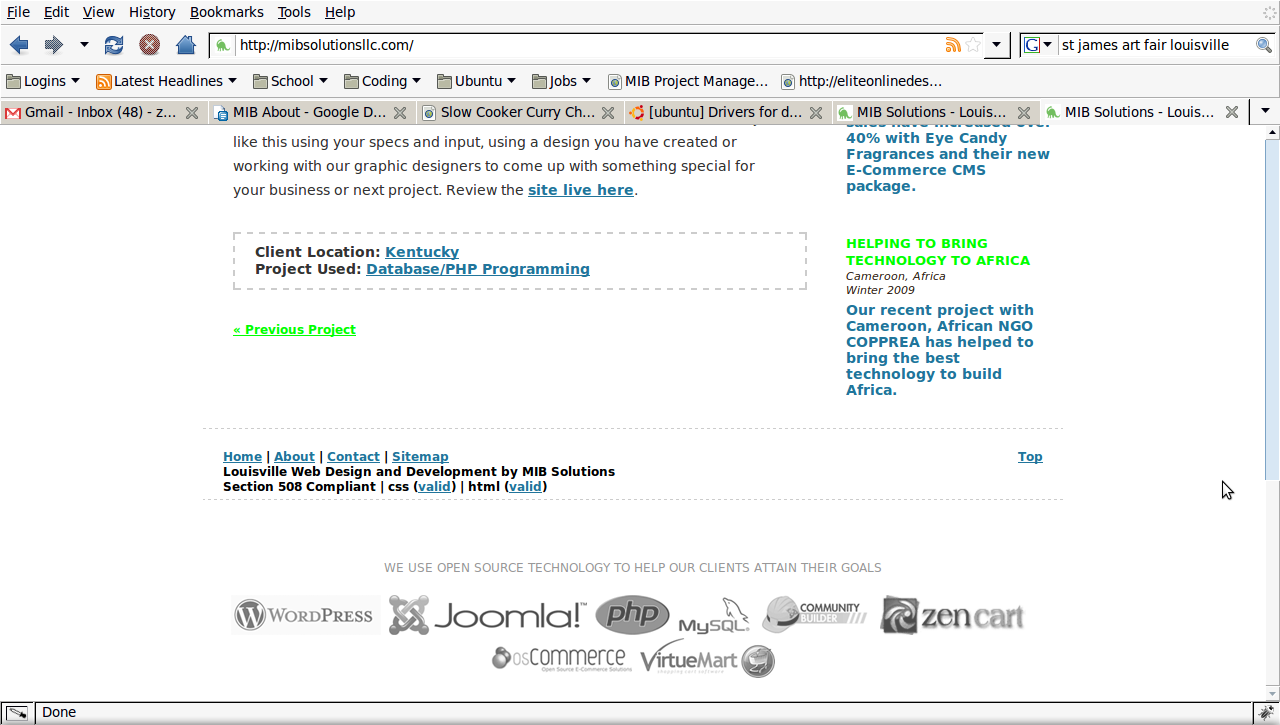
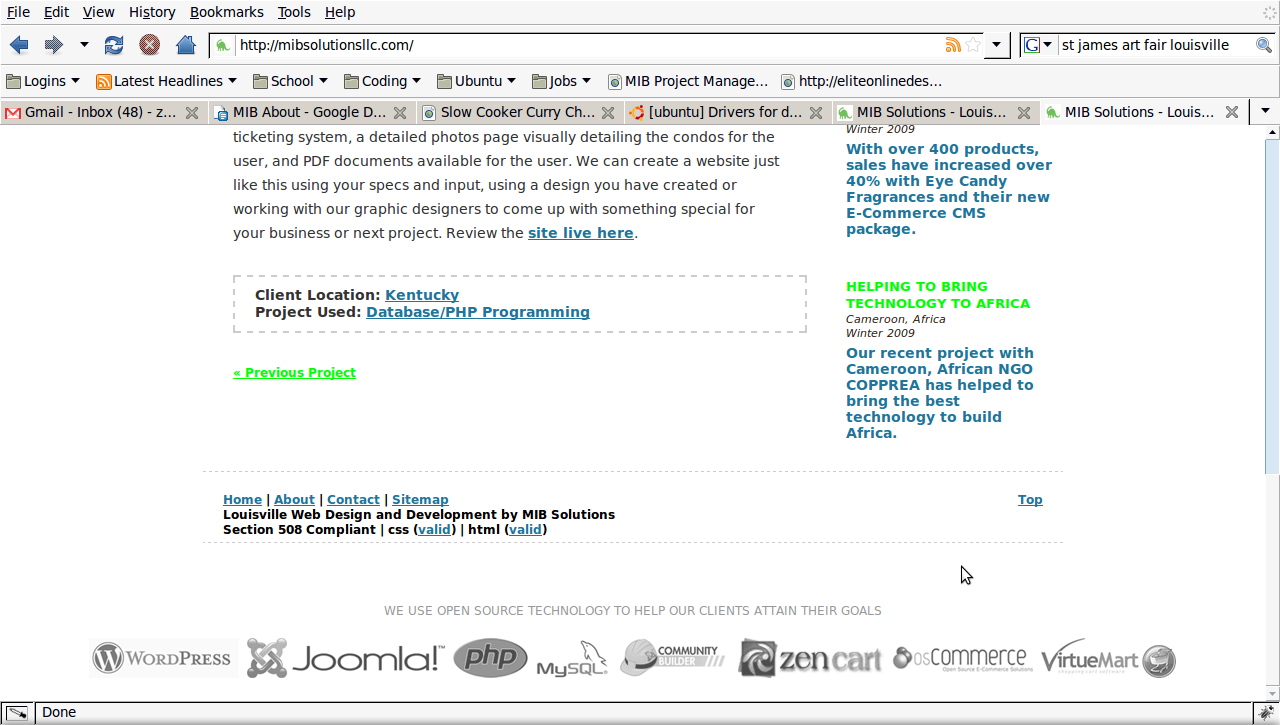
Hi all, thank you so much for the comments. I like the green a lot, but again I have no design eye (only programming). The green matches perfectly with the green links and logo across the website! Would a darker green in that header clash with the bright green in the logo and links? **Also** Towards the bottom of the page I have an icongraphical listing of popular products we use. Which looks better - have the products inside the container div and the same width as the container, or stretching across the screen in one row. Review both options attached. Your input is needed ,l,
-
Please review my design firm's website here. I am working on the About page to vamp it up, but looking for overall design thoughts and possible changes I can make to have it look better. Notice sidebar changes on internal content pages http://www.mibsolutionsllc.com