bloomy12345
Members
-
Joined
-
Last visited
-
Dear all, I am starting a new part of my website, at My link in which I wish to try and sell some cartoon cars. I have come up with a design, but would appreciate some feedback/suggestions on the design. Thank you.

-
I have always used 'gimp', for my web design and virtual tuning. I think its a brilliant piece of open source software.
-
With so many web browsers out there and many of them not well known or even heard of. How many of them do you have installed, and how many of them do you use regular?
-
Ok thanks
-
Ok ill email you.
-
OK, ill keep the grey background. The content is of centre cus the ads are not in the screenshot. lol
-
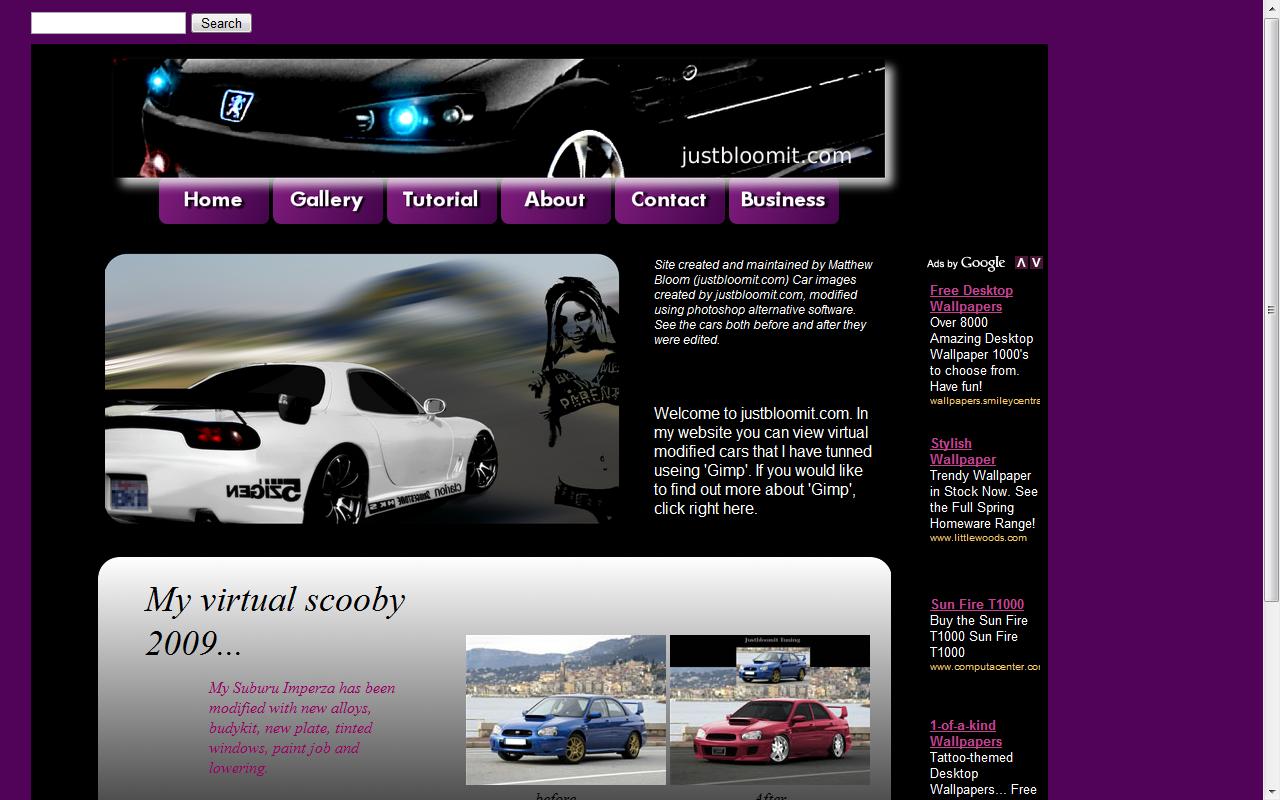
Hey, wot about this? I really cant decide about the purple or not...

-
Yeh, I gunna have a play around with the colours, but I think I might stick with the purple lol. I have now also added shadows to the pics as suggested by fsdfds.
-
Here is the latest so far, using all of everyone's feedback. I cant decide about the text in the banner, but ill probs worry bout that later on. Also the ads are there, just my firewall blocking them atm.

-
Great, thanks this is all helping thanks so much, brilliant feedback.
-
Hey, yeh course you can, send me a link so I can view it though when its done
-
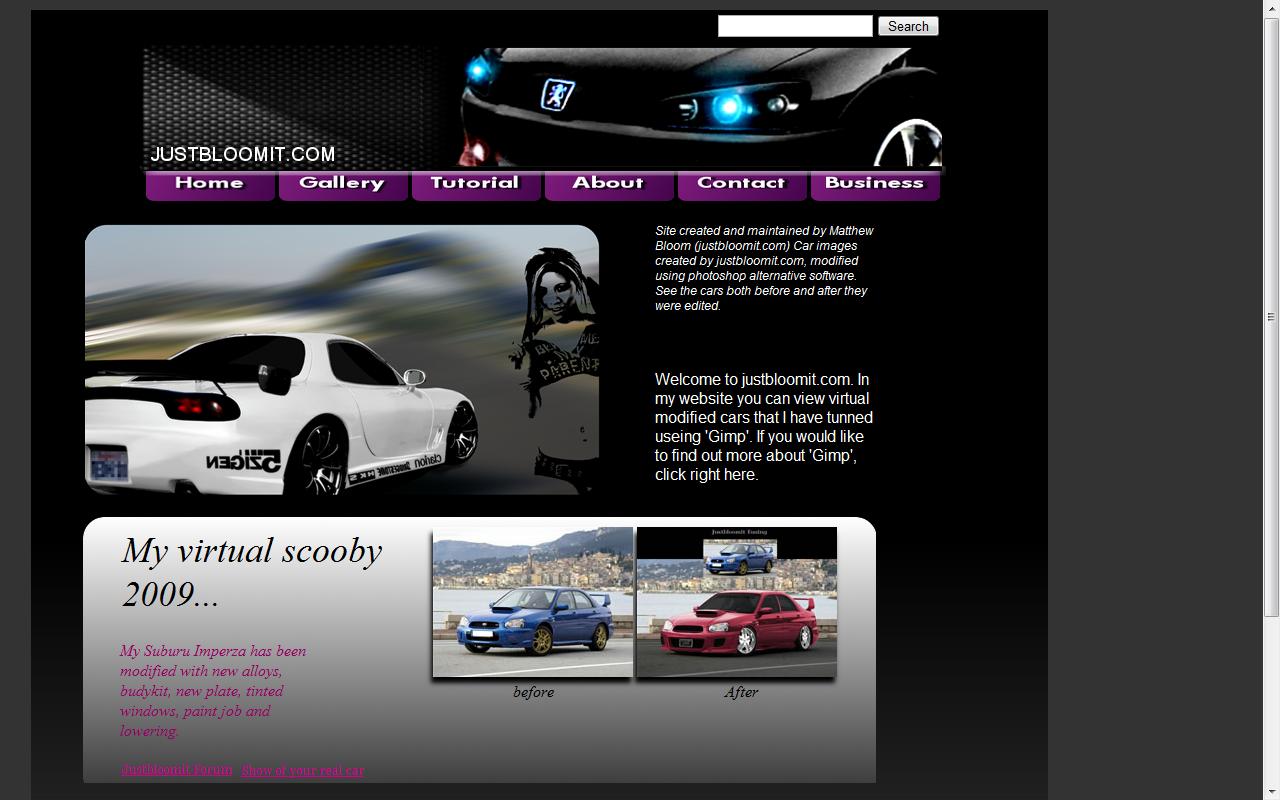
Wow man. You did wonders with my banner lol. I gunna use that idea with the carbon fibre and putting the car to the right. I am also adding a gradient, from black to silvery white. Thanks for feedback big help.
-
O I see haha. Thanks for all the feedback everyone
-
Here is my latest page, with some of the feedback taken in to account.

-
Yeh I might mod one if I can fins a suitable picture