


weewilliewinkie
Members
-
Joined
-
Last visited
-
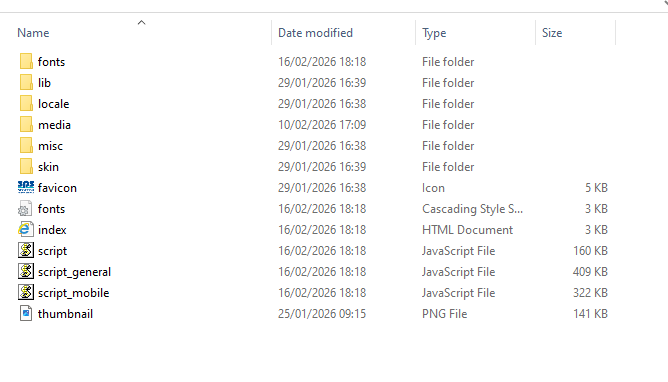
Hi Fisicx, thanks for your reply, appreciated sorry the aberdeen virtual tour link didnt work, heres one that does Dogtap - Ellon to give you an idea what it should look like... ive attached an image that shows the folder and contents they have sent me, ive put this in my assets folder and the link on the page was linked at the index file, obviously which doesn't work... another image is of the folder file page on 123reg which host me website, if this helps hope this helps in any way if you can assist, cheers

-
I have a WYSIWYG web design programme that I have designed a few websites on for friends and my golf section, its called Net Objects fusion (very old) I host the sites with 123.reg and most of the times its simple enough, make the site then FTP to the host and it uploads well... here's it is for you... https://www.polmontgolfsection.co.uk/ 360 degree tour is at the bottom of the page we have had a 360 degree virtual tour made from a company and I want to host the tour/video on my website, the company have sent me the self executable files in a folder and told me the tour starts with the index.htm file in the folder. so I put the folder in assets folder and made a new page on the website, made a link on that page to the index file, however when you click on the link it goes to a blank page and nothing happens... am I missing something obvious? I don't really want to go back to the guy as ive asked him lots of questions and don't want to bother them as this side of it isn't their business... maybe should have said, this is the kind of 360 video tour that I want to insert into my website Virtual Aberdeen | Photography, FPV, and 360° Tours Professional photography services in Aberdeen: interior, event, drone, landscape, FPV video, and immersive 360° virtual tours. https://www.virtualaberdeen.co.uk/images/webicon.jpg www.virtualaberdeen.co.uk cheers
-
I try and try again... currently stuck and thats why ive joined, hopefully somebody can assist a amateur! willie
