
Skip to content
View in the app

A better way to browse. Learn more.

Web Designer Forum

A full-screen app on your home screen with push notifications, badges and more.

To install this app on iOS and iPadOS
  1. Tap the Share icon in Safari
  2. Scroll the menu and tap Add to Home Screen.
  3. Tap Add in the top-right corner.
To install this app on Android
  1. Tap the 3-dot menu (⋮) in the top-right corner of the browser.
  2. Tap Add to Home screen or Install app.
  3. Confirm by tapping Install.

sher90

Members
  • Joined

  • Last visited

  1. Thank You guys for the suggestions and advice...can you suggest me a software for graphics and also for website developing?
  2. i dont know anything at all related with this...can you show me a guide or something...
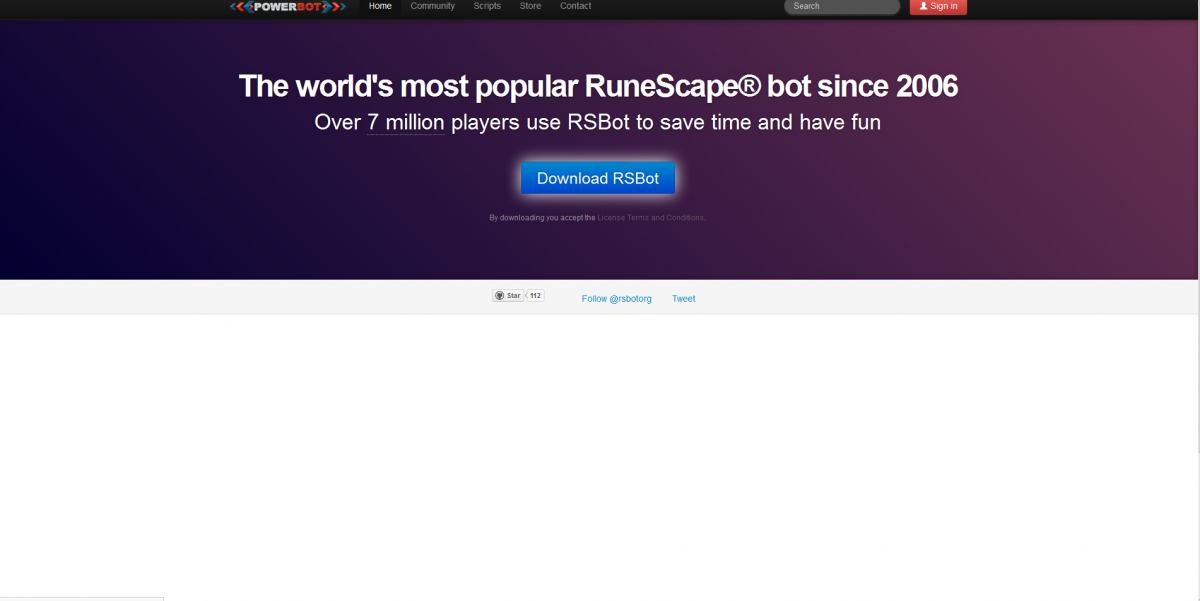
  3. Sorry guys if i am posting in the wrong section...But i need someone help..i just wanted to ask , i have given a picture below and if someone can tell me which software is used to make the homepage and also give a tut on how to make it as i want to create one of my own...help is highly appreciated.. Here is a link and a pic is also shown below... powerbot.org

Account

Navigation

Search

Search

Configure browser push notifications

Chrome (Android)
  1. Tap the lock icon next to the address bar.
  2. Tap Permissions → Notifications.
  3. Adjust your preference.
Chrome (Desktop)
  1. Click the padlock icon in the address bar.
  2. Select Site settings.
  3. Find Notifications and adjust your preference.